
To decide if a tablet with a keyboard can replace a laptop, consider your software needs and tasks. If you mainly do light browsing, emails, and document editing, a tablet might work well, especially with good battery life. However, for demanding software, multitasking, or heavy-duty work, a laptop offers better performance and hardware support. Think about how you’ll use it daily, and you’ll find the right choice—more helpful tips follow.

Get the latest gadgets delivered free — and shop member deals
- Fast, free delivery on millions of items
- Access to Prime Big Deal Days deals on October 6–7
- Prime Video, Amazon Music and more included
Key Takeaways
- Assess if the tablet’s software supports all essential applications for your work tasks.
- Consider the tablet’s battery life for your typical usage duration without frequent charging.
- Determine if the tablet’s hardware can handle demanding tasks like multitasking or intensive editing.
- Evaluate whether the tablet’s connectivity options and peripherals meet your productivity needs.
- Match your usage patterns to the device’s capabilities, favoring laptops for more intensive or specialized work.
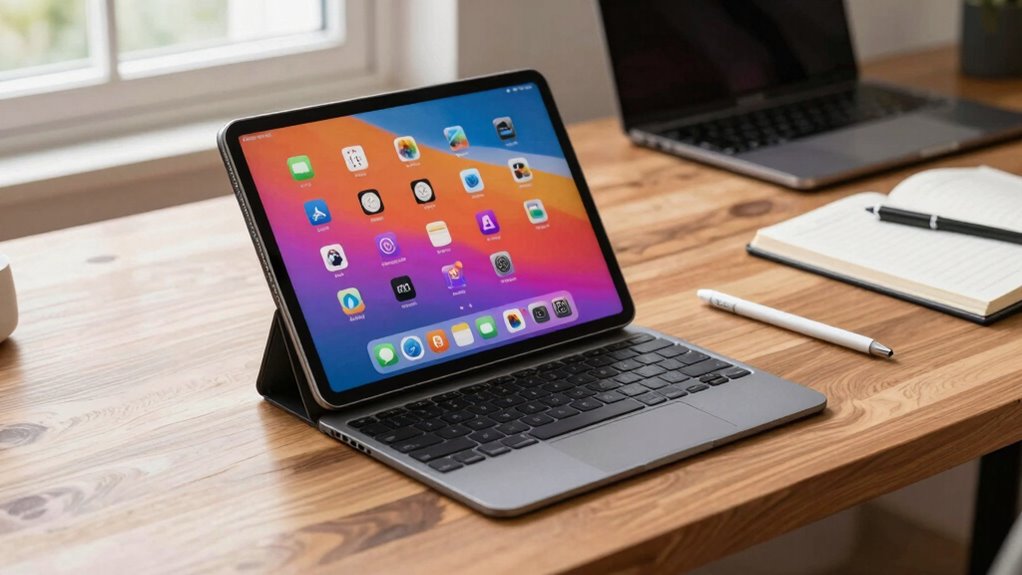
Have you ever wondered if a tablet with a keyboard can truly replace your laptop? It’s a common question as technology advances and devices become more versatile. When considering this switch, two critical factors come into play: battery life and software compatibility. These elements can determine whether a tablet can handle your daily tasks efficiently without constantly needing a recharge or running into software limitations.
Battery life is often the first concern. Laptops are known for their longer-lasting batteries, designed to support hours of continuous work. Tablets, on the other hand, tend to have shorter battery spans, especially when used intensively. If you rely on your device for full workdays, you’ll need to evaluate whether a tablet’s battery can keep up. Look into the manufacturer’s specifications and real-world reviews to see how long the device lasts under typical use. Keep in mind that activities like video editing, multitasking, or running demanding apps drain batteries faster. Investing in a tablet with a larger battery capacity or one that supports fast charging can help bridge this gap. Remember, if your day involves long meetings, travel, or remote work without easy access to power outlets, battery life can make or break your decision.
Battery life is key; laptops last longer, so assess your device’s battery capacity for all-day productivity.
Software compatibility is equally essential. Laptops traditionally support a wide array of software, including complex programs for design, engineering, or enterprise use. Tablets often run mobile operating systems like iOS or Android, which have a more limited app ecosystem. While many apps are optimized for tablets, some specialized software might not be available or may not function as smoothly. If your work depends on specific software, check if those applications have tablet versions or compatible alternatives. Additionally, consider whether the tablet supports functionalities like remote desktop access or virtualization tools that let you run desktop software. Some tablets now support desktop-like environments, but they may not fully replace the power and flexibility of a traditional laptop. Assessing software compatibility is crucial to ensure your work can transition smoothly without disruptions. Ensuring software compatibility means evaluating your workload and the apps you depend on, not just the device’s hardware.
Ultimately, deciding if a tablet with a keyboard can replace your laptop hinges on understanding your usage patterns. If your tasks are lightweight, involve browsing, emails, and document editing, a tablet might suffice. However, for intensive work requiring robust software support and longer battery life, a laptop may still be the better fit. Carefully evaluate these factors, and you’ll make a more informed choice aligned with your needs.
best tablet with keyboard for productivity
As an affiliate, we earn on qualifying purchases.
As an affiliate, we earn on qualifying purchases.
Frequently Asked Questions
Can Tablets Run All Desktop Software Required for My Work?
Tablets can’t run all desktop software needed for work, especially specialized or legacy apps. You might face app compatibility issues, as some programs are only designed for Windows or macOS. However, many tablets now offer multitasking capabilities, allowing you to use multiple apps simultaneously, which helps boost productivity. Still, if your work relies heavily on specific desktop software, a tablet might not fully replace a laptop.
How Does Battery Life Compare Between Tablets and Laptops?
Battery life on tablets generally lasts longer than laptops because of their smaller screens and lower power consumption. When you compare screen brightness, tablets often use less energy, which boosts battery longevity. However, if you keep the screen brightness high on either device, battery life decreases. So, if long battery life is your priority, tablets with optimized brightness settings tend to last longer than most laptops under similar conditions.
Are There Any Security Concerns With Using Tablets for Sensitive Data?
Yes, using tablets for sensitive data can pose security concerns. You need to guarantee data encryption is enabled to protect your information. Additionally, strong user authentication methods, like biometrics or complex passwords, are essential to prevent unauthorized access. Regular software updates and secure networks further help safeguard your data. By taking these precautions, you can considerably reduce security risks when handling sensitive information on your tablet.
What Are the Best Accessories to Enhance Tablet Productivity?
Imagine finding that perfect accessory just when you need it most—your tablet’s productivity skyrockets. A stylus enhances precision for notes and sketches, making tasks smoother. External storage expands your space for files, ensuring you’re always prepared. A portable keyboard transforms your tablet into a mini-laptop, while a stand offers better ergonomics. These accessories work together seamlessly, revealing your tablet’s full potential and making your work more efficient and enjoyable.
How Do I Handle Software Updates and Compatibility Issues?
You should regularly check app update policies and guarantee your tablet’s software is current to handle compatibility challenges. Enable automatic updates when possible, so you stay secure and compatible with new features. If you encounter issues, consult the app developer’s support resources or forums. Keep your device’s OS updated, and verify that essential apps are compatible with the latest version to avoid disruptions and maximize your tablet’s productivity.
long battery life tablets for work
As an affiliate, we earn on qualifying purchases.
As an affiliate, we earn on qualifying purchases.
Conclusion
Ultimately, choosing between a tablet with a keyboard and a laptop depends on your specific needs and lifestyle. Are you willing to compromise on power and storage for portability and convenience? If your tasks are mostly browsing, note-taking, or light work, a tablet might be enough. But if you require intensive software or multitasking, a laptop still holds the edge. So, what’s your ideal balance of mobility and performance? Only you can decide.
tablets compatible with Microsoft Office
As an affiliate, we earn on qualifying purchases.
As an affiliate, we earn on qualifying purchases.
tablet with desktop mode support
As an affiliate, we earn on qualifying purchases.
As an affiliate, we earn on qualifying purchases.
Fall Picks
fall essentials
As an affiliate, we earn on qualifying purchases.




![Rails World 2026 Opening Keynote [Video]](https://techtrendtrove.com/wp-content/uploads/2026/09/rails-world-2026-opening-keynote-video-featured-260x140.jpg)