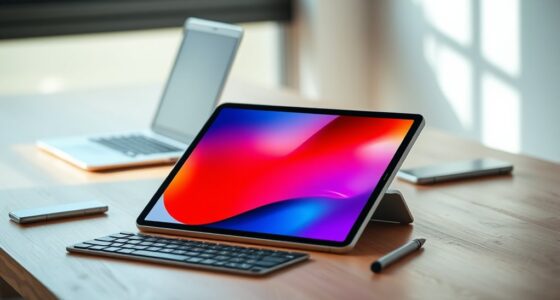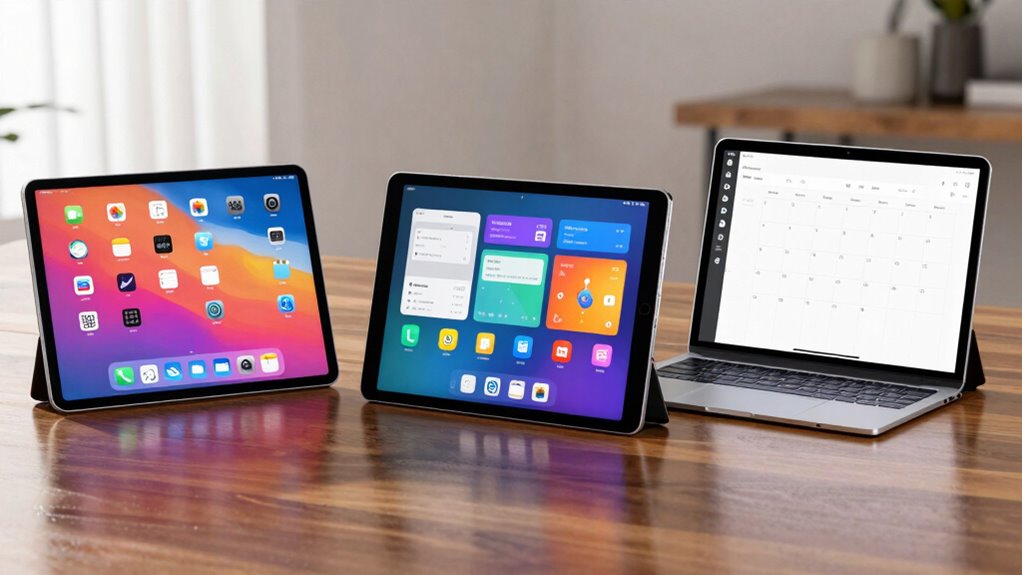

To decide between an iPad, Android tablet, or Windows tablet, consider your main tasks and preferred ecosystem. If you want seamless app quality and strong device integration, an iPad is ideal. For a broader app selection and customization, Android tablets work well. If you need full desktop software and multitasking, a Windows tablet might suit you better. Each platform offers unique advantages—continue exploring to find the one that fits your needs best.

Get the latest gadgets delivered free with Prime
- Fast, free delivery on millions of items
- Prime Video, Amazon Music and more included
- Member-only deals all year
Key Takeaways
- Consider your primary tasks: creative, productivity, or casual media consumption, to match device strengths.
- Evaluate ecosystem compatibility with your existing devices for seamless integration and synchronization.
- Assess app quality and availability, especially for specialized or professional software needs.
- Determine hardware support and peripheral compatibility required for your typical workflow.
- Choose based on preferred platform features, multitasking capabilities, and overall user experience.
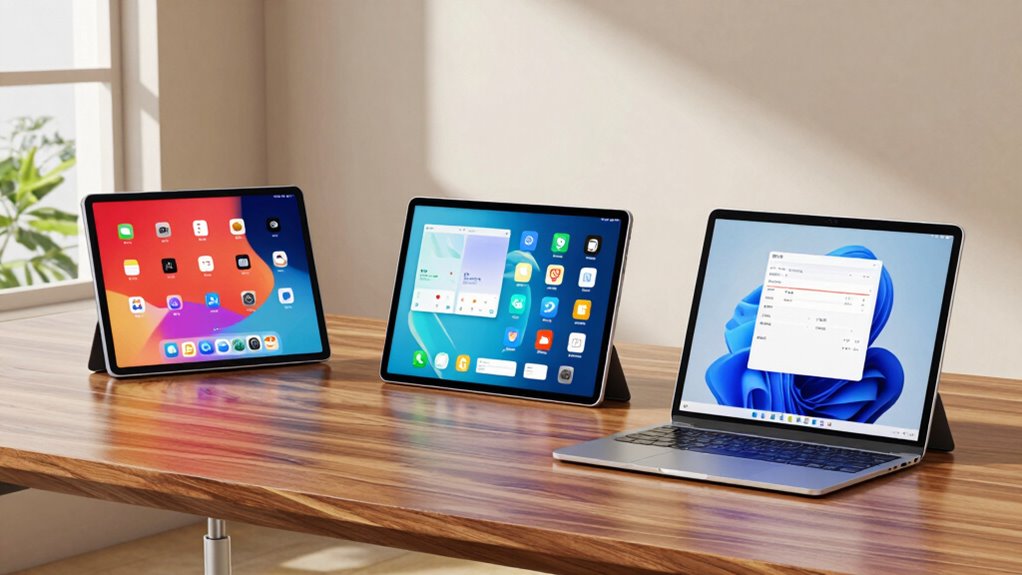
Choosing the right tablet can feel overwhelming with so many options available, especially when deciding between an iPad, Android tablet, or Windows tablet. Your decision largely depends on how you plan to use the device and which features matter most to you. One of the first things to consider is the app ecosystem. If you’re used to Apple’s App Store and want seamless access to a wide variety of apps optimized for tablets, an iPad might be your best choice. The iOS ecosystem offers a large selection of high-quality apps, especially for creative work, productivity, and entertainment. Android tablets, on the other hand, provide access to the Google Play Store, which boasts a more extensive variety of apps, including many free options. However, some apps might not be as optimized for tablet use as they are on iOS, so if tablet-specific app quality is crucial, this is an important factor to weigh.
Hardware compatibility is another key factor. Think about how your tablet will integrate with other devices you own. If you already have an iPhone or MacBook, an iPad will fit into your ecosystem seamlessly, allowing features like Handoff, AirDrop, and universal clipboard to work effortlessly. Android tablets tend to be more flexible with hardware compatibility, supporting a wide range of devices and accessories, but the experience can vary depending on the manufacturer. Windows tablets are ideal if you need a device that doubles as a full-fledged PC, especially if you rely on Windows-based software for work or study. They often support full desktop applications, keyboard and mouse compatibility, and external displays, making them versatile tools for productivity. Additionally, content availability and software support can significantly influence how well each device meets your needs. To make an informed choice, understanding the performance capabilities of each platform can also be very helpful, especially for multitasking and demanding applications.
Your usage habits will also guide your decision. If you primarily consume media, browse the web, or use apps for casual tasks, all three options can serve well, but the specific ecosystem and hardware compatibility will shape your overall experience. For creative professionals or students who need specialized apps or better multitasking, the iPad’s robust app ecosystem and hardware integration might be more suitable. Conversely, if you prefer a device that can handle more complex tasks, like running desktop software or connecting to a variety of peripherals, a Windows tablet can be more powerful and flexible.
In the end, your choice hinges on how well each device’s ecosystem, hardware compatibility, and features align with your needs. Consider what apps you use most, how you want to connect with other devices, and what kind of tasks you’ll perform daily. This way, you can make an informed decision that offers the best balance of functionality, compatibility, and user experience.
As an affiliate, we earn on qualifying purchases.
Frequently Asked Questions
Can I Use the Same Apps Across All Tablet Platforms?
You can’t use the same apps across all tablet platforms easily due to app compatibility differences. Many apps are exclusive to iOS, Android, or Windows, but some support cross-platform synchronization, letting you access your data and settings across devices. To guarantee seamless use, check if essential apps offer cross-platform support or cloud-based versions. This way, you get a smooth experience regardless of your tablet choice.
Which Tablet Offers the Best Battery Life?
You’ll find that iPads generally offer the best battery life due to superior battery optimization and efficient power management. Apple’s hardware and software work together seamlessly, extending usage time. Android tablets vary widely, but those with aggressive power management settings can perform well. Windows tablets often have shorter battery life, especially with intensive tasks. To maximize battery life, look for devices with good battery ratings and enable power management features.
How Secure Are Each of These Tablets?
Picture your tablet as a fortress guarding your data. An iPad offers strong security with regular updates and built-in encryption, while Android tablets provide extensive customization and flexible parental controls. Windows tablets also have robust security features, but they require more management. You can tailor each device’s security settings through tablet customization options and parental controls, giving you peace of mind knowing your information stays safe and protected.
Are There Any Major Hardware Differences Between the Brands?
Yes, there are major hardware differences between brands. You’ll find variations in hardware specifications like processor speed, RAM, display quality, battery life, and camera features. Brand variations mean some tablets prioritize sleek design and build quality, while others focus on performance or affordability. When choosing, consider these hardware specs to match your needs—whether you want a lightweight device, a powerful performer, or a budget-friendly option.
What Are the Best Accessories for Each Type of Tablet?
Think of accessories as your tablet’s trusted sidekicks. For iPads, a compatible stylus like the Apple Pencil and screen protectors keep your screen safe and your creativity flowing. Android tablets benefit from versatile styluses and sturdy screen protectors, while Windows tablets shine with keyboard docks and protective cases. Choosing accessories that match your device guarantees smooth operation, protects your investment, and transforms your tablet into a true productivity partner.
As an affiliate, we earn on qualifying purchases.
Conclusion
Choosing the right tablet depends on your needs. For example, if you prioritize seamless integration with your Apple devices and a user-friendly interface, an iPad is ideal. If you need customization and flexibility, an Android tablet might suit you better. For work that requires Windows-specific software, a Windows tablet is your best bet. Think about what you’ll use it for daily, and pick the one that aligns with your habits—your perfect tablet awaits!
As an affiliate, we earn on qualifying purchases.
Halloween Picks
halloween
As an affiliate, we earn on qualifying purchases.