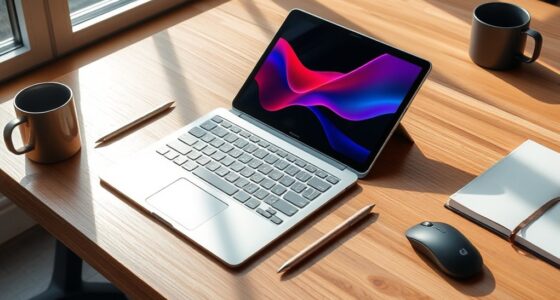
Choosing between a drawing tablet and an iPad Pro depends on your artistic needs and workflow. If you prioritize precision, high-resolution surfaces, and customizable shortcut controls, a dedicated drawing tablet is ideal. For versatility, portability, and multi-functional use, the iPad Pro with Apple Pencil offers great flexibility and app support. Consider what feels most natural for your style and tasks. Curious to see which options best fit your creative process? Keep exploring to find out more.
Key Takeaways
- Dedicated drawing tablets generally offer higher stylus pressure sensitivity and lower latency for precise digital artwork.
- iPad Pro provides versatility for multiple creative tasks, including note-taking, photo editing, and browsing, alongside digital painting.
- Stylus compatibility and feel are crucial; professional-grade tablets often have more customizable and responsive pens.
- The iPad Pro’s portability and multi-app support make it ideal for artists on the go, whereas dedicated tablets excel in studio-quality control.
- Choosing depends on whether an artist prioritizes specialized drawing features or a versatile, all-in-one device.
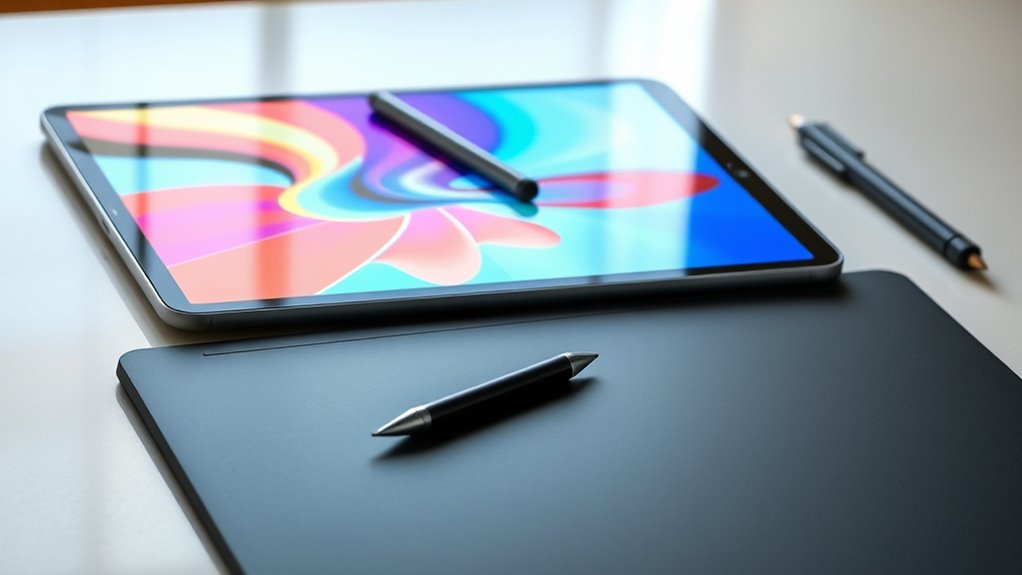
When choosing between a drawing tablet and an iPad Pro, it’s important to understand their key differences and how each device fits your creative needs. Both options excel at digital painting, but they do so in different ways, and your choice depends on your workflow, preferences, and budget. One of the most critical aspects to consider is stylus compatibility. Drawing tablets typically come with a dedicated pen, designed specifically for precise control and pressure sensitivity, which is essential for detailed digital artwork. Conversely, the iPad Pro uses the Apple Pencil, which offers impressive pressure sensitivity and tilt support, making it a versatile tool for many artists. You’ll want to evaluate which stylus feels more natural in your hand and whether the device’s stylus compatibility aligns with your creative style.
Digital painting on a dedicated drawing tablet often provides a more seamless experience. These devices usually feature a high-resolution drawing surface with minimal latency, allowing you to see your strokes in real-time without lag. The stylus pressure sensitivity on drawing tablets generally surpasses that of the iPad Pro, giving you finer control over brush strokes, shading, and blending. If your focus is on professional-level digital art or animation, a dedicated drawing tablet might serve you better. It’s also worth noting that many drawing tablets support customizable shortcut buttons, which can streamline your workflow during intensive creative sessions. Additionally, maintenance costs for drawing tablets can be lower over time as they tend to have replaceable parts and fewer integrated components that may fail.
Dedicated drawing tablets offer high-resolution surfaces, minimal latency, and superior pressure sensitivity for professional digital art.
On the other hand, the iPad Pro offers a versatile platform that combines digital painting with other functionalities like note-taking, photo editing, and browsing. Its portability makes it ideal for artists who want to work on the go or switch between different creative tasks effortlessly. The Apple Pencil is highly responsive, and the iPad Pro’s touch screen allows for intuitive gestures and multi-touch controls, which can enhance your creative process. Plus, the iPad’s compatibility with a wide range of apps—such as Procreate, Adobe Photoshop, and Affinity Designer—means you’re not limited to a single ecosystem. This flexibility can be a significant advantage if you prefer an all-in-one device.
Ultimately, your decision hinges on your priorities: if you’re seeking the best digital painting experience with maximum stylus precision, a dedicated drawing tablet will likely suit you better. However, if you value versatility and portability, and are comfortable with the Apple Pencil’s capabilities, the iPad Pro can be a powerful tool for digital artists. Both devices support high-quality digital painting, but understanding their differences in stylus compatibility and overall design can help you choose the right device to elevate your creative work.
Frequently Asked Questions
Can I Use a Drawing Tablet or Ipad Pro for 3D Modeling?
Yes, you can use both a drawing tablet and an iPad Pro for 3D modeling, but their compatibility varies. Drawing tablets often excel with 3D software due to better stylus pressure sensitivity and precision, making detailed work easier. The iPad Pro supports 3D modeling apps, but its compatibility depends on the app; it might lack some features found on dedicated tablets. Choose based on your workflow and software needs.
Which Device Offers Better Color Accuracy for Digital Art?
Imagine your artwork bursting into vivid life, more real than reality itself—that’s what the iPad Pro offers with superior color accuracy. Its display calibration outshines most drawing tablets, providing incredible color precision that makes every hue pop. You’ll notice richer, more accurate colors in your digital art, giving you confidence in your work’s true vibrancy. If color accuracy is your priority, the iPad Pro is your best choice, delivering stunning, true-to-life visuals every time.
Are There Significant Differences in Drawing Latency Between the Two?
You’ll notice a difference in input delay between the two devices. The latency comparison shows that dedicated drawing tablets generally have lower latency, providing a more immediate response. The iPad Pro, while very responsive, may have slightly higher input delay due to its multi-purpose design. For precise, lag-free drawing, a dedicated tablet is usually better, but the iPad Pro still offers a smooth experience for most digital artists.
How Do Software Compatibility and App Availability Compare?
Like stepping into a sci-fi movie, you’ll find that the iPad Pro offers a robust software ecosystem with a wide range of creative apps, making it versatile for digital artists. Its app diversity is impressive, ensuring you get tools like Procreate and Adobe Fresco. Drawing tablets, however, often depend on the connected computer’s software, which may limit standalone app options. Overall, the iPad Pro’s standalone app ecosystem gives it an edge in software compatibility.
What Is the Typical Battery Life for Each Device During Long Sessions?
During long sessions, you’ll notice that the iPad Pro typically offers about 10 hours of battery longevity, thanks to efficient power consumption. In contrast, drawing tablets often have shorter battery life, usually around 4 to 8 hours, depending on usage. The iPad Pro’s superior power management helps you stay productive longer, while dedicated drawing tablets may require frequent recharging during extended work periods.
Conclusion
Ultimately, choosing between a drawing tablet and iPad Pro depends on what fuels your creativity. If you crave seamless versatility and a device that transforms your art world into a boundless universe, the iPad Pro is like wielding a magic wand. But if precision and professional-grade features are your priority, a dedicated drawing tablet might feel like your personal art sanctuary. Whichever you pick, remember—you’re about to open a portal to artistic infinity.