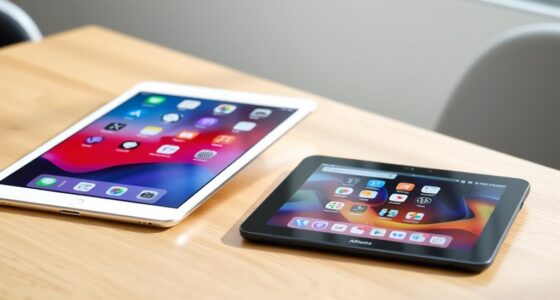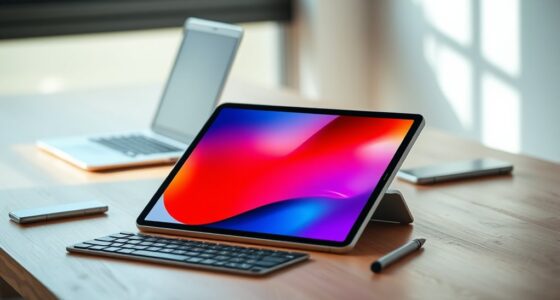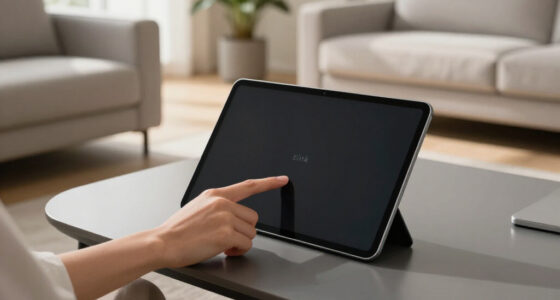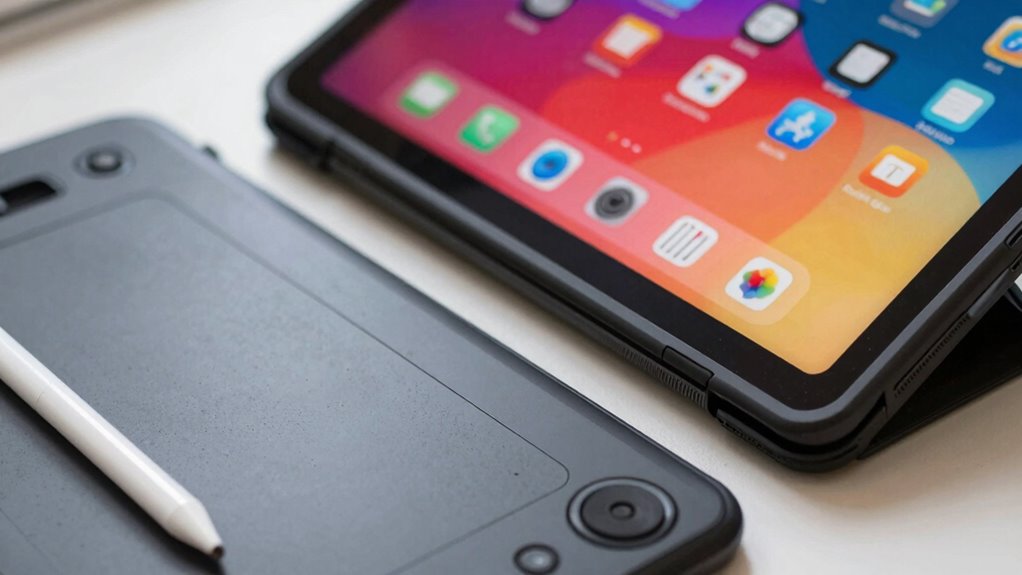

Drawing tablets and general tablets serve different buyers because they cater to distinct needs. If you’re an artist or serious hobbyist, a drawing tablet offers pressure-sensitive stylus tools and high precision, perfect for detailed work. On the other hand, a general tablet suits casual users who want to browse, stream, or do light sketches. Understanding these differences helps you pick the right device for your goals—keep exploring to discover which option fits you best.
Play games included with Prime
Start a Prime free trial and play with Amazon Luna on your devices.
As an affiliate, we earn on qualifying purchases.
Key Takeaways
- Drawing tablets are tailored for artists needing pressure sensitivity and high precision, while general tablets prioritize versatility and portability.
- Artistic professionals require specialized features like tilt sensitivity and color accuracy, which are often absent in general tablets.
- General tablets suit casual users for light drawing, browsing, and media consumption, whereas drawing tablets support detailed, professional artwork.
- Investment in drawing tablets is justified for serious artists aiming for long-term growth, unlike general tablets meant for multifunctional everyday use.
- Design and software capabilities differ, with drawing tablets offering tools optimized for creative workflows, while general tablets focus on broad functionalities.

When choosing between drawing tablets and general tablets, it’s important to understand their distinct features and functionalities. Each type caters to different needs, and knowing what sets them apart helps you make an informed decision based on your specific goals. If you’re interested in digital art or graphic design, drawing tablets are designed with those pursuits in mind. They typically come with a pressure-sensitive stylus that mimics traditional drawing tools, allowing you to create detailed, nuanced artwork directly on the screen or through a connected device. These tablets offer precision and responsiveness, making them ideal for artists who want to sketch, paint, or illustrate with a natural feel. They often feature customizable buttons and tilt sensitivity, giving you more control over your creative process.
On the other hand, general tablets serve a broader range of functions, like browsing the web, watching videos, or running productivity apps. They usually prioritize portability and ease of use over specialized features for digital art or graphic design. While many modern tablets, like the iPad or Samsung Galaxy Tab, support digital art apps, they’re not optimized solely for artistic creation. Their displays may not have the same pressure sensitivity or color accuracy as dedicated drawing tablets, which can limit their usefulness for professional artists or serious hobbyists. However, these tablets are excellent for casual doodling, note-taking, or quick sketches, especially if you already own them for other tasks. The differences in features are especially important for those considering a long-term investment in their art tools. Additionally, understanding input device capabilities can help you choose the right device for your needs. Recognizing the significance of digital art tools can guide your decision toward devices that truly support your artistic growth.
General tablets excel for browsing, streaming, and light drawing, but lack the precision of dedicated digital art devices.
The audience for each device is quite different. If you’re a professional or serious hobbyist focused on digital art, a drawing tablet is a worthwhile investment. It offers the tools you need to produce high-quality graphic design and detailed artwork. You’ll benefit from features like customizable shortcuts, stylus tilt, and high-resolution screens, which altogether enhance your creative workflow. Additionally, drawing tablets often come with specialized software and features that are not available on general tablets, further supporting artistic endeavors. They are also typically designed with artistic precision in mind, offering features like pressure sensitivity and tilt detection that improve the drawing experience. Conversely, if you’re looking for a versatile device that can handle everyday tasks and occasional drawing, a general tablet might be enough. These devices provide convenience and multi-functionality, allowing you to switch easily between work, entertainment, and light artistic endeavors.
Ultimately, your choice depends on what you want to accomplish. Drawing tablets are tailored for digital art and graphic design, providing precision and specialized features. General tablets, while capable of handling some artistic tasks, focus more on flexibility and portability for everyday use. Recognizing these differences helps you select the device that best fits your creative and practical needs, ensuring you get the most out of your investment.
drawing tablet with pressure sensitivity
As an affiliate, we earn on qualifying purchases.
As an affiliate, we earn on qualifying purchases.
Frequently Asked Questions
Can a Drawing Tablet Also Function as a Regular Tablet?
Yes, a drawing tablet can also function as a regular tablet. Many models feature a touchscreen with high screen sensitivity, allowing you to navigate apps, browse the internet, or watch videos. These tablets support digital art, so you get the best of both worlds—creative tools and everyday device functions. Just make certain the tablet has the necessary specs, like responsive screen sensitivity and compatibility with your preferred art software.
What Software Is Compatible With Drawing Tablets?
You’ll find that drawing tablets are compatible with a range of software like Adobe Photoshop, Corel Painter, and Clip Studio Paint, all optimized for stylus sensitivity. These programs support pressure sensitivity and precise control, making them ideal for digital artists. When choosing software, check its compatibility with your tablet’s stylus sensitivity features to guarantee seamless performance. This way, you get the most out of your device’s capabilities.
Do Drawing Tablets Require a Computer to Work?
Nope, drawing tablets don’t require a computer to work, but they’re hardly independent artists. If you want to create stunning digital art, you’ll love the touchscreen features and pressure sensitivity—they let you draw directly on the device. However, many high-end models still connect to a computer, making them more like artistic sidekicks. So, you get options, but a computer often helps unleash their full creative potential.
Are Drawing Tablets More Durable Than General Tablets?
Drawing tablets are generally more durable than general tablets due to their focus on screen durability and stylus longevity. You’ll find that their screens are built to withstand frequent use, and the styluses are designed to last longer with proper care. While general tablets prioritize everyday portability, drawing tablets are crafted for artists, making them more resilient against scratches and wear, ensuring your creative tools stay reliable over time.
How Much Do Professional Drawing Tablets Typically Cost?
Professional drawing tablets typically cost between $600 and $2,000, depending on features like stylus sensitivity and color accuracy. Think of it as investing in a finely-tuned instrument, where every nuance matters. You pay for precision and performance, ensuring your art feels natural and fluid. While pricier, these tablets offer the kind of responsiveness that transforms your creative vision into reality, making every dollar well spent for serious artists.
best digital art tablet for professionals
As an affiliate, we earn on qualifying purchases.
As an affiliate, we earn on qualifying purchases.
Conclusion
Remember, different strokes for different folks. Whether you’re sketching out ideas or streaming your favorite shows, choosing the right tablet depends on what you need. Drawing tablets offer precision for artists, while general tablets provide versatility for everyday use. Think of it like a toolbox: use the right tool for the job, and you’ll get better results. Ultimately, selecting the perfect tablet helps turn your creative or daily tasks into a smooth, enjoyable experience.
general tablet for browsing and light drawing
As an affiliate, we earn on qualifying purchases.
As an affiliate, we earn on qualifying purchases.
As an affiliate, we earn on qualifying purchases.
NFL season / tailgating Picks
team gear
As an affiliate, we earn on qualifying purchases.