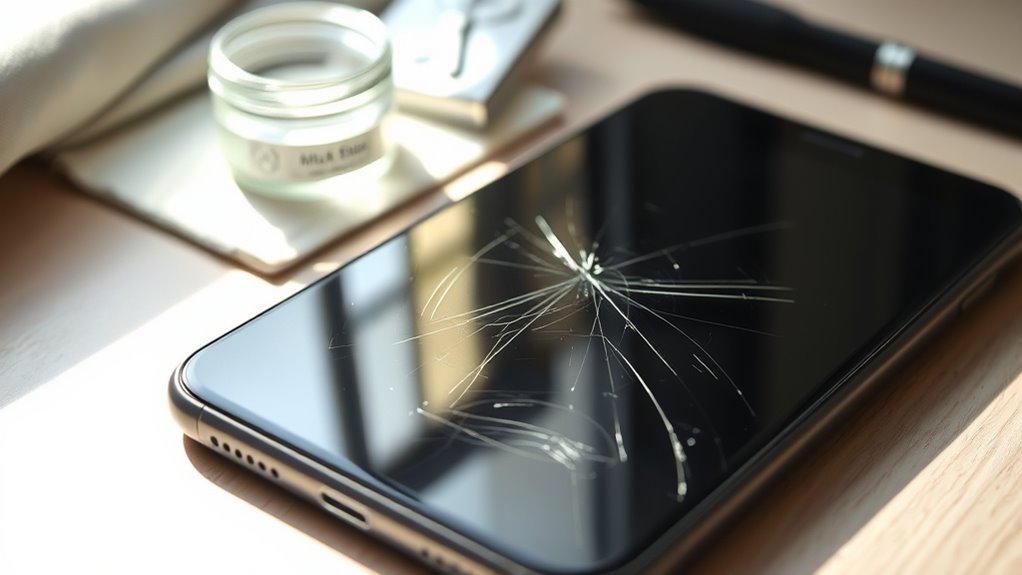

To fix a scratched phone screen, avoid DIY remedies like toothpaste or abrasive materials, as they can cause more damage. Instead, use a high-quality screen protector to mask minor scratches temporarily, and get professional help for deeper ones. Always evaluate the damage before attempting repairs, and choose certified technicians to prevent warranty issues. Following these do’s and don’ts guarantees your device stays safe and functional—discover more tips to protect your screen effectively.
Key Takeaways
- Do apply a high-quality screen protector to mask minor scratches and prevent further damage.
- Don’t use DIY remedies like toothpaste or abrasive materials, as they can worsen the scratches.
- Do seek professional repair services for deep or widespread scratches to ensure proper fixing.
- Don’t attempt to remove scratches with unverified products that may damage the screen coating or glass.
- Do evaluate the damage carefully and consult certified technicians to preserve your device’s warranty and integrity.
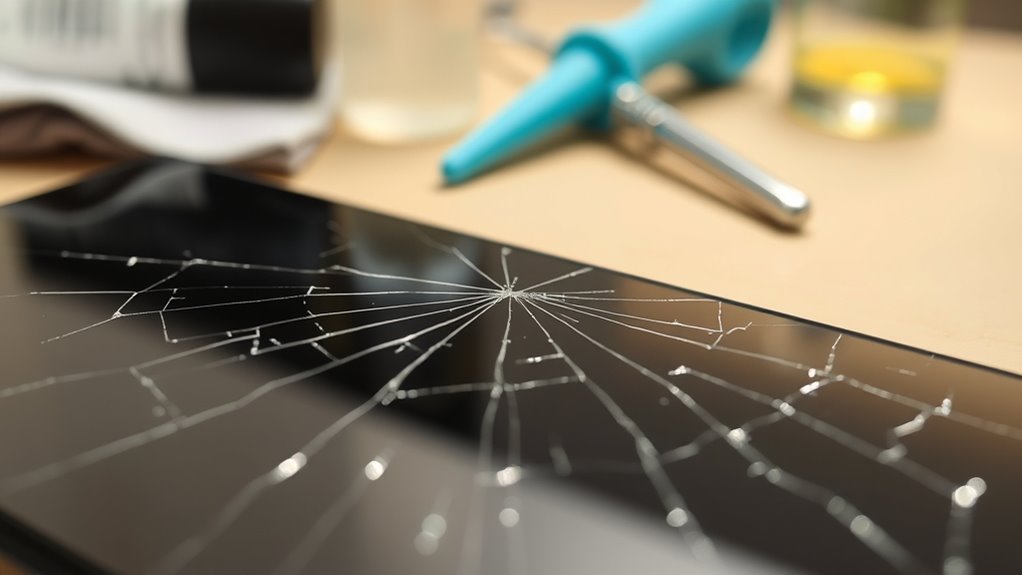
Have you ever noticed scratches marring your phone’s screen and wondered how to fix them? Scratches can be frustrating, especially when they interfere with your viewing experience. While minor scratches might seem like a quick fix, it’s important to understand your options before attempting any repair. One common solution is to apply a screen protector, which can mask minor surface scratches and prevent new ones from forming. High-quality screen protectors are designed to fill in small imperfections, making the screen look clearer and smoother. They also serve as a protective barrier against future damage, saving you money and time in the long run. However, if scratches are deep or widespread, a simple screen protector might not be enough. In such cases, professional repair becomes a more reliable option. Skilled technicians can evaluate the extent of damage and perform precise repairs, whether that’s polishing the surface or replacing the entire screen if necessary. Trying to fix serious scratches on your own could worsen the damage or compromise your phone’s functionality, especially if you lack experience or proper tools.
Additionally, understanding the extent of damage can help determine the most effective repair method and prevent unnecessary costs. It’s tempting to try DIY solutions like rubbing toothpaste or using abrasive materials, but these methods can sometimes do more harm than good. They might temporarily improve the appearance by filling in scratches, but they can also cause additional damage, such as removing coatings or scratching the glass further. Instead, consider consulting a professional repair service, which has the right equipment and expertise to handle delicate screens safely. When choosing a repair shop, look for ones with good reviews and certified technicians. They can provide a proper assessment and ensure your phone gets the attention it needs without risking further damage. Remember, attempting to fix a deep scratch yourself could void your warranty or lead to costly repairs later.
Frequently Asked Questions
Can Scratches on Phone Screens Be Completely Removed?
Scratches on your phone screen can often be minimized or concealed, but they’re rarely completely removed. You can try screen polishing or DIY remedies like toothpaste or baking soda, but these may only improve the appearance temporarily and risk damaging your device further. For serious scratches, it’s best to consult professionals or consider a screen replacement. Remember, prevention is key to keeping your screen flawless.
Are DIY Screen Repair Kits Safe for All Phone Models?
Sure, DIY screen repair kits seem like a quick fix, but don’t be fooled—they aren’t safe for all phone models. While they claim to fix your screen, your phone’s specific compatibility might make or break your repair. You could end up causing more damage than good, so always check if the kit suits your device before diving in. Remember, sometimes professional help is the smarter, safer choice.
How Long Does a Screen Repair Typically Take?
A screen repair typically takes about 30 minutes to a few hours, depending on your device and repair shop. During the repair timeline, the technician will replace your damaged screen with a new one, ensuring proper fit and functionality. If you’re doing a DIY screen replacement, it might take longer, especially if you’re inexperienced. Expect the process to be quick at a professional shop, but always ask for an estimated completion time beforehand.
Will Fixing a Scratched Screen Void My Phone Warranty?
Fixing a scratched phone screen is like patching a tiny crack in glass—you might wonder about warranty implications. Generally, repairing it yourself or through an unauthorized service can void your warranty, especially regarding repair coverage. To keep your warranty intact, it’s best to utilize authorized repair centers. If you go to a professional, ensure they provide proper documentation to avoid losing warranty benefits.
What Are the Signs That Professional Repair Is Necessary?
You should seek professional repair if you notice screen discoloration that worsens over time or if touch sensitivity decreases, making your phone harder to operate. If scratches become deep or affect display clarity, it’s a sign you need expert help. Ignoring these issues can lead to further damage or device malfunction. Addressing these signs early guarantees your phone stays functional and prevents costly repairs later.
Conclusion
To protect your phone screen, stay vigilant, stay cautious, and stay proactive. Regularly clean your screen, apply a screen protector, and handle your device gently. By doing so, you prevent scratches, preserve clarity, and extend your phone’s life. Remember, prevention is key—care for your phone as you would care for your eyes, your mind, your future. Because when you protect it, you preserve its beauty, its functionality, and your peace of mind.