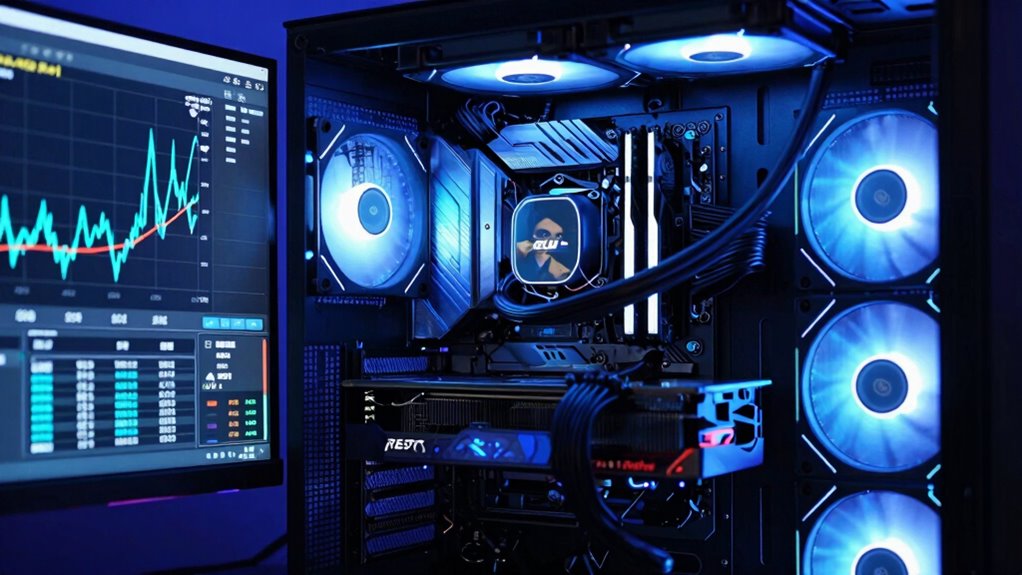

To decide if you should upgrade your CPU or GPU, monitor your system’s performance during tasks or gaming. If games lag or your system slows down when multitasking, your CPU might need an upgrade. But if your games are stuttering or your visuals lack detail, your GPU could be the issue. Check for bottlenecks with tools like Task Manager. Keep an eye on hardware compatibility and future needs—it’s key to making the right upgrade choice.

Get the latest gadgets delivered free with Prime
- Fast, free delivery on millions of items
- Prime Video, Amazon Music and more included
- Member-only deals all year
Key Takeaways
- Monitor system performance and identify bottlenecks using tools like Task Manager or monitoring software.
- Upgrade the CPU if multitasking or processing tasks cause 100% CPU utilization.
- Upgrade the GPU if gaming or graphics-intensive applications are lagging or maxing out the GPU.
- Check hardware compatibility and system balance to determine which component limits performance.
- Stay informed about new hardware features and demands from software to anticipate future upgrade needs.
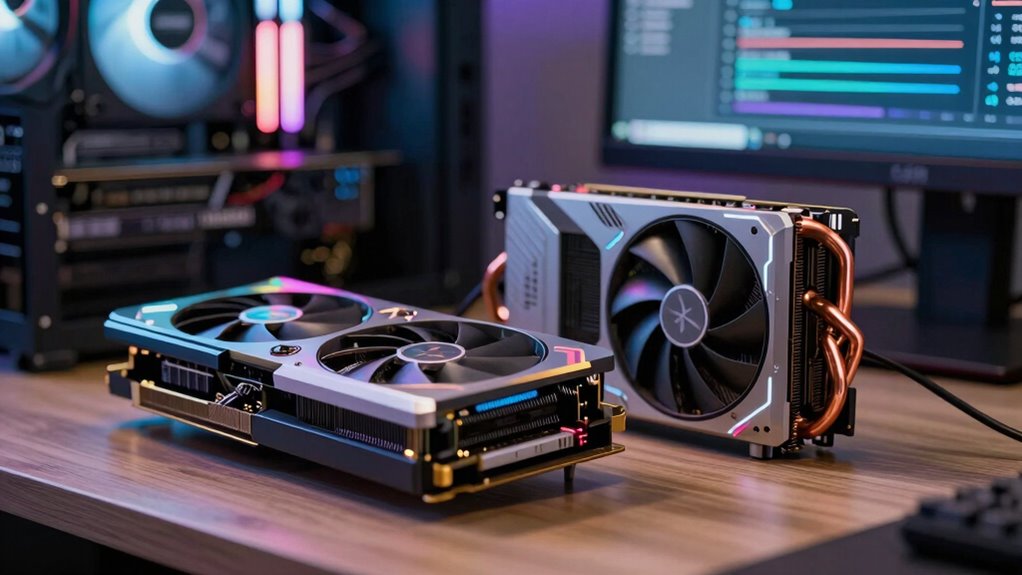
Deciding when to upgrade your CPU or GPU can be tricky, especially as technology advances rapidly. You might find yourself wondering if your current setup is holding you back or if it’s time for an upgrade. To make an informed decision, start by evaluating your hardware compatibility. Check whether your existing motherboard supports newer CPUs or GPUs, as incompatible hardware could limit your upgrade options or lead to costly replacements. Confirming compatibility guarantees you’re not investing in components that won’t work with your system, saving you time and money.
Next, consider your system’s performance. If your tasks or games are running smoothly most of the time, but you notice occasional slowdowns or lag, it might not be a hardware issue but rather a performance bottleneck. Performance bottlenecks happen when one component limits the overall system’s capabilities. For instance, during gaming, if your GPU is maxed out while the CPU remains underutilized, upgrading the GPU could boost frame rates. Conversely, if your CPU is consistently running at 100% utilization during multitasking or demanding applications, upgrading the CPU might be the better move. Monitoring your system’s resource usage with tools like Task Manager or third-party programs can help pinpoint which component is bottlenecking your performance.
Another indicator that it’s time for an upgrade is the emergence of new software or games that your current hardware can’t handle effectively. Modern applications demand more processing power, and if your setup struggles to meet those demands, it’s a clear sign you need to upgrade. Also, pay attention to your system’s temperature and noise levels. Overheating or excessive noise can suggest your hardware is working harder than it should, possibly due to aging components or insufficient cooling, prompting an upgrade. Additionally, staying informed about the latest hardware developments is important, as newer GPUs and CPUs often incorporate innovative features such as HDR support that can significantly enhance your visual experience. Awareness of hardware innovation trends can help you anticipate when a new generation of components might offer substantial improvements.
Finally, stay informed about the latest hardware developments. Newer CPUs and GPUs often feature significant improvements in performance-per-watt, efficiency, and features. If you find your hardware is a generation or two behind, upgrading can offer substantial benefits. Remember, upgrading your CPU or GPU isn’t just about raw power; it’s about confirming your system remains balanced and capable. By reviewing compatibility, monitoring performance bottlenecks, and considering your software needs, you can decide the right time to upgrade without unnecessary expenses or frustration. Being aware of technological advancements can also help you make more strategic upgrade decisions over the long term.
Products Worth Considering

Samsung 34-Inch Odyssey G5 Ultra-Wide Curved Gaming Monitor

LG UltraGear 34GX90SA-W 34-inch WQHD Curved OLED Gaming Monitor

LG UltraGear 32GX850A-B 32-inch 4K UHD Glossy OLED Gaming Monitor
As an affiliate, we earn on qualifying purchases.
Frequently Asked Questions
Can Upgrading One Component Affect the Performance of the Other?
Upgrading one component can influence the performance of the other, especially if they work together closely. For example, a powerful GPU can bottleneck a weak CPU, making overclocking potential less effective. Conversely, a faster CPU improves software optimization, which can boost GPU performance. Balancing both ensures smoother performance, but be mindful that bottlenecks may still occur if one component markedly outperforms the other.
How Do I Determine Compatibility Before Upgrading My CPU or GPU?
Like matching puzzle pieces, you check compatibility before upgrading your CPU or GPU. Start with a compatibility checklist, guaranteeing your motherboard supports the new component’s socket type and chipset. Consider overclocking potential if you’re aiming for performance boosts. Confirm your power supply can handle the upgrade, and verify physical size fits your case. Doing this ensures seamless integration and avoids costly mismatches or bottlenecks.
What Are Signs of a Failing CPU or GPU?
You’ll notice signs like system crashes, frequent freezes, or poor performance, which could indicate a failing CPU or GPU. Overclocking instability and thermal management issues often cause these problems, as overheating or unstable clock speeds lead to errors. Keep an eye on overheating symptoms, unusual noise, or artifacting on graphics. If these persist despite cooling efforts, it’s a clear sign you should consider upgrading or repairing your CPU or GPU.
Is It Better to Upgrade CPU or GPU First for Gaming?
If you want maximum gaming performance, upgrading your GPU first is usually better. A weak CPU causes a graphics bottleneck, making your game look stunning but laggy. By balancing your system, you avoid wasting money on a powerful GPU that’s held back by an underperforming CPU. Prioritizing the GPU guarantees smooth visuals, but remember, a well-balanced system delivers the best gaming experience without unnecessary upgrades.
How Do Power Supply and Cooling Impact Upgrade Choices?
Power supply and cooling greatly influence your upgrade choices. If your current power supply isn’t power-efficient, it might struggle to support a more demanding CPU or GPU, limiting your options. Thermal management is essential, too—if your cooling system can’t handle increased heat, upgrading could lead to overheating. Make sure your power supply provides enough wattage and your cooling system is capable of maintaining ideal temperatures for the new hardware.
Conclusion
Knowing when to upgrade your CPU or GPU can markedly boost your gaming and productivity experience. Remember, if your system struggles with the latest games or software, it might be time for an upgrade. Did you know that 65% of gamers notice better performance after upgrading their GPU? Stay attentive to your system’s bottlenecks and don’t be afraid to upgrade when needed — it’s the key to keeping your setup running smoothly and efficiently.