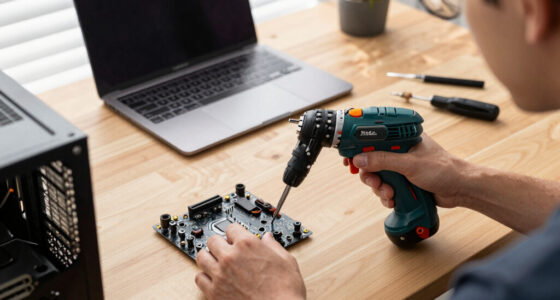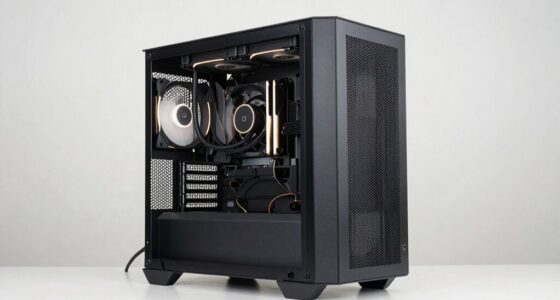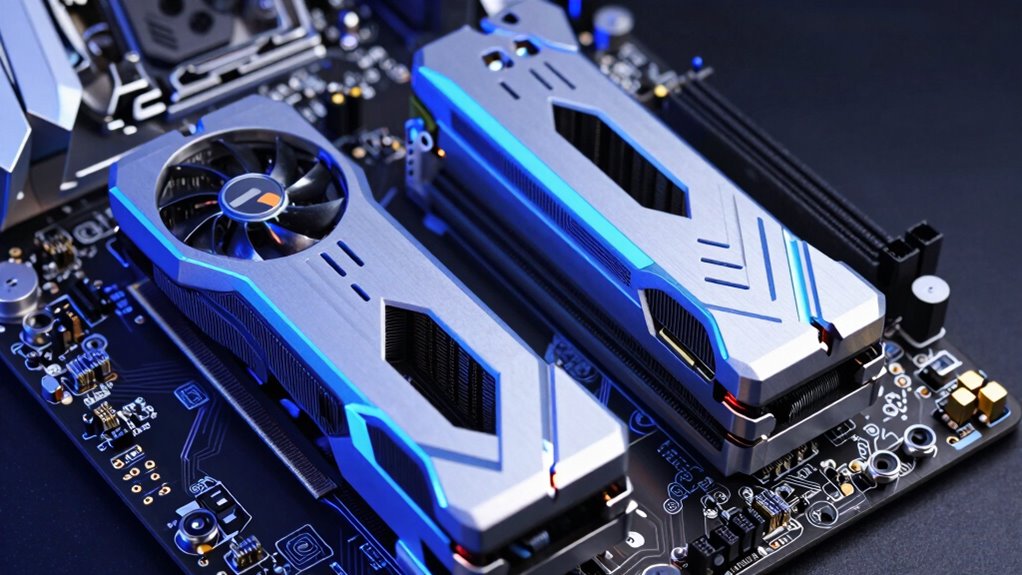

PCIe generations mainly matter if you’re doing heavy data tasks like video editing or using fast NVMe SSDs, as newer versions increase bandwidth. If you’re gaming or doing basic work, the difference between PCIe 3.0 and 4.0 isn’t noticeable. Compatibility and your hardware’s support matter more than the latest generation. Upgrading often doesn’t improve performance for older devices. To avoid overspending, focus on real needs—if you keep exploring, you’ll discover how to upgrade wisely.

Get the latest gadgets delivered free with Prime
- Fast, free delivery on millions of items
- Prime Video, Amazon Music and more included
- Member-only deals all year
Key Takeaways
- PCIe generations matter most for high-bandwidth tasks like heavy data transfer and professional workloads, less for gaming or light productivity.
- Upgrading to newer PCIe versions offers limited real-world performance gains if hardware isn’t designed to utilize the increased bandwidth.
- Compatibility ensures older hardware can work in newer slots, but it may not reach full speed or performance potential.
- The maximum benefit depends on the entire system’s support, including motherboard and CPU, not just PCIe version.
- Upgrading components like NVMe SSDs or high-end GPUs yields more noticeable performance improvements than merely focusing on PCIe generation.
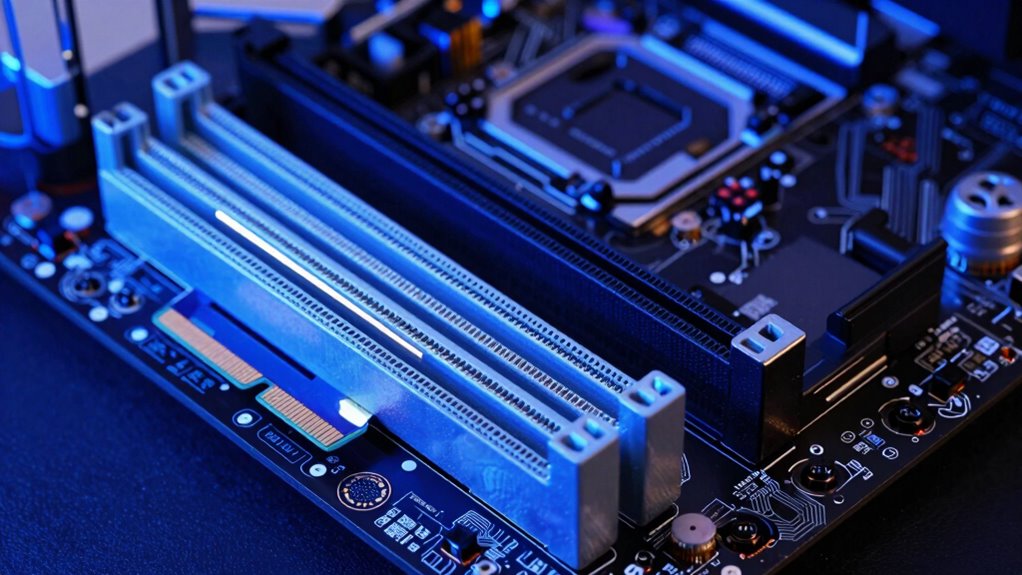
When it comes to PCIe generations, understanding what truly matters can save you time and money. The key factor often isn’t just the raw speed of the latest generation but how it interacts with your existing hardware. Legacy compatibility and backward compatibility are essential considerations here. Most modern motherboards and GPUs support backward compatibility, meaning you can use older cards in newer slots and vice versa, but the performance will be limited to the lower generation’s capabilities. This is crucial if you’re upgrading incrementally or working within a budget. You won’t need to replace every component at once; rather, you can focus on the parts that benefit most from newer standards, like NVMe SSDs or high-end graphics cards, while still maintaining compatibility with older hardware.
Prioritize compatibility and your specific needs over PCIe generation hype to make smarter, cost-effective upgrades.
However, many people overemphasize PCIe generation numbers, assuming that newer always equals better in every scenario. While higher PCIe generations do offer increased bandwidth—PCIe 3.0 doubles the data transfer rate of PCIe 2.0, and PCIe 4.0 doubles it again—the real-world impact varies depending on what you’re using. For most gaming setups, the difference between PCIe 3.0 and PCIe 4.0 is minimal, as current GPUs rarely saturate PCIe 3.0 lanes. For heavy data transfer tasks like professional video editing or large-scale data analysis, the faster PCIe versions matter more. Still, even then, hardware compatibility, especially regarding legacy systems, can limit your choices or introduce bottlenecks. Additionally, understanding bandwidth limitations can help clarify why some upgrades may not yield expected performance gains.
It’s also worth noting that backward compatibility ensures that newer slots support older devices, but the performance is constrained by the older device’s capabilities. For example, plugging an older PCIe 2.0 SSD into a PCIe 4.0 slot won’t make it faster; it will operate at PCIe 2.0 speeds. Conversely, newer devices will typically work in older slots, but they won’t reach their maximum potential unless your motherboard and CPU support the latest PCIe standards. This compatibility aspect is more about flexibility than raw performance.
Ultimately, what matters most is your specific use case. If you’re just gaming or doing light productivity work, PCIe generation might not be a major concern. Focus on compatibility, ensure your motherboard supports the PCIe version your high-performance hardware needs, and don’t get caught up in the hype of the latest generation unless your tasks demand it. Recognizing what PCIe generations do and do not impact can help you make smarter, more cost-effective upgrades without overpaying for features you don’t need.
As an affiliate, we earn on qualifying purchases.
Frequently Asked Questions
Do Older PCIE Cards Work With New PCIE Generations?
Older PCIe cards generally work with new PCIe generations thanks to backward compatibility, but compatibility concerns can arise. While the physical slot usually fits, performance might be limited by the older card’s capabilities, not the slot’s. Keep in mind, newer PCIe slots support faster data transfer rates, but your older card will operate at its maximum supported speed, not the full potential of the latest generation.
How Do PCIE Generations Affect Gaming Performance?
PCIe generations have minimal impact on gaming performance, as your GPU bottlenecks most games rather than the PCIe slot. Upgrading from older to newer PCIe versions won’t substantially boost frame rates or smoothness unless you’re using a very high-end GPU that can fully utilize faster data transfer. For typical gaming, focus on a powerful GPU and sufficient system RAM instead of PCIe generation upgrades.
Are PCIE Upgrades Necessary for Most Users?
You don’t need PCIe upgrades for most users, as compatibility concerns are minimal with current hardware. Only high-end gaming or professional workloads benefit noticeably from newer generations, but for everyday use, the performance gains are modest. Upgrading can be part of future proofing strategies, but if your system works well now, there’s little urgency. Focus on other upgrades first, like GPU or SSD, before considering PCIe changes.
Can PCIE Generation Impact Power Consumption?
Yes, PCIe generation can impact power consumption. Newer PCIe versions often improve energy efficiency through advanced power management features, reducing overall power draw when devices are idle or under low load. Upgrading to a newer PCIe can help you save energy, especially if you use high-performance components like graphics cards or SSDs. However, the actual power savings depend on your specific hardware setup and how well it utilizes these power management features.
Do All Devices Benefit Equally From Newer PCIE Standards?
Not all devices benefit equally from newer PCIe standards because compatibility issues and bandwidth limitations can restrict performance gains. Modern PCIe standards offer higher speeds, but older devices may not fully utilize these improvements due to compatibility issues or design constraints. For example, a high-speed NVMe SSD benefits more than an older GPU that’s limited by its architecture. So, check your device’s compatibility to see if the upgrade is worthwhile.
As an affiliate, we earn on qualifying purchases.
Conclusion
Understanding which PCIe generations truly matter helps you make smarter upgrades. For instance, PCIe 4.0 offers double the bandwidth of PCIe 3.0, but many everyday tasks won’t notice the difference. Did you know that over 80% of gamers see no performance gain switching from PCIe 3.0 to 4.0? So, focus on what impacts your setup most—like SSD speeds or GPU compatibility—and don’t get caught up in unnecessary upgrades that won’t improve your experience.
high bandwidth data transfer SSD
As an affiliate, we earn on qualifying purchases.
As an affiliate, we earn on qualifying purchases.
As an affiliate, we earn on qualifying purchases.
Fall Picks
fall essentials
As an affiliate, we earn on qualifying purchases.