Understanding monitor specs like refresh rate, resolution, response time, and display panel type helps you select the right screen for your needs. A higher refresh rate means smoother visuals, especially for gaming, while a higher resolution provides sharper images and better clarity. Response time affects motion clarity, and panel type impacts color and viewing angles. Getting familiar with these features guarantees you choose a monitor that enhances your experience—explore further to make informed decisions.
Key Takeaways
- Refresh rate (Hz) indicates how often the monitor updates per second, affecting motion smoothness and gaming performance.
- Resolution defines pixel density, impacting image clarity, sharpness, and color accuracy on the display.
- Response time determines how quickly pixels change, reducing motion blur and ghosting during fast-moving scenes.
- Different panel types (OLED, IPS, TN) offer varying benefits in color accuracy, contrast, and viewing angles.
- Additional features like ergonomic design, connectivity options, and contrast ratios enhance overall viewing experience and comfort.
What Is Refresh Rate and Why Does It Matter?

Understanding refresh rate is key to appreciating how smooth and responsive your monitor feels. A higher refresh rate improves gaming performance by reducing motion blur and making fast-paced action look clearer. This means your gameplay will be smoother, giving you a competitive edge and enhancing your overall experience. Additionally, refresh rate can influence how natural and comfortable on the eyes your display appears during extended use. A higher refresh rate can also help decrease eye strain during long gaming sessions, as your eyes don’t have to work as hard to track rapid movements. If your monitor’s refresh rate is too low, you might notice flickering or choppiness, which can cause fatigue and discomfort over time. Therefore, understanding monitor specifications like refresh rate is essential for selecting a display that balances performance and comfort for your specific needs. Thus, choosing a monitor with an ideal refresh rate is essential for both immersive gaming and reducing eye strain, making your gaming sessions more enjoyable and less tiring.
Understanding Screen Resolution and Image Clarity

A monitor’s screen resolution directly impacts how sharp and detailed the images appear. Higher resolutions mean more pixels, which increases pixel density, making text and images look crisper and more refined. This improved pixel density enhances your viewing experience, especially on larger screens. Additionally, resolution affects color accuracy; a higher resolution often allows for better color blending and more precise hues, giving you more vibrant and true-to-life visuals. When choosing a monitor, consider the resolution that best matches your needs—whether for gaming, professional work, or casual use. Keep in mind that higher resolution screens require more powerful graphics hardware to fully realize their clarity and color potential. Balancing resolution, pixel density, and color accuracy helps you achieve ideal image clarity tailored to your tasks.
Response Time and Its Effect on Motion Blur

Response time plays a crucial role in how smoothly moving images appear on your monitor. A lower response time means pixels change faster, reducing motion blur during fast scenes. High response times cause ghosting or smeared images, making motion appear less sharp and more distracting. To minimize motion blur, look for monitors with quick response times, ideally 1-3 milliseconds. Keep in mind:
- Faster response times improve clarity during rapid movements
- Reducing motion blur enhances gaming and fast-paced video experiences
- Response time is more noticeable in high-speed action, not static images
- Overly low response times may lead to other issues like input lag or artifacts
Types of Display Panels and Their Benefits
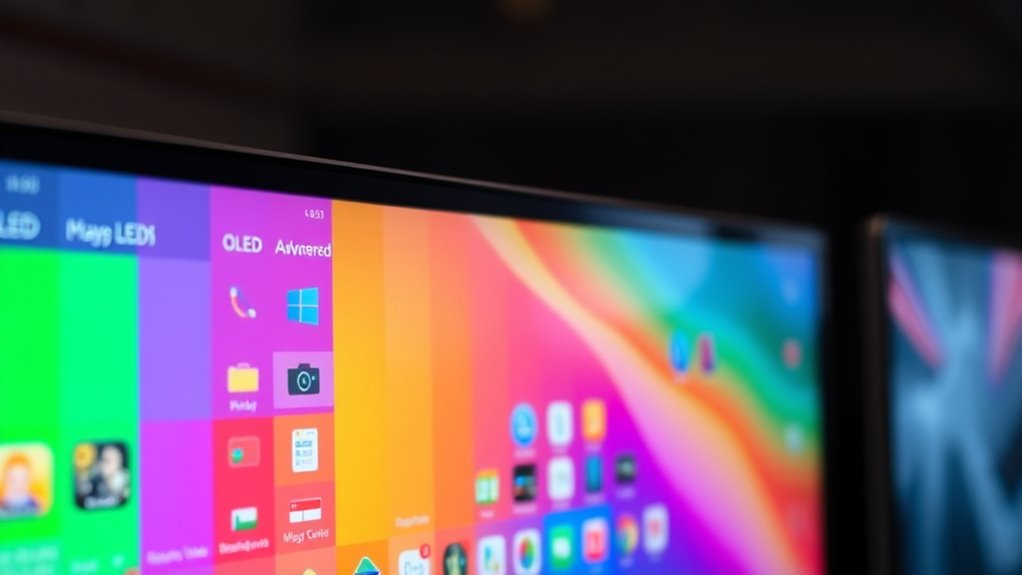
Choosing the right display panel is essential because each type offers distinct advantages tailored to different needs. OLED panels deliver exceptional contrast, deep blacks, and vibrant colors thanks to their self-emitting pixels, making them ideal for immersive entertainment and creative work. IPS technology, on the other hand, provides wide viewing angles and accurate color reproduction, perfect for professional tasks and color-critical work. LCD panels with TN technology are faster but often have narrower viewing angles, suitable for gaming where response time matters most. Recognizing display technology is crucial for selecting a monitor that meets your specific requirements. Each panel type influences your viewing experience, so consider your primary use—whether for vivid visuals, color accuracy, or fast response—before making a decision. Understanding display technology can help you make more informed choices about your monitor, ensuring it aligns with your needs and enhances your overall experience. Additionally, monitor calibration can optimize color accuracy and display performance based on the panel type you choose. Recognizing emotional coldness patterns in relationships can also help you make more informed choices about your personal interactions. Additionally, understanding holistic approaches to health can guide you toward selecting devices that support your overall well-being.
Additional Features to Consider When Choosing a Monitor
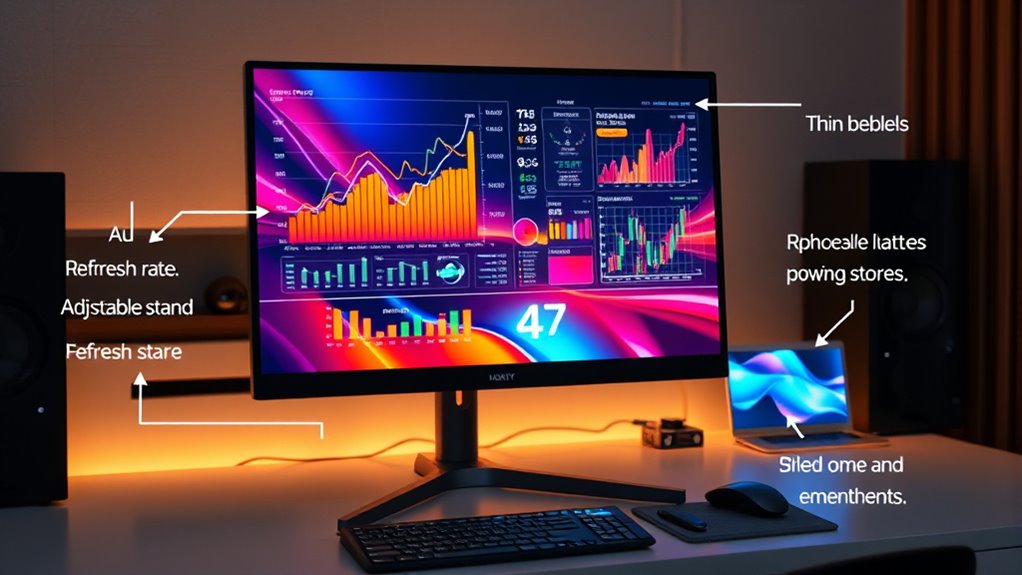
When selecting a monitor, paying attention to additional features can considerably enhance your experience. Ergonomic design guarantees you stay comfortable during long hours, with adjustable height, tilt, and swivel options. Connectivity options are equally important, providing versatile ways to connect your devices—look for multiple ports like HDMI, DisplayPort, and USB-C. These features improve flexibility and reduce cable clutter. Additionally, consider built-in speakers for convenience, VESA mount compatibility for custom setups, and blue light filters to reduce eye strain. A monitor with ergonomic design helps prevent discomfort, while diverse connectivity options support your workflow. Incorporating automation technology into your setup can streamline your workflow and improve efficiency. Features like refresh rate and resolution are crucial for a smooth visual experience and sharp image quality. Understanding arcade machine hardware and how it operates can also inform your choice of gaming monitors, especially for enthusiasts seeking authentic retro gaming experiences. Selecting a monitor with high contrast ratios can further enhance image clarity and color depth, making your viewing experience more immersive. Additionally, paying attention to postpartum recovery features can help ensure your monitor setup aligns with your health needs after childbirth, especially if you experience discomfort or fatigue. Choosing the right combination of these features ensures your setup is both comfortable and multifunctional, catering to your specific needs and making your daily tasks more efficient.
Frequently Asked Questions
How Does a Monitor’s Refresh Rate Impact Gaming Performance?
A higher refresh rate improves your gaming smoothness by displaying more frames per second, reducing motion blur and screen tearing. This makes fast-paced gameplay feel more fluid and responsive. Additionally, a good screen curvature can enhance user comfort during long gaming sessions. Overall, a higher refresh rate directly boosts your gaming experience, making visuals clearer and more enjoyable without causing eye strain or fatigue.
What Is the Ideal Resolution for Professional Photo Editing?
For professional photo editing, you want a monitor with at least 4K resolution to guarantee sharp detail and color accuracy. Aim for a 16:9 aspect ratio for compatibility with most editing software. You should prioritize a high-quality display with accurate color reproduction, like IPS panels, to see true colors. The right resolution, combined with accurate color and proper aspect ratio, helps you edit photos precisely and confidently.
How Does Curved Screen Technology Affect User Experience?
Imagine stepping into a world where the screen wraps around you like a gentle embrace. Curved screen technology enhances your user experience by reducing eye strain and providing ergonomic benefits, making long hours more comfortable. It also boosts aesthetic appeal, giving your setup a modern, sleek look. This immersive design draws you in, creating a more natural viewing angle that feels intuitive and engaging, transforming how you work and play.
Are Higher Refresh Rates Noticeable on Larger Monitors?
Yes, higher refresh rates are noticeable on larger monitors, especially during fast-paced gaming or videos. You’ll see smoother motion and reduced blur, enhancing overall experience. Keep in mind, color accuracy remains essential, and a sleek bezels design makes the display more immersive. On bigger screens, the benefits of higher refresh rates shine even more, making actions look fluid and ensuring your visuals stay sharp and vibrant.
What Are the Energy Efficiency Considerations for High-Performance Monitors?
High-performance monitors can consume more power, but you can improve energy efficiency by choosing models with an Energy Star rating. These monitors are designed to reduce power consumption during idle or low usage periods, saving you money on energy bills. Always check the power consumption specs before buying, and consider enabling power-saving features. This way, you get top performance without sacrificing energy efficiency or increasing your environmental impact.
Conclusion
Choosing the right monitor involves understanding specs like refresh rate, resolution, and response time. Did you know that gamers often prefer monitors with 144Hz or higher to reduce motion blur and improve gameplay? By prioritizing features that match your needs, you’ll enhance your viewing experience and avoid frustration. So, take the time to research and select a monitor that offers the perfect balance of performance and clarity for you.