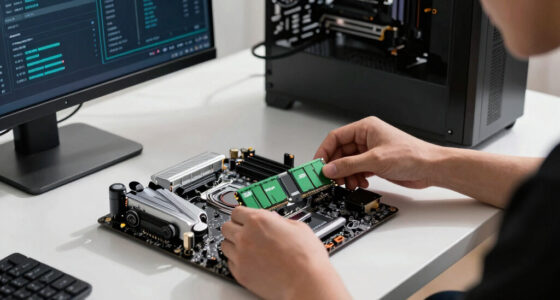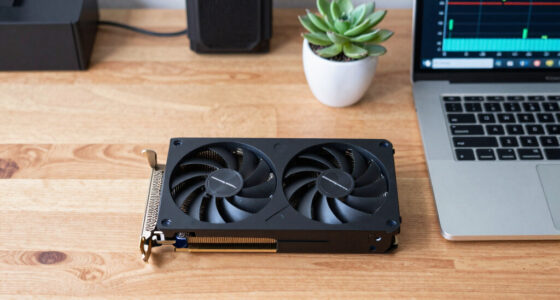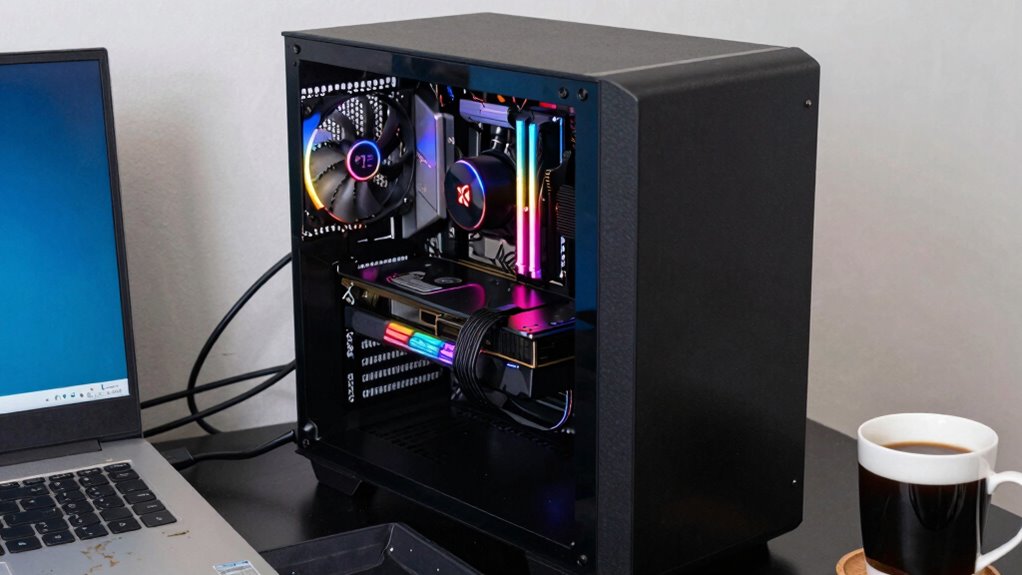

Upgrading to a high-end GPU isn’t always the best move because they come with a steep price and higher power demands that can strain your system. If your current setup already handles your favorite games or tasks smoothly, spending more won’t make much difference. Plus, bottlenecks from other components may limit performance gains. For a smarter upgrade that suits your needs and budget, there’s more to evaluate below.

Get the latest gadgets delivered free — and shop member deals
- Fast, free delivery on millions of items
- Access to Prime Big Deal Days deals on October 6–7
- Prime Video, Amazon Music and more included
Key Takeaways
- High-end GPUs are costly and may not provide proportional benefits for users with non-intensive tasks.
- They demand powerful power supplies and cooling, increasing overall build costs and complexity.
- Upgrading to a high-end GPU offers limited gains if the current system bottlenecks performance.
- For less demanding use, mid-range GPUs deliver smooth performance at a better value.
- Rapid GPU advancements make high-end models quickly outdated, favoring more flexible upgrade strategies.
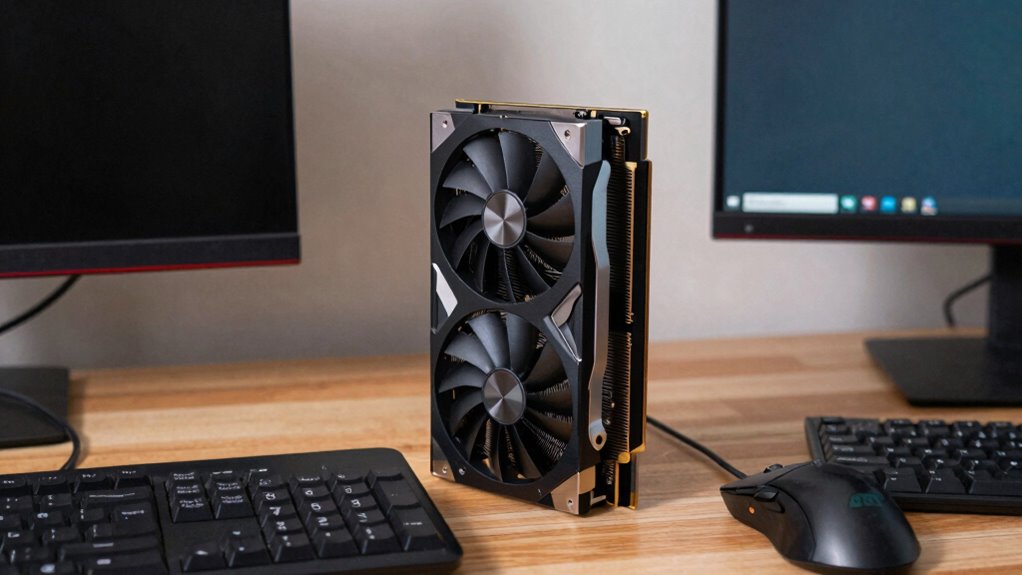
Upgrading to a high-end GPU might seem like the best way to boost your gaming or creative performance, but it’s not always the smartest choice for everyone. For starters, budget constraints play a significant role. High-end GPUs come with a hefty price tag, and if your budget is tight, investing in the latest flagship card could stretch your finances thin. You might find better value in mid-range options that deliver solid performance without draining your wallet. These cards can run most modern games and applications smoothly, especially if you’re not pushing the hardware to its absolute limits. Spending less on a more suitable GPU allows you to allocate funds elsewhere, like a better monitor, faster storage, or even saving for future upgrades.
Power consumption is another critical consideration. High-end GPUs are known for their impressive performance, but they also draw a lot of electricity. If your power supply isn’t robust enough, or if you’re trying to keep your energy bill manageable, a top-tier GPU might not be practical. These cards often require additional power connectors and generate more heat, meaning you’ll need a capable cooling system and possibly an upgraded power supply. All of this adds to the overall cost and complexity of your build. If your system isn’t designed to handle the increased power draw, you risk stability issues or even damaging other components. Additionally, the actual performance gains from a high-end GPU may not justify the investment, especially if your current setup already meets your needs. If you’re mainly playing less demanding games or doing basic creative work, a mid-range GPU can often handle these tasks effortlessly. Upgrading to a premium card won’t make much difference if your CPU or RAM becomes a bottleneck. Sometimes, optimizing your existing system with a fresh driver update or tweaking game settings yields better results than splurging on an expensive new GPU.
Furthermore, considering the rapidly evolving nature of GPU technology can help you make a more informed decision. Hardware can become outdated quickly as new games and software demand more power. If you’re not planning to hold onto your GPU for several years, investing in a mid-range model might make more sense, allowing you to upgrade more frequently without breaking the bank. In the end, it’s about balancing your performance needs with your financial and energy constraints. Sometimes, a cautious approach focusing on your actual use case provides a smarter, more sustainable upgrade path.
As an affiliate, we earn on qualifying purchases.
Frequently Asked Questions
Do High-End GPUS Improve Performance for Non-Gaming Tasks?
High-end GPUs can improve performance for non-gaming tasks, especially in AI acceleration and professional rendering. You’ll notice faster processing times and smoother workflows when handling demanding applications like 3D modeling or data analysis. However, if your tasks are less intensive, investing in a high-end GPU might be unnecessary. Evaluate your specific needs, as mid-range GPUs often handle non-gaming tasks efficiently without the higher cost.
How Does Power Consumption Differ Between High-End and Mid-Range GPUS?
You’ll find high-end GPUs often gulp more power, making their power draw considerably higher than mid-range models. Ironically, their impressive performance comes at a cost to energy efficiency, consuming more electricity and generating more heat. If you’re conscious of energy bills or cooling needs, this increased power draw might make mid-range GPUs a smarter choice, offering a better balance of performance and power efficiency without the excess energy consumption.
Are High-End GPUS Compatible With All Gaming Consoles?
High-end GPUs are generally not compatible with gaming consoles because of different hardware architectures and proprietary designs. Console compatibility is limited to the system’s built-in hardware, meaning you can’t upgrade a console’s GPU like you can with a PC. For better gaming performance, you should focus on optimizing settings within the console or upgrading your PC components, rather than trying to swap out a high-end GPU in a console.
What Is the Lifespan of a High-End GPU Compared to Budget Options?
Imagine your high-end GPU as a knight in shining armor—its durability and hardware longevity usually surpass budget options. Typically, a high-end GPU lasts 5-7 years with proper care, thanks to top-tier components. In contrast, budget GPUs may need replacing every 3-4 years due to lower-quality parts. If you’re after long-term performance, investing in a high-end GPU pays off, but keep in mind, it’s not always necessary for every gamer.
Do High-End GPUS Increase Resale Value of a PC?
High-end GPUs can boost your PC’s resale value, especially if they offer impressive overclocking potential and aesthetic appeal. Buyers often pay more for powerful, visually attractive hardware with room for overclocking. However, their value might depreciate quickly as new models emerge or if the GPU’s performance becomes outdated. If upgrading, consider whether your GPU’s high-end features will attract future buyers and maintain its resale worth.
As an affiliate, we earn on qualifying purchases.
Conclusion
So, before you splurge on that high-end GPU, consider your needs, your budget, and your gaming habits. Don’t chase the latest tech just because it’s flashy; instead, prioritize what truly enhances your experience. Balance performance with affordability, and think long-term rather than just the moment. Because in the end, a smart upgrade is about getting the right fit, not the most powerful hardware. Make your choice wisely, and enjoy your gaming journey.
As an affiliate, we earn on qualifying purchases.
As an affiliate, we earn on qualifying purchases.
Evergreen bestsellers Picks
bestsellers
As an affiliate, we earn on qualifying purchases.