To build a quiet PC, start by choosing soundproof enclosures with dense panels and sound-dampening materials that prevent noise from escaping. Use high-quality, low-noise fans mounted with vibration dampers, and optimize their placement for smooth airflow. Switch to SSDs to eliminate spinning noise and keep components stable to reduce vibrations. Pair your setup with soundproof cases and control fan speeds with software for ongoing silence. Keep exploring for more tips to make your PC whisper-quiet.
Key Takeaways
- Choose soundproof enclosures with dense panels and sound-dampening materials to minimize noise leakage.
- Install high-quality, larger diameter low noise fans with vibration dampers for quiet cooling.
- Optimize fan placement and airflow to reduce turbulence and manage noise effectively.
- Use vibration-isolating mounts and switch to SSDs to eliminate mechanical noise from moving parts.
- Control fan speeds via software or BIOS based on load to maintain quiet operation during low activity.
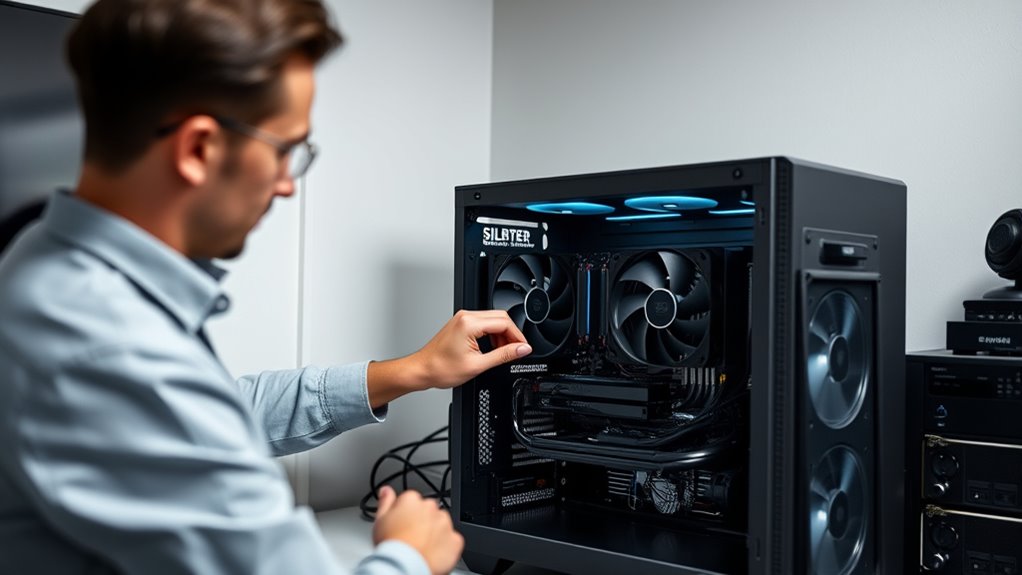
Creating a quiet PC might seem challenging, but with careful component choices and proper assembly, you can build a system that runs smoothly without excessive noise. The key is to focus on reducing sound at every point, from the case to the cooling system. One effective way to minimize noise is to use soundproof enclosures or cases designed specifically for silent operation. These cases feature dense panels and sound-dampening materials that absorb vibrations and block noise from escaping, making your PC much quieter during operation. Pairing a soundproof enclosure with high-quality, low noise fans ensures your system stays cool without generating loud whirrs or hums. Low noise fans are engineered to spin more quietly while still providing adequate airflow to prevent overheating. When selecting fans, look for models with larger diameters—such as 120mm or 140mm—that can move the same amount of air at lower RPMs, reducing noise levels markedly.
Proper placement of fans also makes a difference. Position intake and exhaust fans to promote smooth airflow through the case, avoiding turbulence that can create additional noise. Installing fans with rubber mounts or vibration dampers further dampens the vibrations that often cause noise. If you’re seeking maximum silence, consider replacing stock fans with premium, low noise alternatives known for their quiet operation. These fans often feature specially designed blades and bearings to minimize noise without sacrificing cooling performance. Additionally, controlling fan speeds with software or BIOS settings allows you to reduce RPMs during low loads, keeping noise levels down while still providing enough cooling when needed.
To further reduce vibrations and noise, consider isolating components like hard drives with vibration-dampening mounts or switching to SSDs, which generate no spinning noise. When assembling your system, ensure all screws are snug but not overly tight, as overtightening can transfer vibrations and amplify noise. Also, keep cables tidy and away from moving parts to improve airflow and prevent unnecessary vibrations or airflow turbulence that can generate sound.
Frequently Asked Questions
What Are the Best Low-Noise Components for a Quiet PC?
You should choose low-noise fans, such as those with PWM control, and opt for quiet power supplies with soundproofing materials. Select a case with vibration dampening features and install vibration isolators to minimize noise. Use soundproofing materials inside the case to absorb sound, and guarantee proper airflow to reduce fan speed. These components and techniques work together to create a whisper-quiet PC that’s perfect for silent operation.
How Does Case Design Impact Noise Levels?
Your case design greatly impacts noise levels by reducing sound escape. Choose a case with good insulation and soundproof panels, which absorb and block noise from internal components. Look for cases with thick panels and rubber grommets around mounts to minimize vibrations. Proper airflow design also prevents fans from working harder, ensuring quieter operation. Investing in a well-designed case helps maintain a silent environment without sacrificing cooling performance.
Can Liquid Cooling Reduce PC Noise Effectively?
Liquid cooling can substantially reduce your PC noise by allowing fans to run at lower speeds or even turn off during light loads. This method effectively disperses heat more quietly than traditional air cooling, especially with high-performance setups. You might find that liquid cooling not only keeps temperatures in check but also minimizes noise levels, creating a quieter, more enjoyable computing experience.
What Software Tools Help Monitor and Control Fan Noise?
You can use fan control software like SpeedFan, HWMonitor, or MSI Afterburner to manage your fan speeds effectively. These tools let you customize fan profiles and reduce noise during low loads. Additionally, noise monitoring tools such as RealTemp or HWiNFO help track temperature and noise levels, so you can fine-tune your system for quieter operation without risking overheating. Combining these tools guarantees a quieter, well-controlled PC.
Are Silent Power Supplies Worth the Investment?
Silent power supplies are definitely worth the investment if you want a quieter PC. They feature silent fans and improved energy efficiency, reducing noise and power consumption. By choosing a high-quality, efficient power supply, you guarantee your system runs smoothly with less fan noise. Over time, you’ll save on energy costs and enjoy a more peaceful computing environment, making silent power supplies a smart upgrade for your silent PC build.
Conclusion
Building a quiet PC might take some extra effort, but it’s worth every bit of the work. With careful component choices and good airflow, you’ll enjoy a silent setup that lets you focus on your tasks without distraction. Remember, sometimes the best things in life come when you’re willing to go the extra mile. Keep patience and perseverance in mind, and soon enough, you’ll have a computer that’s whisper-quiet and ready to serve you well.