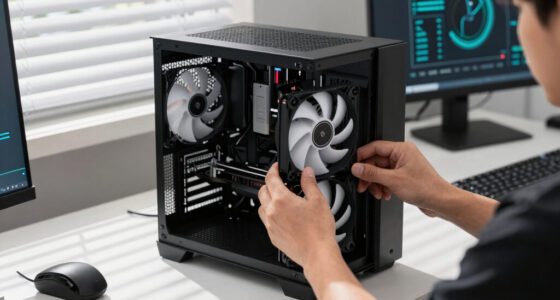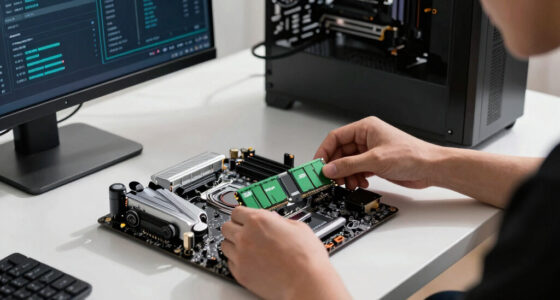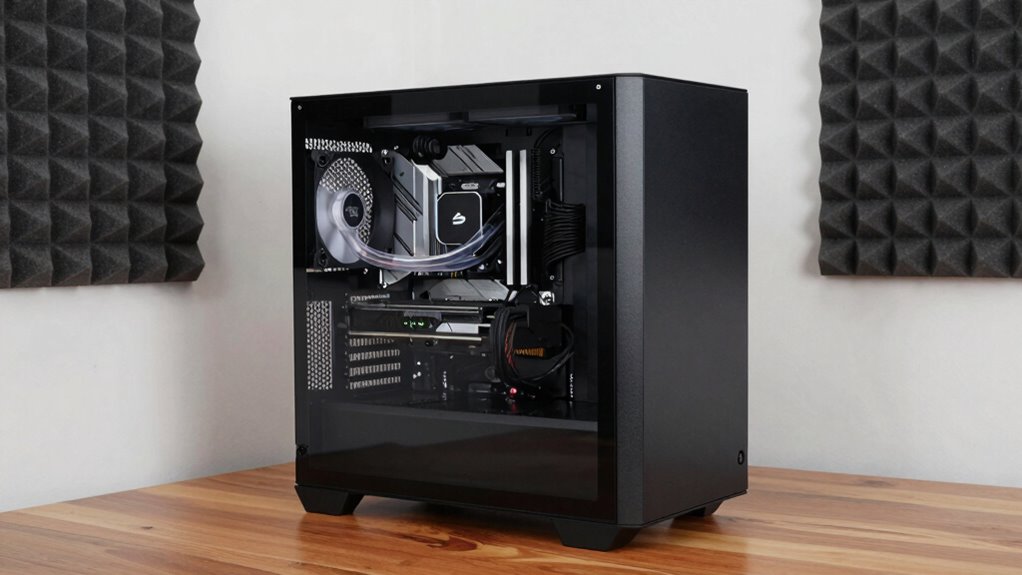

To build a quiet PC without sacrificing speed, choose high-quality, low-noise components like silent CPU coolers, vibration-dampened fans, and sound-dampening cases. Enhance airflow with well-placed intake and exhaust fans, and control fan speeds with software or controllers to reduce noise during light tasks. Regular maintenance and smart cable management prevent overheating and noise spikes. Striking the right balance between cooling and sound absorption ensures your system stays powerful and peaceful—continue to discover how to fine-tune your build for peak silence and performance.

Get the latest gadgets delivered free with Prime
- Fast, free delivery on millions of items
- Prime Video, Amazon Music and more included
- Member-only deals all year
Key Takeaways
- Choose high-quality, low-noise components like silent CPU coolers and sound-dampening cases to reduce overall noise.
- Implement dynamic fan control and optimize airflow to maintain cooling without high RPM noise.
- Use vibration dampening mounts for hard drives and fans to minimize mechanical noise.
- Regularly clean and maintain your system to prevent overheating and unnecessary fan speed increases.
- Balance performance with noise reduction by selecting low-noise components that meet your speed requirements.
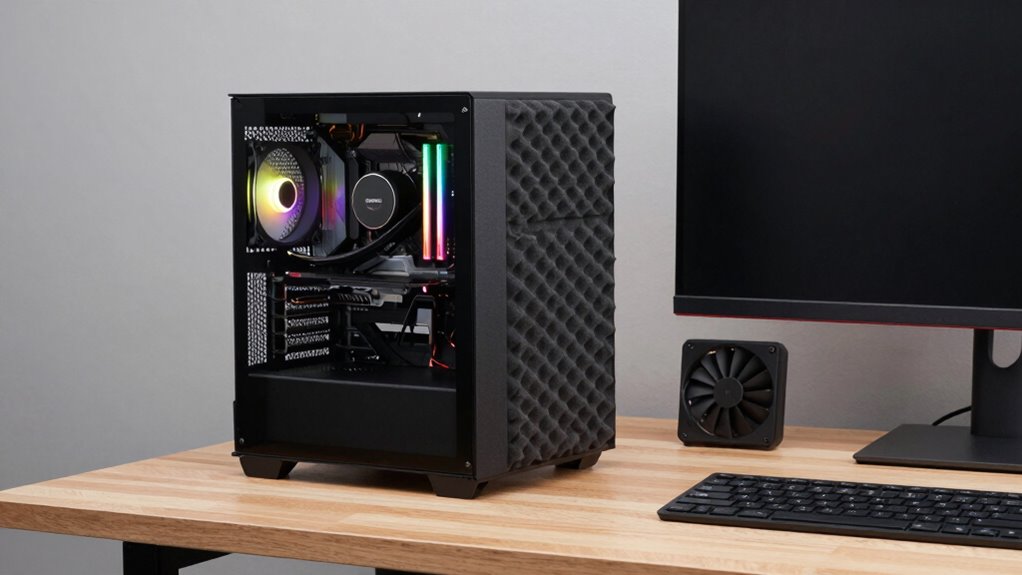
Building a quiet PC doesn’t mean you have to compromise on performance. In fact, with the right approach, you can enjoy a powerful system that operates smoothly and quietly at the same time. The key lies in effective silent cooling and implementing noise reduction techniques that minimize sound without sacrificing airflow or cooling efficiency. Start by choosing a high-quality CPU cooler designed for silent operation. These coolers use larger, slower-spinning fans and specialized heat sinks to dissipate heat efficiently, reducing the need for high RPMs that generate noise. Pair this with a case that supports good airflow but also has sound-dampening features, such as padded panels or acoustic foam, to absorb vibrations and airborne noise.
Choose silent CPU coolers and sound-dampening cases to build a powerful, quiet PC.
Next, focus on your case fans. Opt for models specifically made for quiet operation, which often come with low-noise bearings and adjustable speed controls. Installing fan controllers or using motherboard software allows you to fine-tune fan speeds based on temperature, ensuring they run only as fast as necessary. This approach prevents the fans from ramping up to noisy levels during light tasks, maintaining a peaceful environment. Also, consider the placement of these fans; positioning intake and exhaust fans strategically can optimize airflow while keeping noise levels low. Remember, good cable management inside the case reduces clutter, which can obstruct airflow and cause fans to work harder and noisier. Additionally, choosing quiet fan models with high-quality bearings can significantly contribute to reducing overall noise levels.
Power supply units (PSUs) with hybrid or semi-passive cooling modes are another prudent choice. These PSUs remain silent during low loads, spinning their fans only when needed. This feature markedly cuts down on noise during everyday use. Additionally, applying noise reduction techniques like vibration dampening pads under hard drives and fans can further diminish sound. It’s also helpful to isolate noisy components, such as HDDs or GPUs, by mounting them with rubber mounts or spacers. Incorporating smart home safety measures such as monitored airflow and temperature sensors can help you maintain an optimal environment and prevent overheating that causes increased fan noise. Moreover, selecting components with low-noise operation features can make a significant difference in overall system quietness. Moreover, efficient airflow management ensures that heat is effectively expelled without increasing fan speeds unnecessarily.
Finally, pay attention to overall system tuning. Regularly cleaning dust filters and heatsinks prevents overheating, which can cause fans to spin faster and louder. Using software to monitor temperatures keeps you informed and allows adjustments before noise levels become noticeable. By carefully selecting components, optimizing airflow, and applying noise reduction techniques, you can build a quiet PC that doesn’t sacrifice speed or performance. The secret is balancing cooling efficiency with sound dampening, ensuring your system remains powerful yet peaceful during all your computing tasks.
Products Worth Considering

Bose QuietComfort Wireless Noise-Cancelling Over-Ear Headphones, Black

DJI Osmo Mobile 8 3-Axis Gimbal Stabilizer for Phones

Apple Watch SE 3 GPS Smartwatch, 40mm
As an affiliate, we earn on qualifying purchases.
Frequently Asked Questions
What Are the Best Silent Cooling Solutions for High-Performance Components?
You should consider liquid cooling solutions like all-in-one (AIO) kits or custom loops for high-performance components, as they effectively reduce noise while maintaining ideal temperatures. Pair these with quality thermal paste to enhance heat transfer efficiency. Make sure your fans are slow-spinning but high-quality to minimize noise further. These silent cooling options keep your system quiet without sacrificing speed, allowing your high-performance parts to run smoothly and coolly.
How Do I Balance Airflow and Noise in My PC Build?
Think of your PC as a delicate dance, where airflow and noise must move in harmony. To balance both, start with vibration mitigation to reduce unwanted rattles, and choose a power supply with low noise levels. Optimize fan curves to deliver just enough airflow without excess. By fine-tuning these elements, you create a symphony of quiet operation and cool performance, letting your build breathe smoothly without the noise intruding.
Can I Upgrade My Existing PC to Be Quieter Without Replacing All Parts?
Yes, you can upgrade your existing PC to be quieter without replacing all parts. Start by adding vibration dampening materials to reduce chassis noise and secure loose components. Consider upgrading your power supply to a model with lower noise levels, as power supply noise can be noticeable. Additionally, replace stock fans with quieter, high-quality ones, and adjust fan curves in your system to balance cooling and noise effectively.
What Are the Most Effective Soundproofing Materials for PC Cases?
You’re hitting the nail on the head by looking for effective soundproofing materials. Soundproofing barriers, like mass-loaded vinyl, are excellent at blocking noise, while acoustic foams absorb sound waves to reduce echo and vibrations. Combine these for maximum quietness. Make sure to line your case interior with acoustic foam panels and add soundproofing barriers to the case panels. This approach creates a fortress of silence without sacrificing performance.
How Does Fan Speed Control Affect Noise and Performance?
Fan speed control, or fan modulation, directly impacts noise reduction and performance. When you adjust the fan speeds, lowering them during idle or light tasks, noise decreases considerably. Conversely, increasing fan speeds during heavy workloads ensures proper cooling without sacrificing performance. This balance allows you to maintain a quiet environment while keeping your system cool, making fan modulation essential for building a quiet, high-performing PC without sacrificing speed.
Conclusion
Building a quiet PC doesn’t mean you have to settle for less speed; with the right components and some thoughtful choices, you can have both. Think of it as wielding a lightsaber—powerful yet silent—cutting through the noise of traditional setups. Remember, patience and research are your best allies, much like a knight preparing for battle. So, take your time, choose wisely, and enjoy a peaceful yet lightning-fast computing experience.