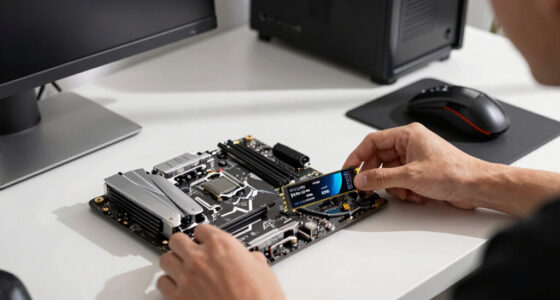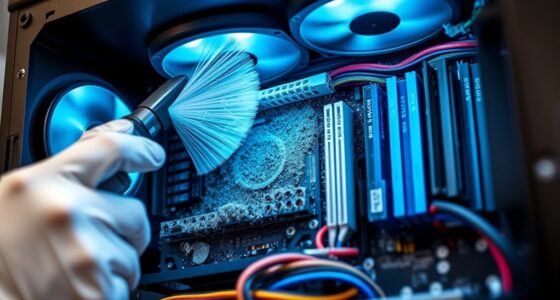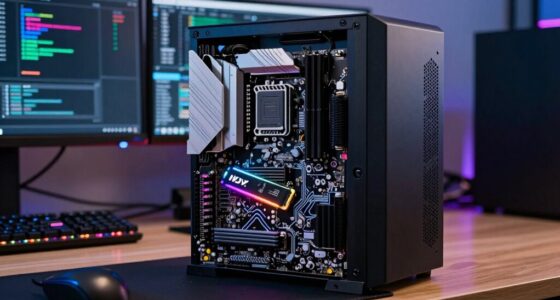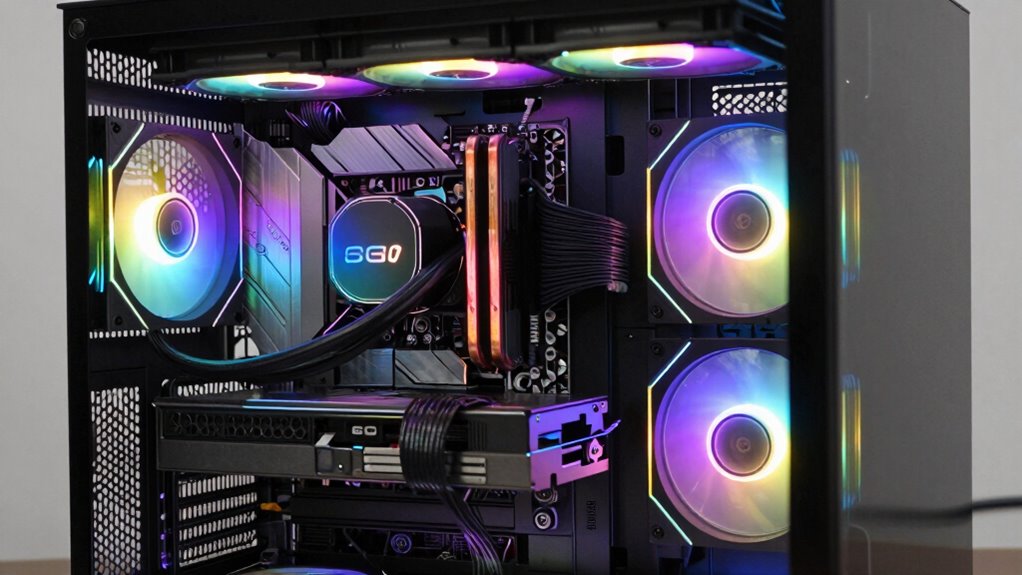

To balance noise, cooling, and performance, prioritize high-quality fans with variable speeds and set up effective airflow inside your case. Use software or aftermarket controllers to create smooth fan curves that ramp up during heavy workloads and stay quiet during light use. Manage cables for better airflow and consider sound-dampening features in your case. Continuously monitor temperatures and fine-tune your fan settings to keep things cool without noise. Keep exploring for more tips on optimizing your system.
Get ready for Prime Big Deal Days — try Prime free
Exclusive member deals on October 6–7, plus fast free delivery. Cancel anytime.
As an affiliate, we earn on qualifying purchases.
Key Takeaways
- Implement custom fan curves to adjust speeds based on temperature, balancing cooling efficiency and noise levels.
- Optimize airflow with proper case ventilation and cable management to reduce noise and improve thermal performance.
- Use sound-dampening cases and materials to minimize ambient noise without sacrificing cooling effectiveness.
- Regularly monitor system temperatures and adjust fan settings accordingly to prevent overheating and excessive noise.
- Select high-quality, PWM-controlled fans for smooth, gradual speed adjustments that maintain performance quietly.
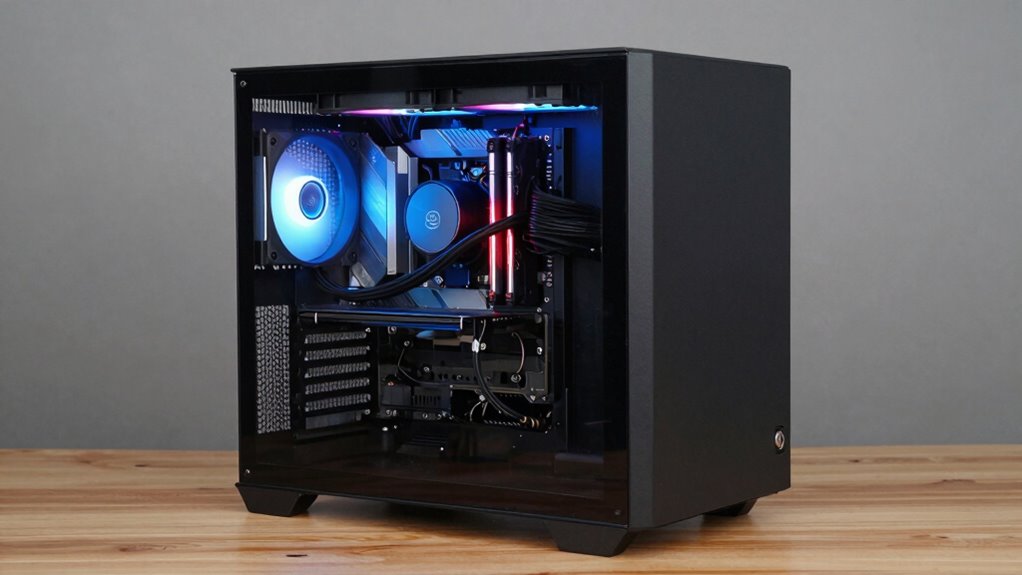
Balancing noise cooling and performance in a desktop PC can be challenging because achieving ideal cooling often means increasing fan speeds, which generates more noise. When you push your system to perform at its best, overclocking challenges arise—your CPU and GPU generate more heat, requiring more aggressive cooling. To keep temperatures in check without turning your PC into a noisy fan turbine, you need to focus on acoustic optimization. This means tuning your cooling setup so it delivers effective heat dissipation while minimizing the sound output.
Balancing cooling and noise requires careful tuning and component choices for optimal performance and quiet operation.
One key step is selecting the right cooling components. High-quality fans with variable speed controls or PWM (Pulse Width Modulation) capabilities allow you to adjust fan speeds based on system temperatures. When your workload is light, lower fan speeds keep noise levels down, but during intensive tasks, fans can ramp up to prevent overheating. Proper airflow is equally important. Arrange your intake and exhaust fans for a balanced airflow pattern, ensuring cool air enters and hot air exits efficiently. This prevents hotspots and reduces the need for fans to run at maximum speeds constantly.
Controlling fan speeds smartly is essential. Many motherboards come with software that lets you create custom fan curves, so fans accelerate smoothly as temperatures rise, rather than suddenly spinning at full blast. This gradual increase in fan speed improves acoustic optimization and keeps noise levels manageable. If your system supports it, consider aftermarket fan controllers or software solutions that fine-tune fan behavior more precisely, giving you the best balance between cooling performance and quiet operation. Additionally, choosing sound-dampening cases can further reduce noise levels and improve overall acoustic performance. Incorporating noise-reduction materials inside your case can also help absorb sound and further dampen vibrations.
Another aspect to consider is your case choice. A well-designed case with sound-dampening features can greatly cut down noise. Good cable management inside the case also improves airflow, reducing the need for fans to work harder. Effective thermal management** is essential when overclocking, as pushing hardware beyond its rated specifications adds to heat output, making careful thermal management and acoustic optimization even more essential. Additionally, exploring innovative cooling solutions can offer quieter yet effective ways to keep your hardware cool, especially for high-performance setups. When overclocking, monitor your system’s temperatures closely. Use reliable software tools to track CPU and GPU temperatures, so you know when to back off or tweak your fan curves. Furthermore, staying informed about emerging trends** in cooling technology can help you adopt innovative solutions that enhance both performance and acoustics. Remember, pushing hardware beyond its rated specifications adds to heat output, making careful thermal management and acoustic optimization even more essential.
Ultimately, balancing noise and cooling is about fine-tuning. You want your system to perform at high levels without drowning out your workspace in noise. By carefully selecting components, managing airflow, and customizing fan behavior, you can enjoy the best of both worlds—powerful performance with a quieter, more comfortable environment.
As an affiliate, we earn on qualifying purchases.
Frequently Asked Questions
Can Noise Reduction Negatively Affect Cooling Efficiency?
Yes, noise reduction can negatively affect cooling efficiency if not managed properly. When you implement vibration dampening or reduce fan speeds to lower noise, your system might not cool as effectively. To avoid this, you should optimize fan speed management, ensuring fans run at appropriate speeds for cooling while minimizing noise. Properly balancing these factors helps maintain performance without compromising noise levels or thermal safety.
What Are the Best Quiet Fans for High-Performance PCS?
Think of quiet fans as gentle giants, quietly pushing air without a roar. Look for fans with optimized blade design, like those with curved or wider blades, which move air efficiently while reducing noise. Vibration dampening features, such as rubber mounts or pads, prevent vibrations from amplifying sound. Brands like Noctua, be quiet!, and Corsair offer high-performance, quiet fans that blend cooling power with whisper-quiet operation for your high-performance PC.
How Does Case Design Impact Noise and Cooling?
Your case design directly impacts noise and cooling by affecting case airflow and material damping. A well-ventilated case with optimized airflow channels keeps components cool and reduces noise from fans. Additionally, choosing cases with sound-dampening materials minimizes vibrations and noise. Proper airflow prevents overheating, while damping materials absorb vibrations, striking a balance between quiet operation and effective cooling, ensuring your PC runs smoothly without excess noise.
Are Liquid Coolers Quieter Than Air Coolers?
Liquid coolers are generally quieter than air coolers, thanks to their efficient heat transfer and reduced fan speeds. You can enhance noise insulation by choosing models with quieter pumps and better sound dampening. Fan modulation also helps, allowing you to adjust fan speeds based on temperature, minimizing noise during light use. Overall, liquid coolers often provide a smoother, quieter operation, especially under load, compared to traditional air cooling solutions.
How Often Should I Clean My PC to Maintain Optimal Noise Levels?
You should clean your PC every three to six months to keep noise levels low. Dust buildup on fans and heatsinks causes them to work harder and generate more noise. Regular fan maintenance, like removing dust and ensuring fans spin freely, helps maintain ideal noise levels. If your PC runs louder than usual, it’s a sign it’s time for a thorough cleaning. Staying consistent ensures quieter, better performance.
As an affiliate, we earn on qualifying purchases.
Conclusion
Finding the right balance between noise cooling and performance is like tuning a musical instrument—you want each string to play in harmony. By choosing quiet fans, optimizing airflow, and adjusting fan speeds wisely, you can keep your PC cool without drowning out your workflow. Remember, it’s all about striking that perfect note where performance and silence coexist. Keep experimenting, and soon you’ll have a system that hums smoothly, like a well-conducted orchestra.
As an affiliate, we earn on qualifying purchases.
As an affiliate, we earn on qualifying purchases.
NFL season / tailgating Picks
team gear
As an affiliate, we earn on qualifying purchases.