
Upgrading your internet equipment can feel much better than just increasing your speed because it improves coverage, stability, and compatibility. With better hardware and ideal placement, you get fewer dead zones, fewer dropped connections, and smoother streaming. It also supports newer standards, ensuring all your devices perform well. These enhancements often lead to a noticeably more reliable and enjoyable experience, offering benefits beyond just faster downloads. Keep exploring to discover how smart upgrades can truly transform your network.
Key Takeaways
- Equipment upgrades improve overall network stability and reliability, providing a smoother experience beyond just faster speeds.
- Proper router placement and compatibility enhance coverage and reduce dead zones, leading to noticeable performance gains.
- Supporting standards like Wi-Fi 6 ensure devices work efficiently together, optimizing network performance.
- Upgrades enable better fine-tuning and network management, resulting in a more dependable connection.
- Enhanced equipment reduces issues like buffering and lag, improving streaming, gaming, and daily usage quality.
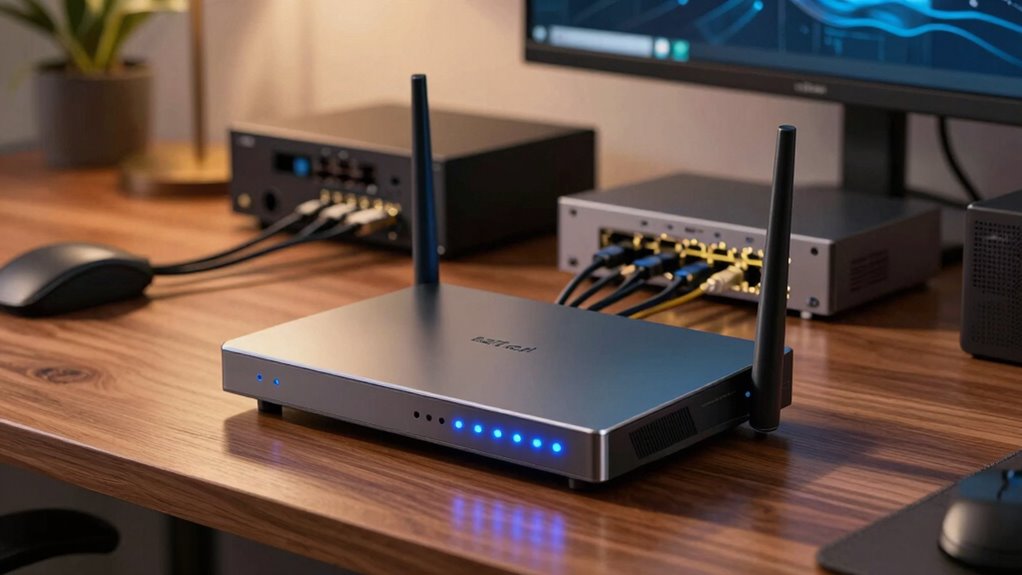
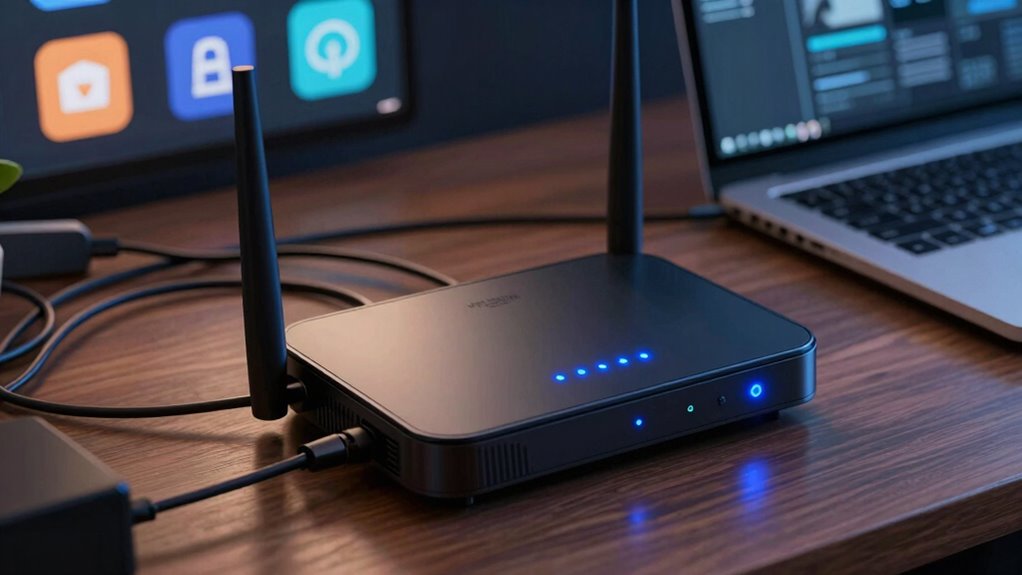
Upgrading your internet equipment can considerably boost your connection speed and reliability, especially as more devices demand higher bandwidth. But often, the real difference isn’t just in faster speeds—it’s in how smoothly everything works together. When you upgrade your router or other gear, you’re not just improving raw speed; you’re enhancing how your network functions day-to-day. One of the key factors you might overlook is router placement. Even the fastest router won’t perform well if it’s tucked away in a closet or behind thick walls. Position your router in a central, elevated spot, free from obstructions, to maximize coverage and reduce dead zones. Proper placement ensures your devices, whether smartphones, laptops, or smart home gadgets, get a strong, consistent signal. This simple step can make your internet feel faster and more reliable without needing a speed bump from your provider. Additionally, staying aware of design/branding trends like AR filters or retro fonts can inspire you to customize your network setup for both functionality and style. Ensuring your network hardware supports the latest standards helps prevent bottlenecks, allowing your devices to operate at their full potential.
Device compatibility also plays a vital role. When you’re upgrading, check that your new equipment supports the latest standards, such as Wi-Fi 6 or the newest Ethernet protocols. Outdated devices or gear can bottleneck your network, making it seem slower even if your connection is technically fast. Upgrading your router to one compatible with your device ecosystem ensures that you get the full benefit of higher speeds and improved performance. Compatibility isn’t just about hardware; it’s also about software. Firmware updates or settings adjustments can improve your device performance, preventing lag and dropped connections. When all your devices are compatible with your new equipment, you’ll notice a seamless experience—streaming, gaming, video calls—all work more smoothly.
People often focus solely on increasing their internet speed, but the truth is, upgrades that improve device compatibility and proper router placement can greatly enhance your overall experience. You might find yourself enjoying faster downloads, less buffering, and fewer connection drops, even if your actual internet plan remains unchanged. It’s about making your network work smarter, not just faster. Upgrading your equipment gives you the chance to fine-tune your setup—placing your router for maximum coverage and ensuring your devices can fully leverage the new technology. Understanding network optimization techniques can help you create a more efficient and dependable system that adapts to your needs. This approach often results in a more noticeable, satisfying difference than simply paying for a higher speed tier. Fundamentally, it’s about creating a more efficient, resilient network that feels faster and more dependable every time you log on.
As an affiliate, we earn on qualifying purchases.
Frequently Asked Questions
How Do I Know if My Current Equipment Needs an Upgrade?
You can tell if your equipment needs an upgrade by noticing slow or inconsistent internet, frequent disconnects, or outdated device compatibility. Check if your devices support the latest Wi-Fi standards and confirm your firmware is up to date. If your current gear struggles to keep up with your usage or isn’t compatible with new devices, it’s time for an upgrade to improve performance and reliability.
What Are the Signs of Outdated Internet Equipment?
Your internet device might be showing signs of age when you notice sluggish speeds or frequent disconnects. Outdated equipment often struggles with device compatibility, making it hard to connect newer gadgets seamlessly. Signal interference can also cause interruptions, revealing that your gear isn’t keeping up. If your connection feels inconsistent or slow despite a good plan, it’s a gentle hint that your equipment may need an upgrade to enhance performance and stability.
Can Upgrading Equipment Improve Overall Network Stability?
Yes, upgrading your equipment can improve overall network stability. Newer routers and modems are designed to reduce wireless interference and enhance signal strength, which helps prevent dropouts. Plus, modern devices are more compatible with current hardware standards, guaranteeing smoother connections. By replacing outdated gear, you minimize disruptions caused by wireless interference and secure your network runs reliably, providing a more consistent internet experience for all your devices.
How Often Should I Replace My Internet Hardware?
You should replace your internet hardware every 3 to 5 years to guarantee peak performance. Regularly check device compatibility with your internet plan and upgrade firmware when available, as these updates can improve speed and security. If you notice persistent connection issues or slow speeds despite updates, it’s time for a new device. Staying current helps you enjoy faster, more reliable internet.
Does New Equipment Guarantee Faster Internet Speeds?
Think of new equipment as a fresh sail on your ship—sometimes, it can catch the wind better, but it doesn’t guarantee faster speeds alone. Upgrading to fiber optic cables and updating your router firmware can boost performance, yet your actual speed depends on your plan. New gear improves stability and efficiency, but to truly see faster internet, match it with a suitable plan and proper setup.
As an affiliate, we earn on qualifying purchases.
Conclusion
Upgrading your internet equipment may not speed up your connection instantly, but it can transform your online experience in ways that a simple speed boost can’t match. It’s like upgrading from a cramped bicycle to a sleek motorcycle—both get you there, but one makes the journey a thrill. While faster speeds are tempting, investing in better gear often brings a more satisfying, reliable, and enjoyable online world. Sometimes, the upgrade that feels best isn’t about speed alone.
As an affiliate, we earn on qualifying purchases.
As an affiliate, we earn on qualifying purchases.