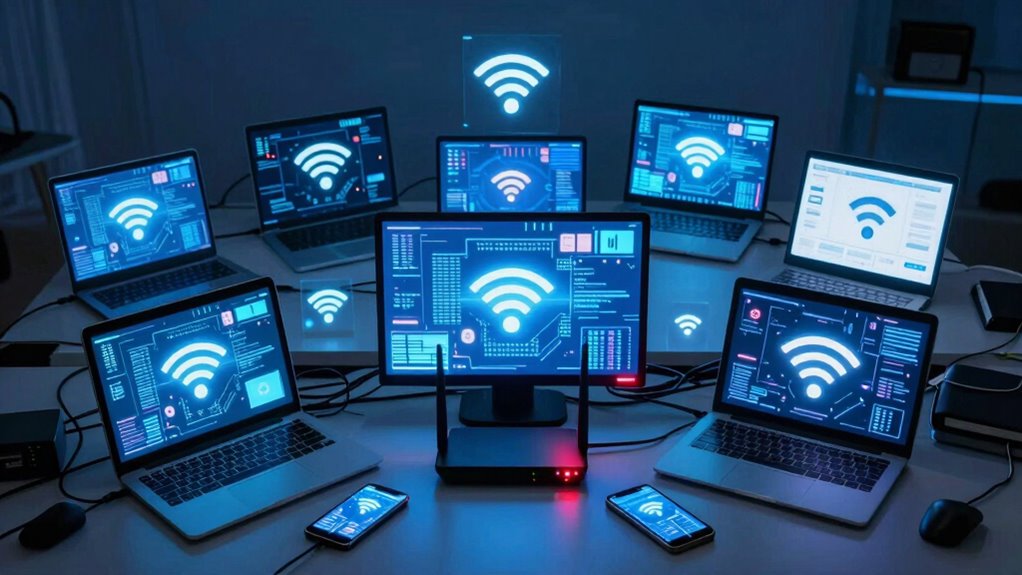

When too many devices share your network, your internet slows down, causing buffering, delays, and connection drops. High-bandwidth activities like streaming or video calls become unreliable, and your devices struggle to keep up. The network becomes overwhelmed, leading to poor performance and occasional disconnections. Managing device usage and optimizing your setup can improve things. If you want to understand how to prevent these issues and boost your network’s efficiency, there’s more to discover.

Get the latest gadgets delivered free with Prime
- Fast, free delivery on millions of items
- Prime Video, Amazon Music and more included
- Member-only deals all year
Key Takeaways
- Network congestion causes slower speeds and increased buffering for all connected devices.
- High device count can lead to dropped connections or inconsistent internet access.
- Bandwidth sharing decreases overall quality, affecting activities like streaming and video calls.
- Multiple devices competing for bandwidth may result in delays and reduced performance.
- Proper management and upgrades can help prevent overloads and improve network reliability.
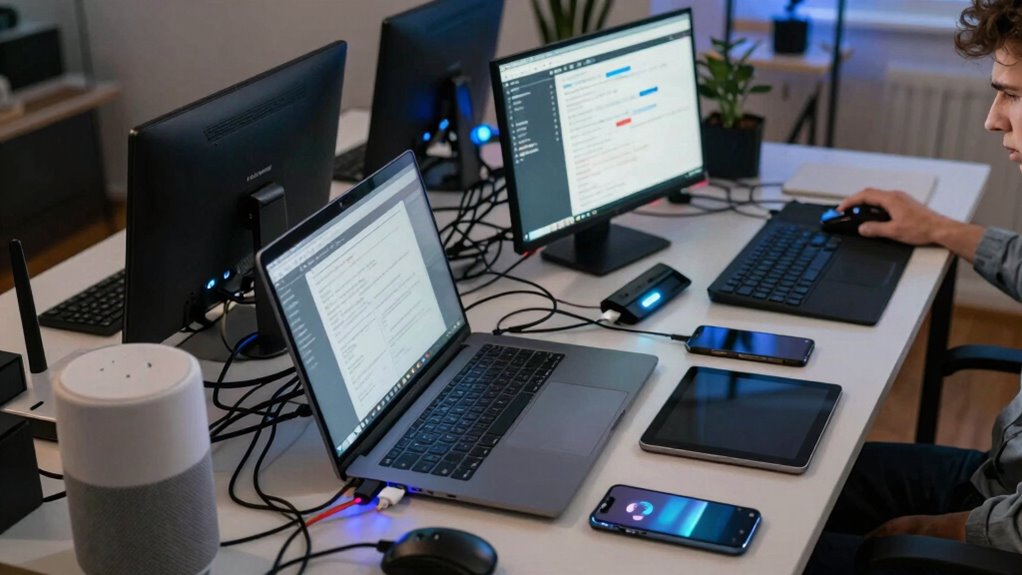
If you’re trying to stream a movie while someone else is gaming or downloading large files, you’ll likely experience buffering, delays, or interrupted connections. This is because the network can’t handle all the simultaneous data transfers efficiently. As congestion worsens, even simple tasks like checking your email or browsing websites can become sluggish. You might notice your device struggling to keep up, showing that the network is overwhelmed. This bottleneck is especially common in crowded households or offices with many connected devices, including smartphones, tablets, smart home gadgets, and computers.
The more devices sharing the same network, the more your overall device bandwidth is split, which diminishes the quality of your online experience. High-bandwidth activities, like video conferencing or streaming high-definition videos, are particularly vulnerable to slowdowns. When network congestion peaks, some devices may even drop from the network temporarily or experience inconsistent connectivity. This can be frustrating, especially if you’re in the middle of an important video call or trying to finish a work project. Properly managing your network, such as optimizing your router placement and enabling device prioritization, can help alleviate some of these issues.
To mitigate these issues, it’s essential to understand the limits of your network setup. Upgrading your router or internet plan can provide higher bandwidth, accommodating more devices without sacrificing speed. Additionally, managing your network by prioritizing critical devices or activities helps ensure that essential tasks get the bandwidth they need. For example, setting up Quality of Service (QoS) rules can prioritize video calls over casual browsing. Regularly monitoring your network’s activity can also reveal which devices consume the most bandwidth, helping you make smarter decisions about device usage or upgrades.
In the end, sharing your network smartly makes all your connected devices work better together. But be mindful of the number of devices, because once you hit the point of network congestion, your internet experience will suffer. Balancing device usage and possibly upgrading your network infrastructure ensures everyone stays connected without frustrating slowdowns. Additionally, understanding network congestion and how it impacts device performance can help you better optimize your setup for smoother connectivity.
As an affiliate, we earn on qualifying purchases.
Frequently Asked Questions
How Can I Tell if My Network Is Overwhelmed?
You can tell your network is overwhelmed if your internet seems slow, streaming buffers constantly, or devices disconnect frequently. To confirm, check your bandwidth management settings—if your bandwidth usage is maxed out, that’s a clear sign. Implement device segmentation to isolate high-traffic devices, which helps ease congestion. Monitoring your network’s performance regularly will reveal if too many devices are causing overloads, allowing you to adjust accordingly for smoother connectivity.
What Are the Signs of Network Congestion?
You’ll notice signs of network congestion like slow loading pages, buffering videos, or dropped connections. Bandwidth management becomes difficult, causing delays in data transfer. Devices may struggle to connect or experience lag, especially during peak usage times. To fix this, try isolating devices to reduce load, prioritize critical traffic, and manage your network’s bandwidth effectively. These steps help improve overall performance and prevent congestion from impacting your internet experience.
Can Device Sharing Cause Security Vulnerabilities?
Yes, sharing devices on the same network can cause security vulnerabilities. When devices aren’t properly isolated through device isolation or network segmentation, hackers can potentially access sensitive data or control other devices. To prevent this, you should segment your network, creating separate zones for different device types, and implement device isolation measures. This way, even if one device gets compromised, the rest stay protected from threats.
How Do I Prioritize Devices on My Network?
Imagine your network as a busy highway, with devices as cars vying for space. To keep traffic flowing smoothly, you prioritize devices through quality control and bandwidth management. Use your router’s settings or a dedicated app to assign priority to essential devices like work computers or streaming gadgets. This way, critical tasks get the bandwidth they need, preventing lag and ensuring your network runs efficiently amid the digital rush.
What Equipment Can Improve Network Performance?
To improve network performance, you should consider router upgrades to enhance speed and capacity, ensuring your network can handle multiple devices efficiently. Adding Wi-Fi extenders can also boost coverage, reducing dead zones and maintaining strong signals throughout your space. These upgrades help manage increased device traffic, prevent bottlenecks, and create a smoother online experience for everyone on your network.
mesh Wi-Fi system for large homes
As an affiliate, we earn on qualifying purchases.
As an affiliate, we earn on qualifying purchases.
Conclusion
Just like a crowded highway, too many devices on your network can cause traffic jams and slowdowns, turning smooth streaming into a frustrating crawl. When everyone’s online at once, your connection struggles to keep pace, echoing the chaos of a busy city intersection. To keep things flowing freely, manage your devices wisely—think of it as directing traffic, ensuring your network runs smoothly and everyone gets their turn without delay.
As an affiliate, we earn on qualifying purchases.
As an affiliate, we earn on qualifying purchases.
Halloween Picks
halloween
As an affiliate, we earn on qualifying purchases.