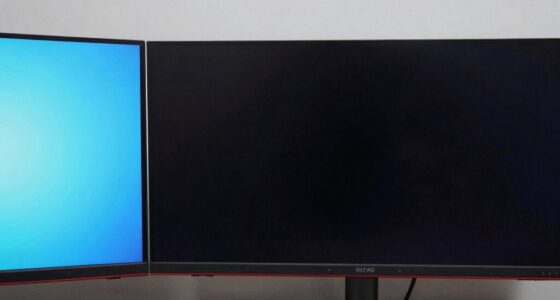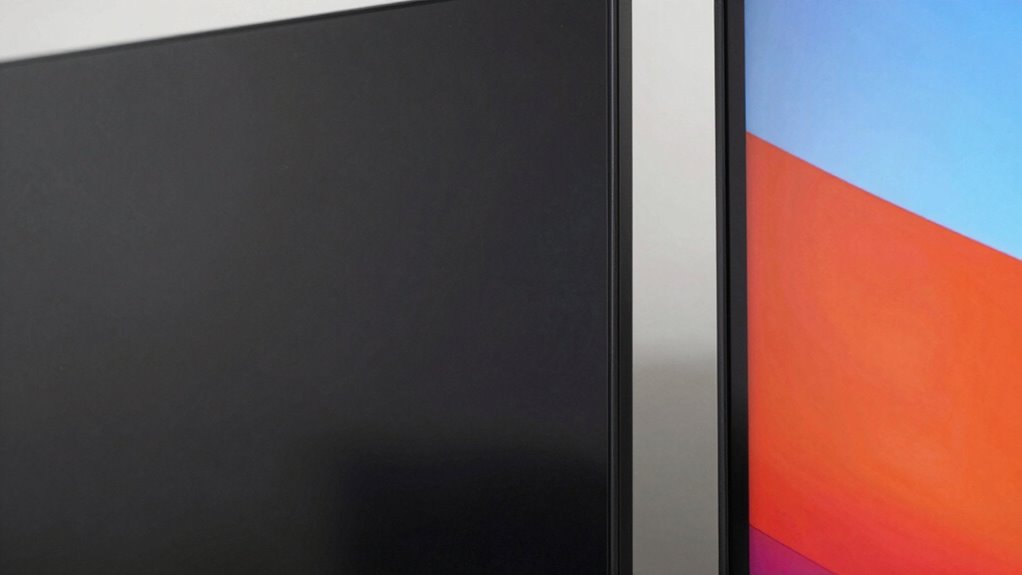

TV panels and monitor panels feel different because they’re built for different purposes. Monitors focus on sharpness, color accuracy, and minimal glare, so they have a matte, smooth surface that feels less reflective. TVs prioritize vibrant images and motion clarity, so they usually have a glossy, more reflective finish. These surface choices reflect their design goals and manufacturing techniques. To discover more about how these differences impact their performance and feel, keep exploring.
Key Takeaways
- Monitors typically have matte finishes to reduce glare, while TVs often feature glossy surfaces for enhanced vibrancy.
- Monitors prioritize tactile smoothness and close-up clarity, contrasting with the reflective, more immersed feel of TV panels.
- Different manufacturing materials and processes influence the tactile texture and durability of each panel type.
- The surface finish differences stem from design goals: precision and detail for monitors versus vividness and contrast for TVs.
- Technological features like calibration tools in monitors and contrast enhancement in TVs also impact their tactile and visual feel.

Although TV panels and monitor panels may look similar, they often feel quite different when you touch them. This difference stems from their distinct design purposes and the technologies used in each. When you handle a monitor, you’ll notice it’s typically designed for precision and sharpness. Monitors prioritize color accuracy, ensuring that every hue is reproduced faithfully, which is why many high-end models feature advanced calibration options. These panels are engineered to display detailed images with minimal color distortion, making them ideal for tasks like photo editing or graphic design. As a result, they often have a smooth, matte finish that reduces glare and enhances clarity during close-up viewing. Additionally, the choice of calibration tools and settings influences the overall color fidelity, further distinguishing monitors from TVs. The use of dedicated calibration tools in high-quality monitors underscores their focus on accuracy.
Monitor panels are designed for precision, featuring matte finishes and high color accuracy for detailed, faithful visuals.
In contrast, TV panels are optimized for immersive viewing experiences over larger screens. They tend to focus on delivering vibrant, eye-catching images capable of filling a room. To accomplish this, TV panels often incorporate technologies that boost color vibrancy and contrast, sometimes at the expense of perfect color accuracy. When you touch a TV panel, you might notice a glossier surface that enhances the vividness of the picture but can be more reflective, which isn’t ideal for close-up viewing. Additionally, TV panels are designed to work with higher refresh rates, typically 60Hz or higher, to ensure smooth motion during fast-paced scenes in movies or sports. This emphasis on refresh rates helps prevent motion blur, making action look fluid and natural. The manufacturing processes of each panel type also contribute to their distinct tactile qualities, as different materials are used to achieve the desired visual and functional effects. Moreover, the material properties used in manufacturing influence not only the tactile feel but also the durability and longevity of each type of panel.
Furthermore, the materials used in manufacturing influence the tactile feel and durability of the panels. Ultimately, the contrasting design goals—precision and accuracy for monitors versus vivid, immersive visuals for TVs—explain why they feel so different. When you handle each, you’re experiencing the result of these technological priorities. Monitors aim for detail and fidelity, reflected in their smooth, matte surfaces and high refresh rates. TVs focus on vibrancy and motion clarity, often with glossier surfaces and higher refresh rates for fast action. These distinctions shape your tactile experience, making each feel uniquely suited to its purpose.
As an affiliate, we earn on qualifying purchases.
Frequently Asked Questions
How Do Panel Materials Affect Display Quality?
Panel materials directly impact display quality by influencing durability and image clarity. High-quality materials enhance panel durability, preventing damage and maintaining performance over time. Manufacturing processes that select premium materials guarantee better color accuracy, contrast, and brightness. When you choose panels made with advanced materials, you’re getting a display that not only looks better but lasts longer, providing a more consistent and enjoyable viewing or working experience.
Why Do Some Panels Have Better Color Accuracy?
Some panels have better color accuracy because of precise color calibration during manufacturing, ensuring colors are true to life. Additionally, panels with wider viewing angles maintain consistent color and contrast from different positions, enhancing overall accuracy. You’ll notice these differences especially when viewing content from various angles or comparing devices, which makes calibrated panels with wider viewing angles stand out for delivering more accurate, vibrant colors.
What Role Does Refresh Rate Play in Panel Feel?
A higher refresh rate makes panels feel smoother, especially during fast-paced scenes. When you enable features like frame interpolation or motion blur reduction, a faster refresh rate enhances clarity, reducing ghosting and judder. You notice the difference in how fluid motion appears, whether gaming or watching sports. Fundamentally, a higher refresh rate creates a more responsive, seamless experience, making your viewing feel more natural and engaging.
How Does Screen Size Influence User Experience?
Screen size greatly influences your user experience by affecting your viewing distance and how ambient lighting impacts the display. Larger screens require you to sit farther back for comfortable viewing, reducing eye strain, while smaller screens allow closer proximity. Ambient lighting can cause glare or reflections on bigger screens, so adjusting your environment enhances clarity. Ultimately, selecting the right size guarantees a balanced, enjoyable viewing or working experience tailored to your space.
Are There Health Differences Between TV and Monitor Panels?
Yes, there are health differences between TV and monitor panels. Monitors often cause more eye strain because they emit higher levels of blue light, which can lead to discomfort and disrupted sleep. TVs generally have larger screens and better refresh rates, reducing eye fatigue. However, using blue light filters and taking regular breaks can help minimize eye strain, regardless of whether you’re using a TV or monitor.
As an affiliate, we earn on qualifying purchases.
Conclusion
So, now you see why TV panels and monitor panels feel worlds apart—it’s like comparing a gentle breeze to a roaring storm. Each panel is crafted for its unique purpose, making your experience feel tailor-made, whether you’re binge-watching or gaming. Once you understand these differences, you’ll appreciate why your devices feel so distinct. It’s almost like each panel has a personality—ready to surprise you every time. Immerse yourself and enjoy the tech magic!
As an affiliate, we earn on qualifying purchases.
As an affiliate, we earn on qualifying purchases.