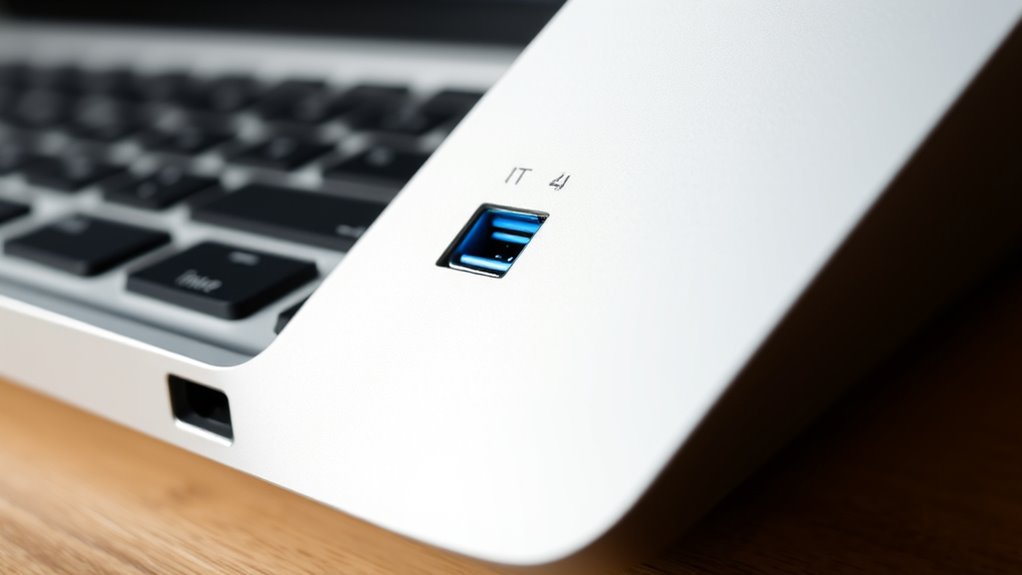

Although Thunderbolt 4 and USB-C ports look alike physically, they differ in performance and capabilities. Thunderbolt 4 offers faster data transfer speeds up to 40 Gbps, supports daisy chaining devices, and supplies up to 100W of power, making it ideal for high-end tasks. USB-C is more versatile but depends on the supported standard; it usually offers lower speeds and variable power. Keep exploring to understand how these differences impact your device choices.

Get the latest gadgets delivered free with Prime
- Fast, free delivery on millions of items
- Prime Video, Amazon Music and more included
- Member-only deals all year
Key Takeaways
- Thunderbolt 4 supports up to 40 Gbps data transfer, while USB-C varies from 5 Gbps to 20 Gbps depending on standards.
- Both ports use the same physical connector, but Thunderbolt 4 offers more consistent high-speed and power features.
- Thunderbolt 4 can deliver up to 100W of power, suitable for charging laptops, whereas USB-C’s power varies based on device and cable.
- Thunderbolt 4 supports daisy chaining up to six devices, unlike most USB-C implementations.
- Thunderbolt 4 provides broad compatibility and future-proofing, combining high performance with versatile connectivity.

When choosing between Thunderbolt 4 and USB-C, understanding their differences is vital, as both ports look similar but serve different purposes. While they share the same physical connector, their core capabilities distinguish them markedly. One key aspect to consider is power delivery. Thunderbolt 4 supports up to 100W of power transfer, allowing you to charge laptops, tablets, and other devices efficiently through a single cable. USB-C also offers power delivery, but its maximum varies depending on the device and cable quality, typically ranging from 15W to 100W. This means that with Thunderbolt 4, you’re more assured of consistent, higher power transfer, which is essential if you want fast charging alongside data and video transfer.
Data transfer rates are another critical factor. Thunderbolt 4 boasts blazing-fast speeds of up to 40 Gbps, enabling you to transfer large files, such as 4K videos or extensive datasets, in seconds. This high data rate is particularly beneficial for professionals working with multimedia, 3D rendering, or large backups. USB-C’s data transfer rates are more variable, depending on the specific standard it supports—such as USB 3.1 or USB 3.2—ranging from 5 Gbps to 20 Gbps. While these speeds are sufficient for everyday tasks like transferring photos or documents, they fall short of Thunderbolt 4’s capabilities for high-bandwidth activities.
Beyond raw speed and power, Thunderbolt 4 offers additional features that set it apart. It supports daisy chaining multiple devices—up to six—through a single port, reducing clutter and increasing flexibility. Thunderbolt 4 also guarantees compatibility with previous Thunderbolt versions and USB standards, making it a versatile choice for future-proofing your setup. USB-C, on the other hand, is more of a universal connector that can support a range of standards, but it doesn’t inherently guarantee the high transfer speeds or power delivery that Thunderbolt 4 provides unless it’s specifically certified for those standards. Additionally, color accuracy in projectors can influence the quality of your visual experience, especially in home cinema setups.
Thunderbolt 4 external hard drive
As an affiliate, we earn on qualifying purchases.
As an affiliate, we earn on qualifying purchases.
Frequently Asked Questions
Can I Use Thunderbolt 4 Devices With USB-C Ports?
Yes, you can use Thunderbolt 4 devices with USB-C ports because of their compatibility and port versatility. Thunderbolt 4 ports are backward compatible with USB-C devices, allowing you to connect external displays, drives, and accessories seamlessly. Just guarantee your device supports Thunderbolt 4 or USB-C, and use the appropriate cables. This flexibility makes it easy to expand your setup without needing special adapters or multiple ports.
Is Thunderbolt 4 Compatible With Older USB Standards?
Yes, Thunderbolt 4 is compatible with older USB standards through legacy compatibility. You can connect your Thunderbolt 4 device to USB-C ports supporting earlier USB protocols, but note the protocol differences. While Thunderbolt 4 offers faster speeds and advanced features, it can adapt to USB-C connections, ensuring you still use your existing USB devices. Just remember, some features may be limited when using legacy USB ports.
Do All USB-C Cables Support Thunderbolt 4 Speeds?
Not all USB-C cables support Thunderbolt 4 speeds. Cable compatibility determines whether you get the full Thunderbolt 4 performance, including data transfer rates up to 40Gbps. Many USB-C cables have speed limitations and are only designed for lower data transfer or charging. To enjoy Thunderbolt 4 speeds, you need a certified cable specifically marked for Thunderbolt 4, ensuring you avoid compatibility issues and maximize your device’s capabilities.
What Are the Security Features of Thunderbolt 4?
You benefit from enhanced security features with Thunderbolt 4, including data transfer protection and device compatibility. It uses DMA protection to prevent unauthorized access during data transfer, guaranteeing your data stays secure. Additionally, Thunderbolt 4 requires strict authentication, which safeguards against malicious devices. These features make your data transfer safer and ensure that only compatible, trusted devices connect, giving you peace of mind during your connections.
Are Thunderbolt 4 Ports More Future-Proof Than USB-C?
Yes, Thunderbolt 4 ports are more future-proof than USB-C because they support higher data transfer speeds, daisy-chaining multiple devices, and compatibility with upcoming standards. You won’t need to fret much about compatibility concerns, as Thunderbolt 4 works seamlessly with USB-C devices and offers robust security features. Investing in Thunderbolt 4 guarantees your setup stays relevant longer, making it a smart choice for future-proofing your technology.
As an affiliate, we earn on qualifying purchases.
Conclusion
Think of Thunderbolt 4 and USB-C as two different roads leading to the same destination. Thunderbolt 4 is like the superhighway—faster, more powerful, and ready for demanding tasks. USB-C is the scenic route—versatile, widely compatible, but a bit slower. Depending on your journey’s needs, you can choose the smooth, high-speed express or the reliable, all-around connector. Either way, both roads will get you where you want to go.
As an affiliate, we earn on qualifying purchases.
As an affiliate, we earn on qualifying purchases.
Halloween Picks
halloween
As an affiliate, we earn on qualifying purchases.