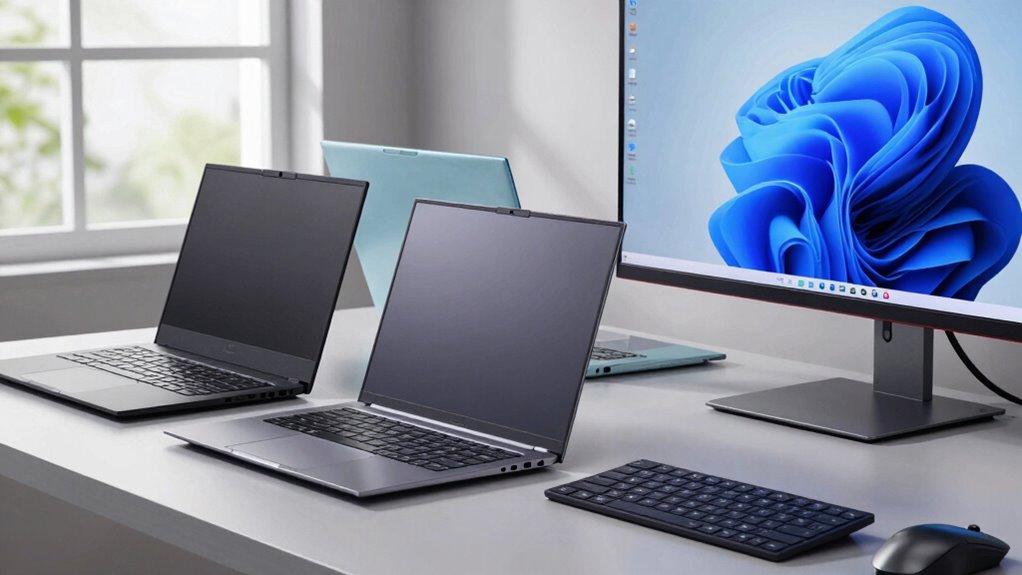

If you’re looking for Windows laptops that can rival a MacBook, you’ll find great options like the Dell XPS 13, HP Spectre x360, Lenovo ThinkPad X1 Carbon, and ASUS ZenBook series. These devices offer impressive battery life, durable build materials, and powerful performance—all with a sleek design. Many now match or beat MacBooks in key areas. To discover the best choice for your needs and preferences, keep exploring the features and options available.

Get the latest gadgets delivered free — and shop member deals
- Fast, free delivery on millions of items
- Access to Prime Big Deal Days deals on October 6–7
- Prime Video, Amazon Music and more included
Key Takeaways
- Many Windows laptops, like Dell XPS 13 and HP Spectre x360, offer comparable battery life and performance.
- Windows devices frequently utilize durable materials such as magnesium, carbon fiber, and aluminum for enhanced build quality.
- Modern Windows laptops match or surpass MacBooks in design, aesthetics, and craftsmanship with sleek, premium finishes.
- Price and ecosystem compatibility are crucial factors, with many Windows options providing better value and flexibility.
- Overall, high-end Windows laptops can be excellent alternatives, balancing performance, durability, and style for diverse user needs.
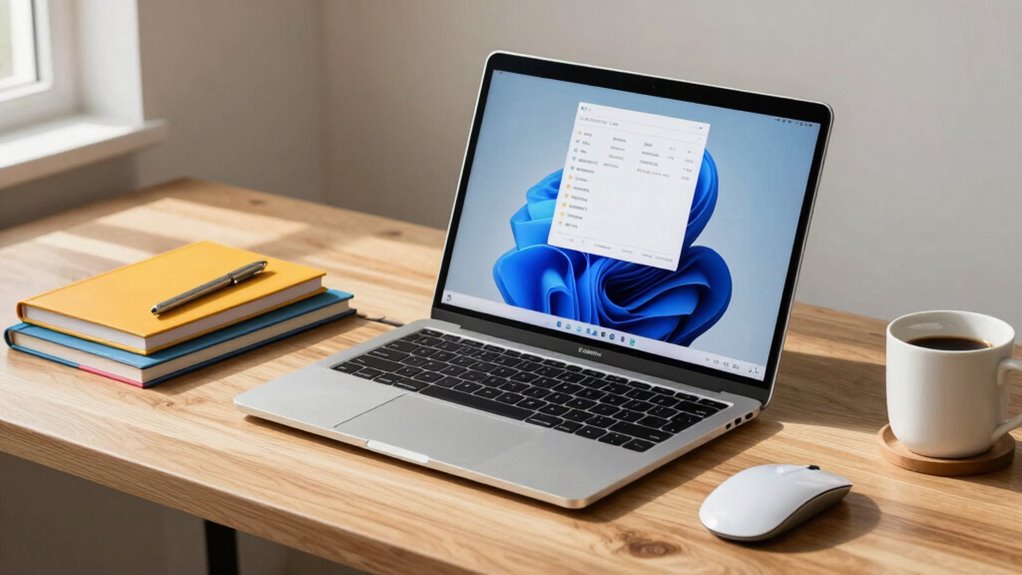
Are you considering a MacBook but wondering if there are better options out there? If you’re looking for a Windows laptop that can match or even surpass the MacBook’s sleek design and performance, it’s worth exploring some key factors. Battery life and build quality are two major considerations, especially if you need a device that can keep up with your busy schedule. While MacBooks are praised for their impressive battery longevity and sturdy construction, many Windows alternatives now offer competitive features that might suit your needs better.
When it comes to battery life, Apple’s MacBooks are often ahead, thanks to optimized hardware and software integration. But some high-end Windows laptops have closed this gap significantly. Devices like the Dell XPS 13 or the HP Spectre x360 are known for their excellent battery performance, often lasting a full workday on a single charge. These laptops use efficient processors and power management systems that help extend usage time, making them suitable for travel or long work sessions without constantly hunting for an outlet. Comparing real-world battery life, these Windows machines can sometimes outperform MacBooks, especially under intensive tasks, giving you more flexibility and fewer interruptions. Additionally, advancements in power efficiency have further contributed to these improvements, aligning Windows devices more closely with MacBook standards.
Build quality is another critical aspect where MacBooks shine, thanks to their unibody aluminum chassis and meticulous craftsmanship. However, top-tier Windows laptops have adopted similar premium materials and construction techniques. The Lenovo ThinkPad X1 Carbon, for example, features a durable magnesium and carbon fiber frame that’s both lightweight and robust. The ASUS ZenBook series also offers sleek, aluminum bodies that feel sturdy and premium in your hands. When evaluating build quality, consider the materials used, the rigidity of the chassis, and the overall design. Moreover, many Windows laptops incorporate advanced manufacturing processes that enhance durability and aesthetic appeal, making them comparable to MacBooks in both form and function. When considering all these factors, many Windows laptops now match MacBooks not just in appearance but in how they’re assembled, ensuring longevity and a premium feel.
Ultimately, if you’re exploring Windows options as alternatives to MacBooks, it’s essential to balance these factors with your specific needs. While MacBooks excel in battery life and build quality, many Windows machines have made significant strides, often providing comparable or superior performance in these areas. You’ll want to look at the overall package—performance, design, price, and ecosystem compatibility—to make the best choice. With the right research, you can find a Windows laptop that offers the same sleekness, durability, and battery longevity as a MacBook, but with the flexibility and features that Windows provides.
As an affiliate, we earn on qualifying purchases.
Frequently Asked Questions
Are Windows Laptops Compatible With Mac-Specific Software?
Windows laptops generally aren’t compatible with Mac-specific software due to different operating systems. However, you can use cross-platform solutions like virtual machines or compatibility layers to run some Mac programs on Windows. Keep in mind, software compatibility varies, and not all applications will work seamlessly. If you rely heavily on Mac-exclusive software, consider using dual-boot setups or cloud-based alternatives to guarantee smooth functionality on your Windows device.
How Do Windows Laptops Compare in Build Quality to Macbooks?
You might worry that Windows laptops lack the build durability and sleek design aesthetics of MacBooks, but many models now rival Apple’s standards. High-end Windows laptops often feature sturdy materials like aluminum or magnesium, ensuring durability. Plus, they come in stylish, modern designs that appeal visually. While there can be variability, top-tier Windows laptops can match or even surpass MacBooks in both build quality and aesthetic appeal, giving you a reliable and attractive device.
Can Windows Laptops Run macOS or Emulate Mac Environments?
Windows laptops can’t natively run macOS, but you can use virtual machine compatibility or hardware emulation to simulate a Mac environment. Virtual machines like VMware or VirtualBox allow you to install macOS on compatible hardware, though it’s often complex and may violate Apple’s licensing. Hardware emulation mimics Mac hardware, but it’s technically challenging and less reliable. Overall, running macOS on Windows laptops isn’t straightforward or officially supported.
What Is the Average Lifespan of a Windows Laptop?
You can expect a Windows laptop to last around 3 to 5 years, depending on usage and maintenance. During this time, its battery life may decline, and hardware durability could decrease with regular wear and tear. To extend its lifespan, you should keep the software updated, avoid extreme temperatures, and handle it carefully. Investing in a quality model can also help maximize its longevity and performance over the years.
Are Windows Laptops Easier to Upgrade Than Macbooks?
Yes, Windows laptops are generally easier to upgrade than MacBooks. They often feature more accessible hardware, allowing you to customize and upgrade components like RAM, storage, or even the graphics card with less effort. Their design prioritizes hardware customization, making upgrade difficulty lower. In contrast, MacBooks tend to have soldered components and sealed cases, which limit upgrades and increase difficulty.
As an affiliate, we earn on qualifying purchases.
Conclusion
When you’re searching for a Windows laptop to match the elegance of a MacBook, remember there’s a world of options waiting. Whether you prefer sleek ultrabooks or powerful workhorses, you can find something that fits your style and needs. Picture yourself on a sunny day, laptop in hand, ready to conquer your tasks—no need to settle for yesterday’s tech. Like a trusty steed from the age of chivalry, the perfect Windows machine can be your loyal companion.
As an affiliate, we earn on qualifying purchases.
As an affiliate, we earn on qualifying purchases.
Fall Picks
fall essentials
As an affiliate, we earn on qualifying purchases.