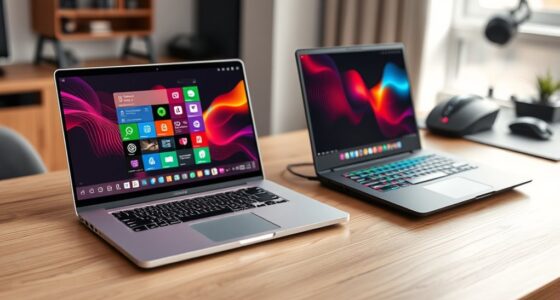
Choosing between a MacBook and a Windows laptop depends on your needs and budget. If you want a sleek design, seamless ecosystem, and prefer user-friendly macOS, a MacBook could be ideal. But if you need flexibility, more ports, or support for gaming and custom software, a Windows laptop offers more options and upgradability. Consider your priorities—more details can help you find the perfect fit for you.
Key Takeaways
- Choose a MacBook for seamless Apple ecosystem integration, premium build quality, and reliable security features.
- Opt for a Windows laptop for greater hardware customization, wider port options, and compatibility with diverse software and gaming.
- Consider your budget: MacBooks are costlier but offer better resale value; Windows laptops range from budget to premium options.
- Evaluate your usage needs: Touchscreen and flexible configurations favor Windows, while macOS suits users valuing simplicity and creative workflows.
- Assess support preferences: MacBooks provide in-store Apple support; Windows devices vary by manufacturer but offer broader repair options.
Design and Build Quality

When comparing MacBooks and Windows laptops, the design and build quality often stand out as key differentiators. MacBooks are known for their sleek, minimalist aluminum chassis, giving them a premium feel. Most Windows laptops offer a wider variety of designs, including models with touchscreen capability, which can enhance versatility and user interaction. When it comes to gaming performance, build quality matters because sturdier frames can better support powerful components and cooling systems. Touchscreens on Windows devices also improve gaming experiences by enabling more intuitive controls and seamless navigation. Overall, if you prioritize premium construction and innovative features like touchscreens, Windows laptops might appeal more. However, if you prefer a streamlined, durable design with consistent build quality, MacBooks are often the top choice.
Operating System and User Interface

The operating system and user interface play a crucial role in shaping your overall experience with a laptop. If you prefer a seamless, intuitive interface, a MacBook offers macOS, known for its clean design and smooth navigation. Windows laptops, on the other hand, provide greater customization and flexibility, especially with touchscreen capabilities, which enhance interaction and productivity. Touchscreens can make tasks like drawing, note-taking, or browsing more natural, but they don’t considerably impact gaming performance. When it comes to gaming, Windows generally offers better support for a wider range of titles, thanks to more compatible drivers and gaming platforms. Your choice depends on whether you prioritize ease of use and aesthetics or customization and gaming versatility. For users interested in Deaf Vibes and auditory processing, accessibility features such as visual cues and sound therapy integration can also influence their choice of device. Additionally, operating system compatibility with specialized software may be a key factor for professionals and students. Moreover, the availability of resources and tools can significantly enhance the user experience, especially for those with specific needs or preferences. Being aware of software ecosystem differences can also help you decide which device better supports your workflow and preferred applications.
Performance and Hardware Options
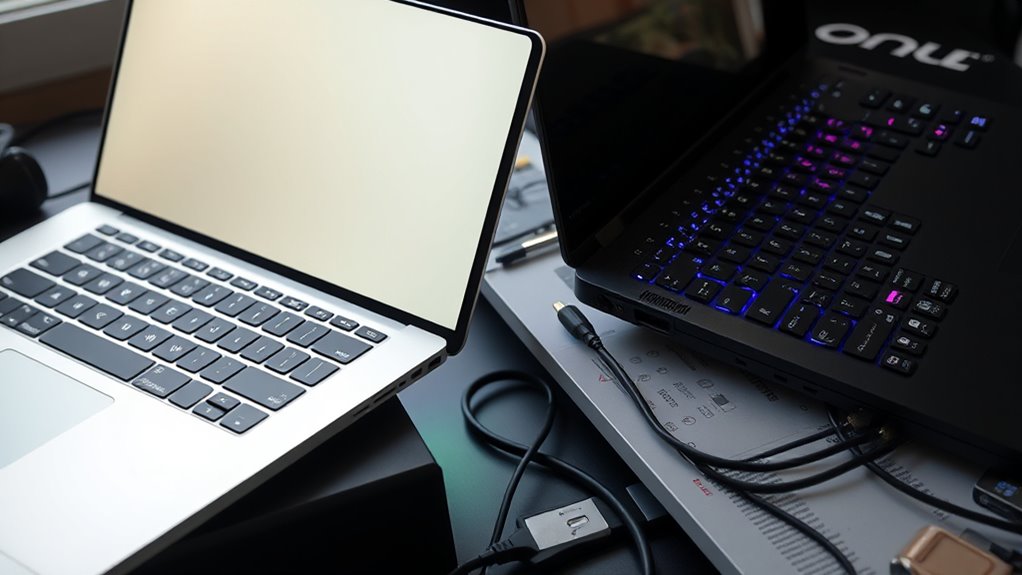
Performance and hardware options substantially influence how well your laptop handles demanding tasks and future upgrades. Your choice between a Macbook and a Windows laptop impacts graphics performance, which is vital for gaming, video editing, and design work. Windows laptops often offer a wider range of configurations, allowing you to select higher-end GPUs or customize hardware components to boost graphics capabilities. Macbooks, on the other hand, feature integrated graphics optimized for creative applications but may have limited upgrade options due to their closed design. If you prioritize flexibility and future-proofing, Windows laptops generally provide more upgrade options for RAM, storage, and graphics hardware. Additionally, some Windows laptops can be tuned or upgraded similarly to car tuning to improve overall performance and adapt to specific needs. Evaluating your hardware flexibility and requirements helps you choose a device that can keep pace with your workload and upgrades down the line, especially considering the importance of upgradability in maintaining long-term performance. Moreover, understanding personality traits such as adaptability and openness can influence your decision based on how comfortable you are with customizing and upgrading your device.
Software Compatibility and Ecosystem

Software compatibility and ecosystem play a essential role in ensuring your laptop meets your specific needs. If you rely heavily on cloud services, MacBooks integrate seamlessly with iCloud and other Apple cloud options, while Windows laptops support a broader range of third-party cloud platforms. Gaming performance varies too; Windows laptops typically run most games better due to wider software support and compatibility. Consider your preferred software ecosystem—macOS offers a sleek, intuitive experience with exclusive apps, whereas Windows provides more flexibility and software choices. Additionally, projector technology influences how well your device can connect and display content on external screens, which can be an important factor for presentations or home entertainment setups. The availability of Ford Tuning services and accessories is generally more diverse for Windows laptops, making customization easier. Furthermore, understanding software ecosystems can help you determine which device aligns best with your workflow and daily usage needs. For users requiring specialized software, the software compatibility of your device can be a decisive factor in your overall satisfaction. Also, certain hardware features such as ports and input options are more varied in Windows laptops, offering greater versatility for different tasks.
Port Selection and Connectivity
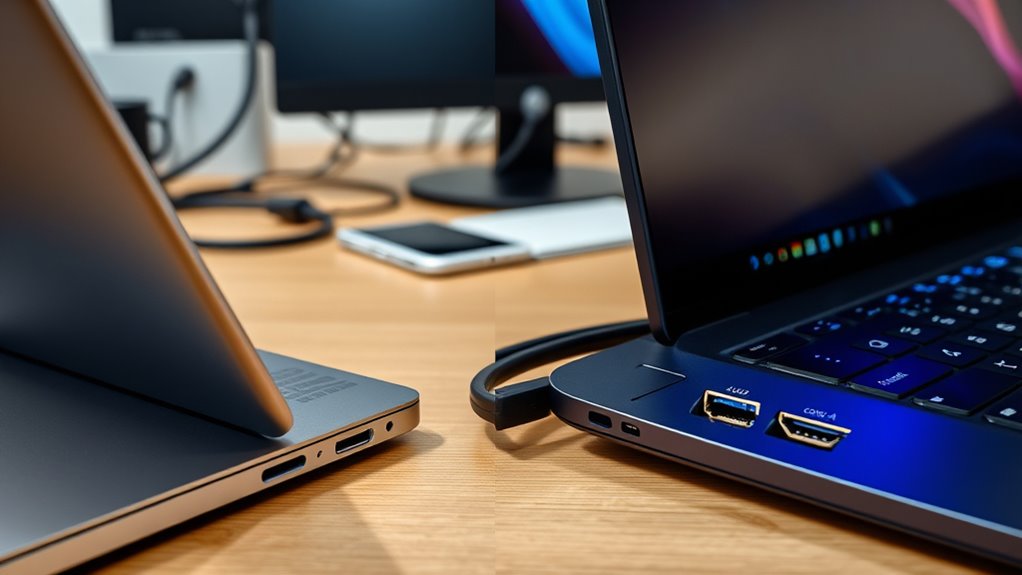
When it comes to ports, you’ll notice that Windows laptops often offer a wider variety, making it easier to connect multiple devices without extra adapters. MacBooks, however, may require you to carry adapters for common ports, which can be a hassle. Additionally, you’ll want to take into account how quickly and reliably your devices connect, as port choices directly impact data transfer speeds and stability. The availability of multiple port options can significantly influence your workflow and device compatibility. Choosing devices with diverse ports can also help prevent the need for frequent dongle use, streamlining your productivity.
Variety of Ports
One key difference between MacBooks and Windows laptops is their variety of ports, which directly affects connectivity options. MacBooks often have a limited selection, focusing on USB-C ports, requiring adapters for other devices. Windows laptops typically offer a wider range of ports, making it easier to connect peripherals without extra accessories. This variety impacts how you use keyboard shortcuts, as some shortcuts may involve function keys or specific ports. Additionally, if your Windows device features touch screen functionality, it usually comes with more ports for external accessories. Consider whether you prioritize seamless connectivity or minimal port clutter.
- Multiple USB-A and USB-C ports for versatile connections
- HDMI or DisplayPort for external displays
- SD card readers for photographers
- Audio jacks for headphones and microphones
Adapter Compatibility Issues
Adapter compatibility can be a significant hassle when connecting your devices, especially since MacBooks often rely solely on USB-C ports. This means you need to verify your power adapters meet specific charger standards, which can vary between brands and devices. If your Windows laptop uses different port types, like HDMI or USB-A, you’ll need multiple adapters, complicating your setup. Additionally, not all power adapters are universally compatible, so using the wrong one could lead to charging issues or slower data transfer. For MacBooks, you might find fewer compatible chargers, and finding a reliable, high-quality power adapter becomes more critical. This port and charger standard mismatch can cause delays and frustration, especially when you’re in a hurry or traveling. Compatibility issues can further complicate connectivity and device performance, particularly when considering charger standards and their impact on device safety and efficiency. Being aware of port selection can help mitigate these problems and ensure smoother operation, as adapter standards vary significantly across different devices and brands.
Connectivity Speed and Stability
Connectivity speed and stability heavily depend on your device’s port selection and the quality of your connections. If you need reliable wireless connectivity, consider laptops with advanced Wi-Fi standards like Wi-Fi 6 or Wi-Fi 6E. Ethernet options are also vital; some devices have built-in Ethernet ports, while others require adapters. Your choice affects how quickly and consistently your data transfers. Additionally, choosing a device with home security systems can promote a positive mindset during long work sessions. Ensuring your device supports reliable networking hardware can further enhance connection stability and performance.
Price Range and Value

Have you ever wondered how the price ranges of MacBooks and Windows laptops compare? Generally, MacBooks tend to be more expensive upfront, but they often offer better resale value and durability. Windows laptops span a broader price spectrum, providing options from budget-friendly to premium, so you can find a device that fits your budget. Here’s a quick comparison:
| Price Range | Typical Features | Best For |
|---|---|---|
| Budget ($300-$700) | Basic performance, limited build quality | Everyday tasks, students |
| Mid-Range ($700-$1500) | Balanced performance & features | Professionals, gamers |
| Premium ($1500-$3000+) | High-end specs, premium design | Creative work, power users |
This table helps you evaluate value for money and make an informed price comparison.
Security and Privacy Features
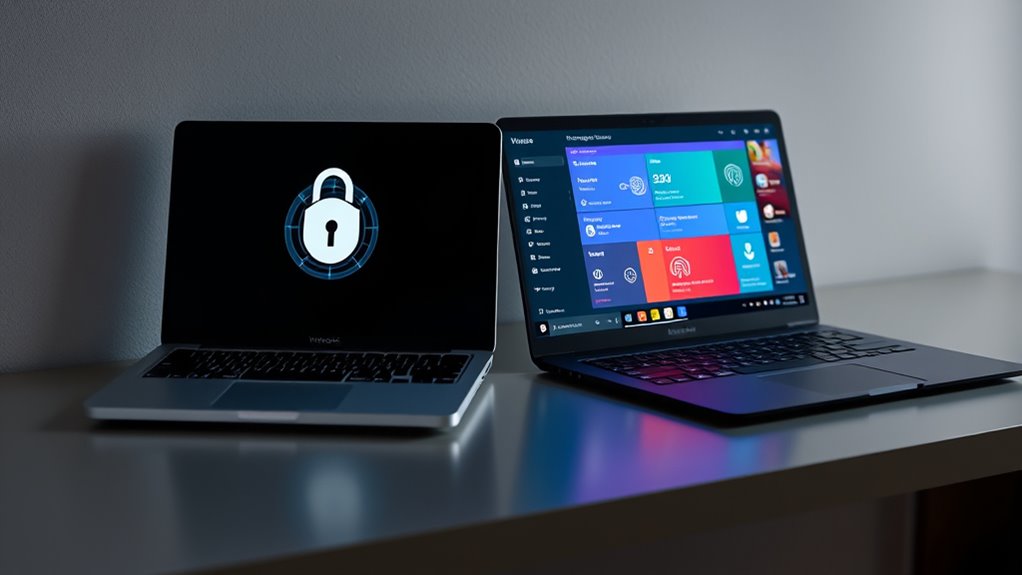
When it comes to security and privacy, you’ll notice that Macbooks often feature biometric options like Touch ID, making access quick and secure. Windows laptops also offer biometric security, but with a wider variety of options and customization. Built-in privacy protections on both platforms help keep your data safe, but how they differ can influence your choice.
Biometric Security Options
Biometric security options have become a key factor in choosing between Macbooks and Windows laptops, offering quick and secure ways to protect your data. You can access your device with facial recognition or a fingerprint scanner, making access seamless. Macbooks often feature Face ID or facial recognition, while Windows laptops typically include fingerprint scanners integrated into the power button or a dedicated sensor. These options enhance security without sacrificing convenience. You might also find Windows laptops supporting multiple biometric methods, providing added flexibility. Keep in mind that the effectiveness of these features depends on hardware quality and software integration. When selecting your device, consider which biometric options align best with your security needs and daily workflow. These features help keep your data safe while simplifying access.
Built-in Privacy Protections
Built-in privacy protections are essential features that help safeguard your data without requiring extra effort on your part. Both Macbooks and Windows laptops offer robust privacy settings that let you control what information is shared and with whom. MacOS emphasizes privacy with features like app permissions and intelligent data encryption, making it harder for unauthorized access. Windows also provides extensive privacy options, allowing you to customize data collection and security preferences. Data encryption is a core component, securing your files whether stored locally or transmitted across networks. These built-in protections work silently in the background, giving you peace of mind that your personal information stays private. Regularly reviewing and updating your privacy settings ensures your data remains protected against evolving threats.
Customer Support and Warranty Services
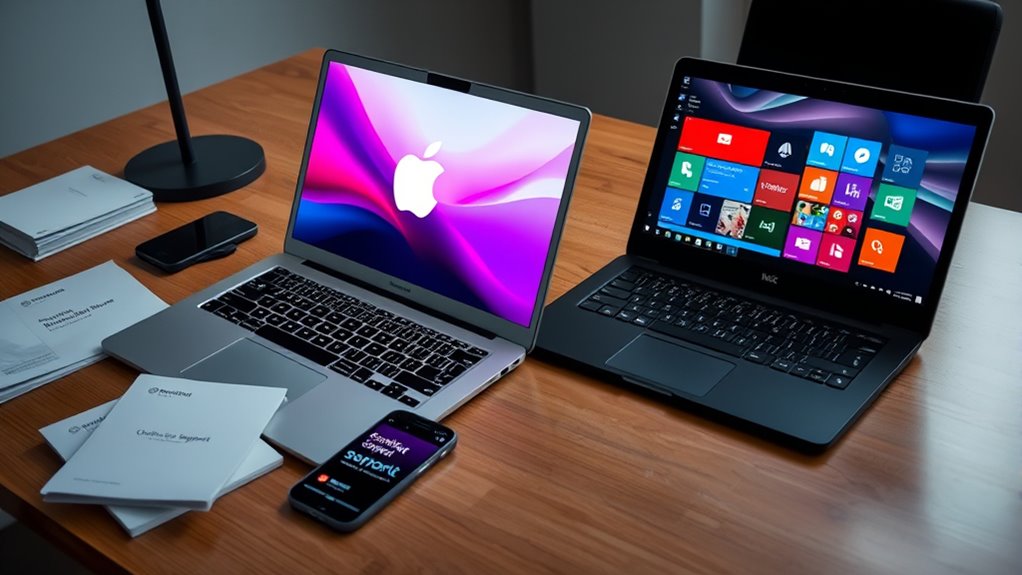
Customer support and warranty services play a crucial role in your overall experience with a laptop, and the differences between Macbooks and Windows laptops are significant. Macbooks typically offer excellent customer service through Apple’s Genius Bar, providing in-person support and quick repairs. Their warranty coverage is straightforward, often including AppleCare+ for extended protection. Windows laptops, on the other hand, vary widely depending on the manufacturer, with some offering robust support and others less so. You may need to navigate different policies or contact multiple providers for assistance.
- Apple’s dedicated support with in-store repair options
- Warranty coverage options vary by manufacturer
- Access to online chat and phone support
- Extended warranties and support plans available
Frequently Asked Questions
Which Laptop Type Offers Better Long-Term Durability?
You’ll find that MacBooks generally offer better long-term durability due to their superior build quality and hardware longevity. Apple’s focus on premium materials and rigorous testing results in devices that withstand daily wear and tear more effectively. While some Windows laptops excel in hardware longevity, many tend to have variable build quality. Ultimately, if durability is your priority, a MacBook’s consistent build quality makes it a strong long-term investment.
How Do Repair Costs Compare Between Macbooks and Windows Laptops?
Sure, repair costs are definitely friendlier on your wallet with Windows laptops. When hardware repair is needed, you’ll find parts are cheaper and more widely available, making repairs more affordable. Macbooks, on the other hand, tend to have higher repair costs due to proprietary parts and specialized service. So, if budget-friendly repair costs matter, you might prefer the more economical route of a Windows laptop, despite the sleek allure of a Mac.
Are There Customizable Options for Hardware Upgrades?
You’ll find that Windows laptops generally offer more upgrade options and hardware flexibility, allowing you to customize components like RAM, storage, and graphics. Macbooks, on the other hand, tend to have limited upgrade options, often requiring you to buy a new device if you want better hardware. If upgrade options are important to you, a Windows laptop gives you more control and flexibility to tailor your machine to your needs.
Which Platform Offers More Frequent Security Updates?
Imagine a fortress continually reinforced—Windows laptops typically receive more frequent security patches and updates, keeping threats at bay. You’ll find that their update frequency guarantees quicker responses to vulnerabilities, offering better protection. MacBooks, on the other hand, tend to have more controlled update cycles, which might mean less frequent security patches. If staying ahead of emerging threats matters to you, Windows often provides faster, more regular security updates.
How Do Learning Curves Differ for New Users?
You’ll notice that the learning curve varies depending on your familiarity with each platform. Windows offers a user interface similar to many workplace software, making it easier if you’re used to it. MacBooks have a different user interface and software compatibility, which might require a bit more time to master. If you’re new, expect some initial adjustments, but both systems are intuitive once you get used to their unique features.
Conclusion
Choosing between a MacBook and a Windows laptop depends on your needs and preferences. Think of it as picking the right tool for the job—you wouldn’t use a hammer for a fine carving. Both have their strengths, so weigh what matters most to you, from performance to ecosystem. Remember, the best laptop is the one that fits your life, because as they say, “A chain is only as strong as its weakest link.”