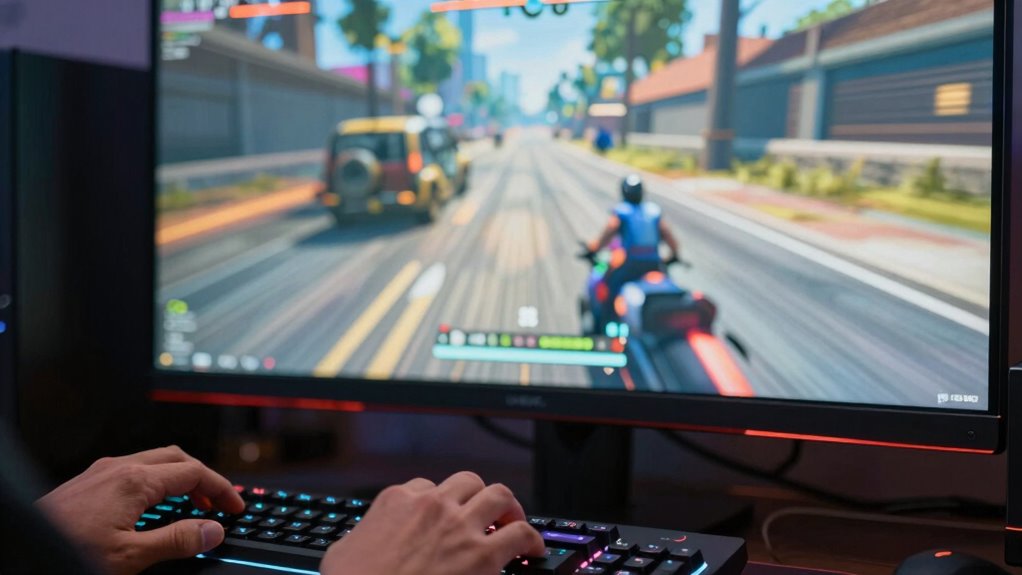
You might notice that input lag feels worse than a lower frame rate because it delays how quickly your actions are reflected on-screen. Even with smooth gameplay, high latency makes controls seem sluggish and unresponsive, disrupting your sense of control. Frame rate alone doesn’t show how fast your inputs are processed or displayed. If you keep exploring, you’ll discover how hardware, display, and latency impact your game feel more deeply than just FPS.

Get the latest gadgets delivered free — and shop member deals
- Fast, free delivery on millions of items
- Access to Prime Big Deal Days deals on October 6–7
- Prime Video, Amazon Music and more included
Key Takeaways
- Input lag refers to the delay between player actions and onscreen responses, which directly impacts perceived responsiveness.
- High visual latency causes actions to feel sluggish, making input lag seem worse even at higher frame rates.
- Frame rate alone doesn’t reveal actual input-to-response time; latency can exist regardless of FPS.
- Monitor response times and hardware processing speed influence how quickly inputs are reflected onscreen.
- Reducing visual latency improves control feeling, often more effectively than increasing frame rate alone.
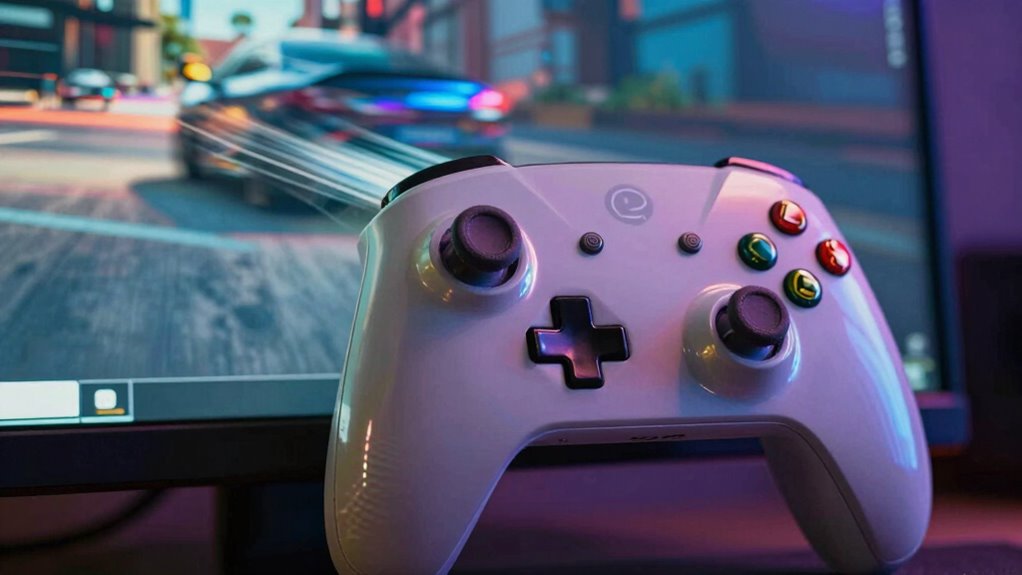
Have you ever wondered why a game feels sluggish or unresponsive even when your frame rate seems smooth? It’s a frustrating experience, and the answer often lies in a factor called input lag. While high frame rates are usually associated with smoother gameplay, they don’t tell the whole story. Your perception of responsiveness depends heavily on how quickly your actions translate into in-game reactions, and that’s where visual latency plays an essential role. Visual latency is the delay between when you press a button or move your mouse and when you see the result on screen. Even with a high frame rate, if this latency is significant, your game will still feel sluggish or unresponsive.
High frame rates alone don’t guarantee responsiveness; visual latency impacts how quickly your actions appear on-screen.
Player perception is deeply affected by this delay. When you press a key or move a control, your brain expects immediate feedback. If there’s a noticeable lag between your input and the game’s response, it disrupts your sense of control. This disconnect makes the game feel worse than it actually is, especially because your brain is finely tuned to detect delays in movement and response times. So even if your frame rate is impressive, a high visual latency can make the game feel slow or clunky. It’s not just about how many frames you see but how quickly the game reacts to your commands. Understanding display response times can further enhance your awareness of how visual latency impacts gameplay. Additionally, hardware capabilities such as input processing speed can influence overall responsiveness.
What’s tricky is that visual latency isn’t always obvious. You might look at your frame rate counter and assume everything’s fine, but if there’s a delay in how your inputs are processed and displayed, it will still feel off. This is because the human perception of responsiveness depends more on the time it takes for your input to be reflected onscreen rather than the raw number of frames rendered. Optimizing monitor response time can significantly improve how responsive a game feels. A game running at 60 fps with high input delay can feel worse than one running at 30 fps with minimal latency. That’s why players often prefer lower frame rates if they come with faster response times—they prefer immediate control over sheer visual smoothness.
In essence, your experience of responsiveness is a complex interplay between how many frames you see and how quickly your actions are reflected on screen. Visual latency directly impacts player perception, making a game feel sluggish even if the frame rate isn’t technically low. Additionally, factors like monitor response time can further influence how responsive a game feels. A high refresh rate monitor can help reduce perceived latency, creating a more seamless gaming experience. It’s this disconnect that explains why input lag can ruin your gaming experience more than just a low frame rate. Understanding this can help you prioritize the right settings or hardware upgrades to improve how responsive your game feels, ensuring your inputs translate into on-screen action instantly and smoothly.
gaming monitor with low response time
As an affiliate, we earn on qualifying purchases.
As an affiliate, we earn on qualifying purchases.
Frequently Asked Questions
How Is Input Lag Measured Accurately in Gaming Setups?
You can measure input lag accurately by using specialized tools like a timer or a high-speed camera. Focus on controller delay—how long it takes for your input to register—and account for signal processing delays within your monitor or TV. By timing the interval between pressing a button and seeing the response on-screen, you get a clear measure of your setup’s input lag, helping you optimize for smoother gameplay.
Can Hardware Upgrades Reduce Input Lag Without Affecting Frame Rate?
Yes, hardware upgrades can reduce input lag without affecting frame rate. Upgrading your controller to one with lower controller latency can make your inputs feel more responsive. Additionally, using high-quality, shorter cables improves signal transmission, minimizing delay. These upgrades target the hardware’s efficiency, directly reducing input lag while leaving your frame rate unchanged. So, investing in better controllers and cables enhances your gaming experience without compromising visual performance.
What Role Does Display Technology Play in Perceived Input Lag?
Imagine your display technology as the stage for your gaming performance—its resolution and refresh rate shape your experience. Higher refresh rates reduce perceived input lag, making responses feel instant. Meanwhile, a sharp display resolution enhances clarity, allowing you to see details more swiftly. Together, these factors influence how smoothly your actions translate on screen, making your gameplay feel more responsive and immersive, even if hardware remains constant.
Is Input Lag More Noticeable in Fast-Paced Versus Slow-Paced Games?
Input lag feels more noticeable in fast-paced games because gameplay responsiveness directly impacts your ability to react quickly. In these games, even slight delays can disrupt your player experience, making actions feel sluggish. Slow-paced games, however, give you more time to adapt, so input lag becomes less apparent. Your perception of responsiveness depends on how immediately your actions translate on-screen, which is essential for maintaining an engaging and seamless player experience.
How Do Software Optimizations Impact Input Lag Perception?
Software optimizations greatly influence your perception of latency. When developers use optimization techniques like reducing input processing time and streamlining rendering, you experience less latency perception, making gameplay feel more responsive. These improvements minimize delay between your actions and on-screen responses, especially in fast-paced games. Conversely, poor optimization can increase input lag, making controls feel sluggish and less precise. Proper optimization ensures smoother, more immediate feedback, enhancing your overall gaming experience.
high refresh rate gaming monitor
As an affiliate, we earn on qualifying purchases.
As an affiliate, we earn on qualifying purchases.
Conclusion
You might think higher frame rates automatically mean a better gaming experience, but input lag can still feel worse even at lower frame rates. Notably, some experts suggest that the human brain perceives delays in input more acutely than raw visual smoothness. So, even if your game runs smoothly, that tiny delay between your action and the response can make you feel more off-balance. Ultimately, minimizing input lag could be more essential for a satisfying experience than just chasing higher frame rates.
gaming mouse with fast input response
As an affiliate, we earn on qualifying purchases.
As an affiliate, we earn on qualifying purchases.
gaming keyboard with low latency
As an affiliate, we earn on qualifying purchases.
As an affiliate, we earn on qualifying purchases.
Fall Picks
fall essentials
As an affiliate, we earn on qualifying purchases.