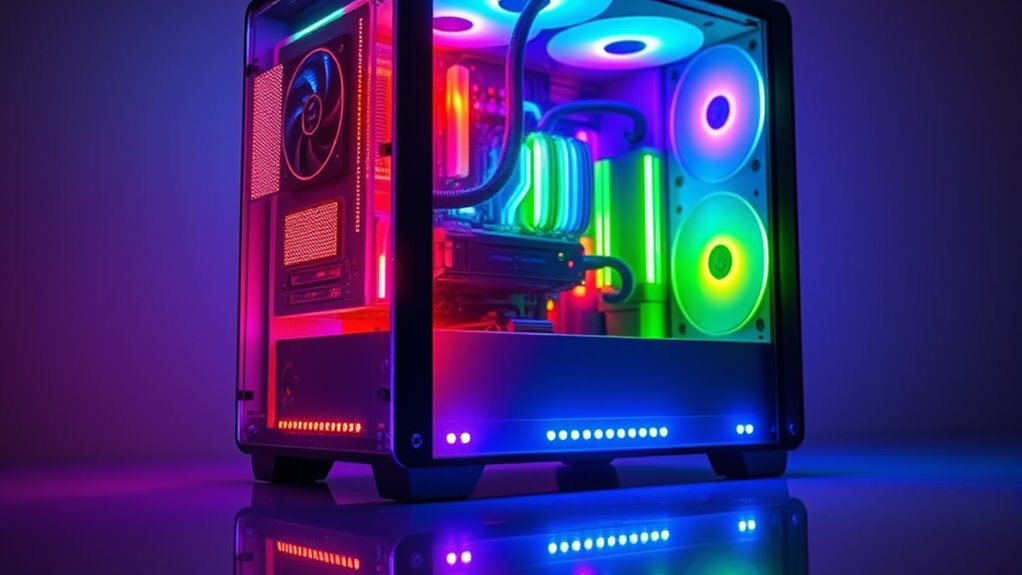

RGB lighting doesn’t make your PC faster or improve its performance. It’s mainly for aesthetic purposes, adding vibrant colors and dynamic effects to your setup. Turned on, RGB LEDs use a tiny bit of extra power, but it’s almost negligible and won’t slow down gaming or work tasks. If you want to understand more about how RGB impacts your system and what benefits it offers, keep exploring the details ahead.
Key Takeaways
- RGB lighting does not directly impact PC processing speed or performance.
- It consumes minimal power and does not cause system slowdown or lag.
- RGB components are energy-efficient and have a negligible effect on energy bills.
- Modern RGB hardware and software are optimized to avoid system resource interference.
- Overall, RGB lighting enhances aesthetics without improving or hindering system performance.
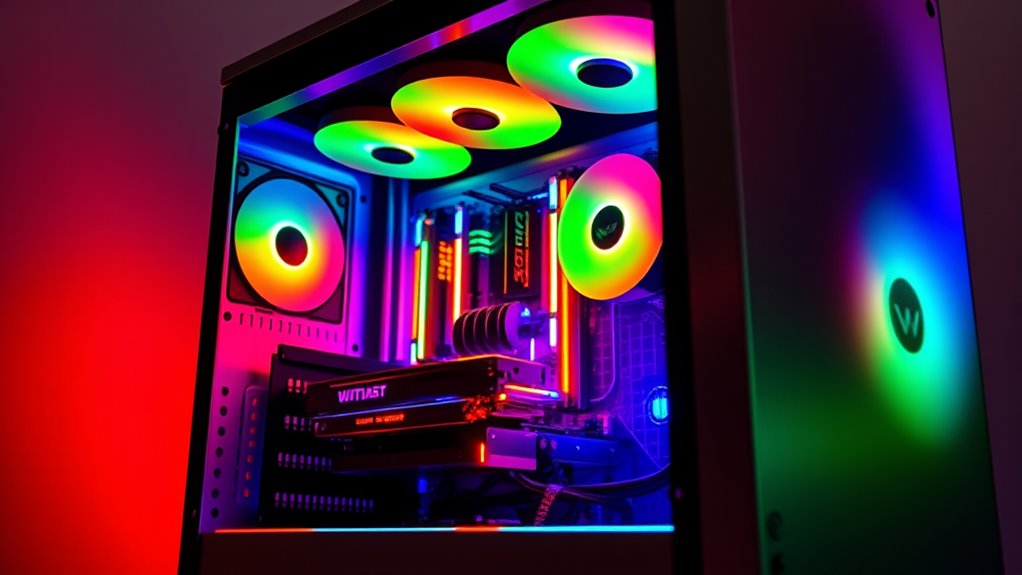
RGB lighting has become a popular way to personalize and enhance the look of your PC, but many wonder if it affects system performance. The truth is, RGB lighting itself doesn’t directly impact your computer’s speed or processing power. Instead, it’s a visual enhancement that adds aesthetic appeal to your setup. When you turn on RGB lighting, you might notice a slight increase in power consumption, but it’s generally negligible. The LEDs draw a small amount of electricity, which your power supply can easily handle without affecting overall system performance. So, if you’re concerned about whether RGB lights will slow down your gaming or work tasks, rest assured—they won’t.
The aesthetic appeal of RGB lighting is what attracts most users. It allows you to customize your PC’s look with vibrant colors, synchronized effects, and dynamic patterns. This customization can make your system stand out, giving it a modern, sleek appearance. Many gaming enthusiasts find that RGB lighting enhances the immersive experience, especially when paired with themed builds or synchronized hardware. However, it’s essential to recognize that the visual appeal comes at a minimal cost in terms of power consumption. High-quality RGB components are designed to be energy-efficient, so they won’t noticeably increase your electricity bill or strain your system’s power supply.
While RGB lighting doesn’t speed up your PC, some users worry about potential interference or resource use. Modern RGB controllers and software are optimized to run with minimal system impact. They utilize a small portion of your CPU or USB bandwidth, but this is hardly noticeable during everyday use. If you’re running intensive applications or gaming, the impact remains negligible, and your system’s core performance stays unaffected. Additionally, proper hardware configuration can ensure that RGB lighting does not interfere with other system components. The main thing to remember is that RGB lighting is mainly a hardware and aesthetic feature, not a performance booster.
Frequently Asked Questions
Can RGB Lighting Cause Hardware Overheating?
RGB lighting can’t cause hardware overheating directly, as it consumes minimal power. However, if your RGB components generate extra heat due to poor airflow or inadequate cooling, temperatures could rise. You might notice that RGB enhances your PC’s aesthetic appeal without risking overheating. Just make certain you keep good airflow and proper cooling to prevent any heat issues, and your system will stay both visually stunning and functioning safely.
Does RGB Lighting Impact Your Pc’s Power Consumption Significantly?
RGB lighting doesn’t substantially impact your PC’s power consumption or energy efficiency. While it does draw some extra power, it’s usually minimal compared to your CPU or GPU. You might notice slight increases in energy use, but it won’t affect your system’s performance or efficiency overall. So, if you love the aesthetic, enjoy your RGB lighting without stressing about major power consumption or sacrificing energy efficiency.
Are RGB Components More Prone to Hardware Failure?
RGB components aren’t inherently more prone to hardware failure, but their added features can slightly influence hardware durability if they overheat or aren’t well-made. You should choose reputable brands to ensure longevity. While RGB lighting boosts your PC’s aesthetic appeal, it doesn’t weaken the hardware itself. Proper cooling and quality components help maintain durability, so enjoy your colorful setup without worry about increased failure risks.
Can RGB Lighting Interfere With PC Cooling Systems?
Like a magician’s illusion, RGB lighting might seem to interfere, but it generally doesn’t disrupt your cooling system. It’s designed with proper insulation and placement, so it won’t block airflow or cause overheating. Your aesthetic appeal and customization options add flair without sacrificing cooling efficiency. Just avoid cluttering airflow paths, and your PC stays cool and visually stunning—proving RGB is more about style than thermal interference.
Is There Any Way to Upgrade RGB Lighting Without Affecting Performance?
Yes, you can upgrade your RGB lighting without affecting performance by choosing high-quality, low-power LED strips or modules designed for efficiency. Focus on aesthetic enhancement and customization options that don’t strain your system’s power or cooling. Opt for software-controlled lighting that allows you to synchronize effects without overloading your components, ensuring your system remains stable while enjoying vibrant visuals.
Conclusion
So, to clear things up, RGB lighting doesn’t boost your PC’s speed—it’s just a flashy decoration, like lipstick on a pig. While it adds style and personality to your build, it won’t make your games run faster or your tasks easier. Think of it as a cherry on top, not the secret ingredient. If you want real performance gains, focus on hardware and upgrades, not just the glow of your RGB lights.