
TL;DR

Get the latest gadgets delivered free — and shop member deals
- Fast, free delivery on millions of items
- Access to Prime Big Deal Days deals on October 6–7
- Prime Video, Amazon Music and more included
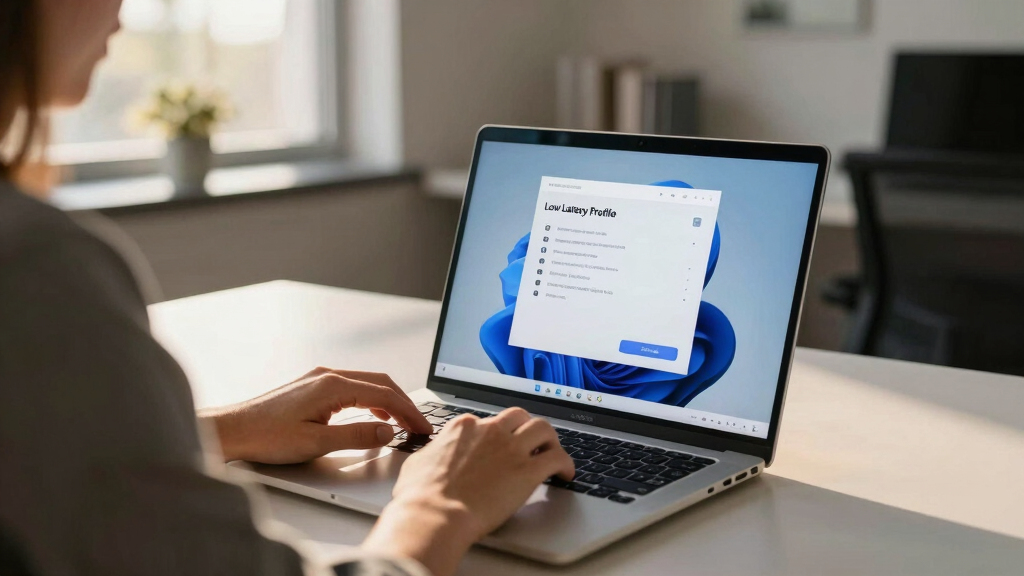
Microsoft has publicly defended its new ‘Low Latency Profile’ for Windows 11, which temporarily increases CPU clock speeds to improve app load times. The feature has faced criticism for being a superficial fix, but Microsoft asserts it aligns with industry practices. The development highlights ongoing efforts to enhance Windows performance amid user complaints.
Microsoft has confirmed its commitment to the new ‘Low Latency Profile’ (LLP) for Windows 11, asserting that the feature is a standard industry practice designed to improve responsiveness by momentarily boosting CPU clock speeds. The company’s stance comes after widespread criticism from users who argue the feature is a superficial fix rather than a solution to deeper performance issues.
Last week, Windows Central leaked details of Microsoft’s upcoming ‘Low Latency Profile,’ which aims to enhance Windows 11 responsiveness by temporarily increasing CPU frequencies during specific interactions, such as opening apps or navigating menus. Microsoft’s senior developer Scott Hanselman responded on social media, emphasizing that similar dynamic frequency scaling techniques are common across modern operating systems, including Linux and macOS, and are not considered cheating but industry-standard practices.
Hanselman explained that LLP works by boosting CPU speeds for fractions of a second to reduce latency, especially during UI interactions like flyout delays in the Start Menu. He highlighted that this approach aligns with how smartphones and other devices manage power and performance, dynamically adjusting CPU frequencies to optimize user experience. The feature is part of Microsoft’s broader ‘Windows K2’ initiative aimed at making Windows 11 smoother and more stable after years of user complaints about sluggishness and bloatware.
Why It Matters
This development matters because it underscores a shift in how Microsoft is addressing Windows performance issues. The company’s public defense suggests a recognition that superficial performance patches are part of a broader strategy to improve user perception and system responsiveness, especially as user dissatisfaction persists. For consumers and enterprise users alike, the move raises questions about the depth of Windows 11’s optimization efforts and whether such fixes are sufficient to resolve long-standing performance concerns.
As an affiliate, we earn on qualifying purchases.
Background
In recent months, Windows 11 has faced criticism for sluggishness, navigation lag, and bloatware, prompting Microsoft to explore various performance enhancements. The leak of LLP details last week sparked backlash, with critics arguing it’s a Band-Aid solution rather than addressing core OS inefficiencies. Microsoft’s response, emphasizing that such dynamic boosting is industry-standard, aims to reframe the feature as a legitimate performance enhancement rather than a superficial patch.
Historically, operating systems like Linux and macOS employ similar techniques to improve responsiveness, especially on mobile devices. The controversy reflects broader debates over whether superficial patches suffice or if deeper optimization is necessary. Microsoft has previously introduced features like Xbox Mode to bypass bloatware, indicating ongoing efforts to improve Windows gaming and app performance.
“This isn’t cheating; this is how modern operating systems make apps feel faster—by temporarily boosting CPU speeds for interactive tasks.”
— Scott Hanselman
“The ‘Low Latency Profile’ is part of our ongoing efforts to optimize Windows 11 performance and responsiveness.”
— Microsoft spokesperson (implied)
gaming laptop with high CPU speeds
As an affiliate, we earn on qualifying purchases.
As an affiliate, we earn on qualifying purchases.
What Remains Unclear
It remains unclear whether Microsoft will implement deeper, systemic performance improvements or continue relying on superficial patches like LLP. The long-term effectiveness of LLP in addressing Windows 11’s performance issues has not been independently evaluated, and user sentiment suggests skepticism about whether this will satisfy broader performance expectations.
As an affiliate, we earn on qualifying purchases.
What’s Next
Microsoft is expected to continue refining its performance features and possibly introduce deeper OS optimizations. Further updates or user feedback will reveal if LLP becomes a core component of Windows 11’s performance strategy or remains a temporary patch. Monitoring official statements and upcoming Windows updates will be essential for assessing long-term impact.
As an affiliate, we earn on qualifying purchases.
Key Questions
What exactly does the ‘Low Latency Profile’ do?
It temporarily boosts CPU clock speeds during certain interactions, such as opening apps or navigating menus, to reduce latency and improve responsiveness.
Is this feature common across other operating systems?
Yes, similar dynamic frequency scaling techniques are used in Linux, macOS, and smartphones to enhance user experience by adjusting CPU speeds on the fly.
Does this fix underlying performance issues?
No, Microsoft states that LLP is a performance enhancement and not a fix for deeper OS inefficiencies. Critics argue it’s a superficial patch.
Will Microsoft improve Windows 11 beyond these patches?
Microsoft has indicated ongoing efforts to optimize Windows 11, but specific plans for deeper performance improvements have not been detailed.
Fall Picks
fall essentials
As an affiliate, we earn on qualifying purchases.