
If you’re serious about gaming, a mechanical keyboard is the better choice because it offers faster response, better durability, and more customization options. Mechanical switches provide tactile feedback and lower latency, helping you react quickly in fast-paced games. While they cost more upfront, they last longer and improve your overall experience. Want to discover why these features matter most? Keep exploring to see which type suits your gaming style.
Key Takeaways
- Mechanical keyboards offer faster response times and lower latency, crucial for competitive gaming.
- They are more durable, typically lasting over 50 million keystrokes per switch, ensuring long-term reliability.
- Membrane keyboards are quieter and more affordable but tend to wear out faster and have higher latency.
- Mechanical options provide customizable switches and backlighting, enhancing user experience and aesthetics.
- For fast-paced, competitive gaming, mechanical keyboards generally outperform membrane keyboards in responsiveness and durability.
Understanding the Mechanics: How Do Mechanical and Membrane Keyboards Work?
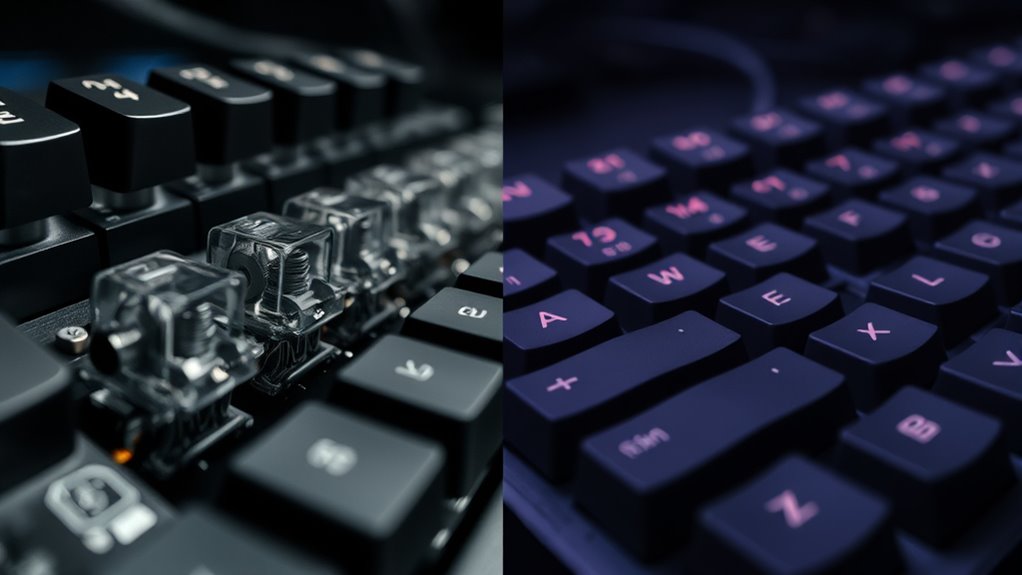
While both mechanical and membrane keyboards allow you to input commands, they do so through fundamentally different mechanisms. Mechanical keyboards use individual switch mechanisms for each key, which consist of a housing, a spring, and a stem. When you press a key, the switch mechanism compresses, causing electrical contacts inside to connect. This contact sends a signal to your computer, registering the keystroke. In contrast, membrane keyboards rely on a pressure pad system with layers of flexible membranes. When you press a key, the membrane layers make contact, completing an electrical circuit. These contacts then trigger a response. The key difference lies in how each type detects key presses: mechanical switches offer distinct, tactile feedback through their switch mechanisms, while membrane keyboards depend on flexible layers and electrical contact points. Additionally, mechanical switches typically provide better durability and a more consistent feel, making them popular among gamers and typists alike. Some users prefer mechanical keyboards for their customization options and longer lifespan, which contribute to a better overall experience. Moreover, noise levels can vary significantly between the two types, with mechanical keyboards often producing more sound during use. Furthermore, maintenance and cleaning tend to be easier with mechanical keyboards due to their individual switches.
Responsiveness and Performance in Gaming
When gaming, your keyboard’s actuation speed, response consistency, and latency levels directly impact your performance. Mechanical keyboards often offer quicker actuation and lower latency, giving you an edge in fast-paced games. Understanding these points helps you choose the right keyboard to optimize your responsiveness. Additionally, ongoing AI safety measures aim to improve input device technologies, potentially influencing future gaming peripherals.
Key Actuation Speed
Key actuation speed considerably impacts gaming performance, as it determines how quickly your keystrokes register. Different key switch types influence this speed, with mechanical switches often offering faster response times compared to membrane options. Mechanical switches typically have a shorter actuation distance, meaning your commands are registered sooner, giving you an edge in quick-paced games. The sound profile also plays a role; some switches produce a louder click, which can slightly delay feedback, while others are quieter and more immediate. If rapid responses are vital for your gameplay, opting for switches with minimal actuation delay and a neutral sound profile helps improve your reaction time. Understanding these differences and optimal tanning frequency guides can help you choose a keyboard that enhances your responsiveness during intense gaming sessions.
Response Consistency
Response consistency guarantees that your keyboard performs reliably during gaming sessions, maintaining steady responsiveness across prolonged use. Whether you prefer mechanical or membrane switches, consistent actuation is essential for accurate gameplay. Mechanical keyboards often excel here, offering reliable switching preferences that reduce missed inputs. Membrane keyboards can also be consistent, but their performance may vary with wear or manufacturing quality. Customization options, like programmable keys or switch types, allow you to fine-tune response behavior to match your playing style. This adaptability helps ensure your commands register precisely when needed, minimizing errors during critical moments. Additionally, remote hackathons have emerged as innovative platforms for gamers and developers to collaborate and share solutions, emphasizing the importance of reliable and responsive hardware. The performance of your keyboard can be impacted by various factors, including firmware updates and maintenance practices. Ultimately, response consistency guarantees your keyboard keeps up with your reflexes, providing dependable performance throughout intense gaming sessions, regardless of the switch type or customization choices you make.
Latency Levels
Latency levels directly impact how quickly your keystrokes register during gaming, making responsiveness a crucial factor in performance. Lower switch latency reduces input delay, ensuring your commands are executed instantly. Mechanical keyboards typically have faster switch latency due to their high-quality switches, while membrane keyboards may introduce more delay. This difference can be critical in fast-paced games where split-second reactions matter. To understand better, see the table below:
| Keyboard Type | Typical Switch Latency | Input Delay Impact |
|---|---|---|
| Mechanical | 1-2 ms | Minimal, enhances responsiveness |
| Membrane | 4-8 ms | Noticeable delay, affects timing |
Additionally, the switch design in mechanical keyboards contributes to their lower latency compared to membrane options.
Comfort and Ergonomics During Extended Play
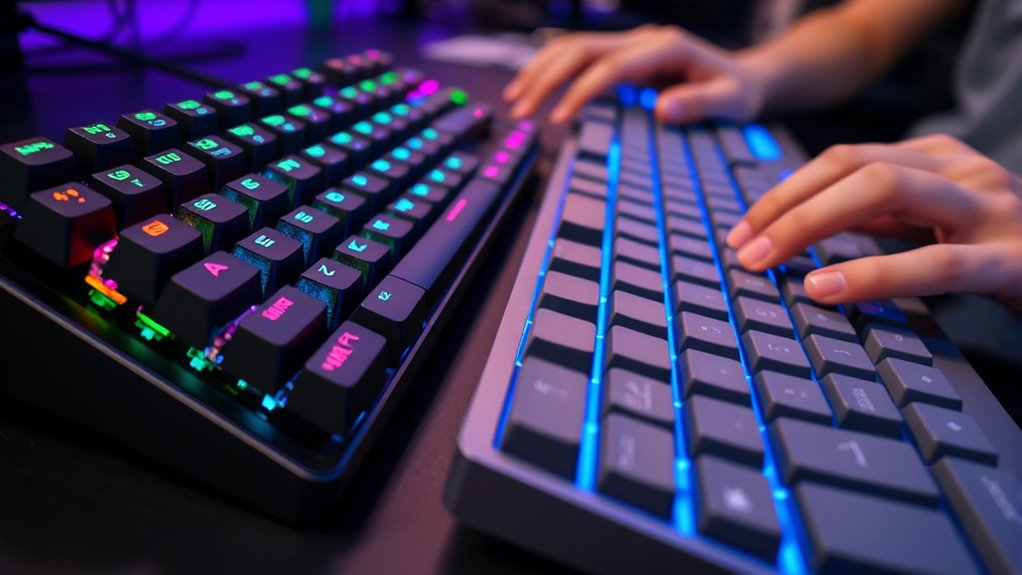
When you’re immersed in long gaming sessions or extended typing tasks, comfort and ergonomics become essential factors in preventing fatigue and discomfort. An ergonomic design ensures your hands remain in a natural position, reducing strain over time. Mechanical keyboards often feature adjustable height and wrist rests that support proper hand placement, minimizing hand fatigue. Membrane keyboards, while generally softer to press, may lack these ergonomic features, leading to increased discomfort during prolonged use. You’ll notice that a well-designed keyboard promotes better posture and reduces the risk of repetitive strain injuries. Prioritizing comfort means your gameplay remains sharp and your hands stay fresh. Additionally, color accuracy in the keyboard’s backlighting can improve visibility and reduce eye strain during extended use. Choosing a keyboard with ergonomic features can further enhance comfort and support during long periods of use, helping you maintain optimal performance.
Durability and Lifespan of Each Keyboard Type

Mechanical keyboards are generally more durable than membrane keyboards because their individual switches are built to withstand millions of keystrokes, often reaching 50 million or more. This high key switch durability means your keys will last longer under frequent gaming use. In contrast, membrane keyboards tend to have a shorter lifespan, with the membrane itself wearing out over time, leading to a reduced lifespan. The membrane’s design causes keys to become less responsive after extensive use, which can affect your gaming performance. If durability is a priority, mechanical keyboards offer a clear advantage, as their switches are designed to endure heavy use without losing performance. While they may cost more upfront, their longer lifespan makes them a more reliable choice for dedicated gamers. Additionally, choosing a high-quality key switch can further enhance the longevity and responsiveness of your keyboard. Proper maintenance and regular cleaning can also extend the usability of your keyboard over time, helping to prevent dust and debris from impairing key function. Incorporating durability-focused features in your keyboard selection can ensure consistent performance throughout your gaming sessions. Regular use of keystroke testing tools can help monitor the remaining lifespan of your keys and plan timely replacements.
Cost Considerations and Value for Money

While durability favors mechanical keyboards, their higher initial cost can be be a significant factor for many users. Price differences between mechanical and membrane keyboards are notable, with mechanical options often costing two to three times more. Additionally, cost considerations play a crucial role when choosing between the two types of keyboards. Mechanical keyboards also typically feature advanced technology offerings that can justify the expense through longer lifespan, better build quality, and enhanced gaming performance. Membrane keyboards tend to be more affordable upfront, making them appealing for budget-conscious gamers. Yet, they may require replacements sooner, potentially increasing long-term costs. If you prioritize durability, responsiveness, and a superior gaming experience, investing in a mechanical keyboard could offer better value over time. Ultimately, your choice depends on your budget and how much you value performance versus initial affordability.
Which Keyboard Is Better Suited for Different Gaming Styles?
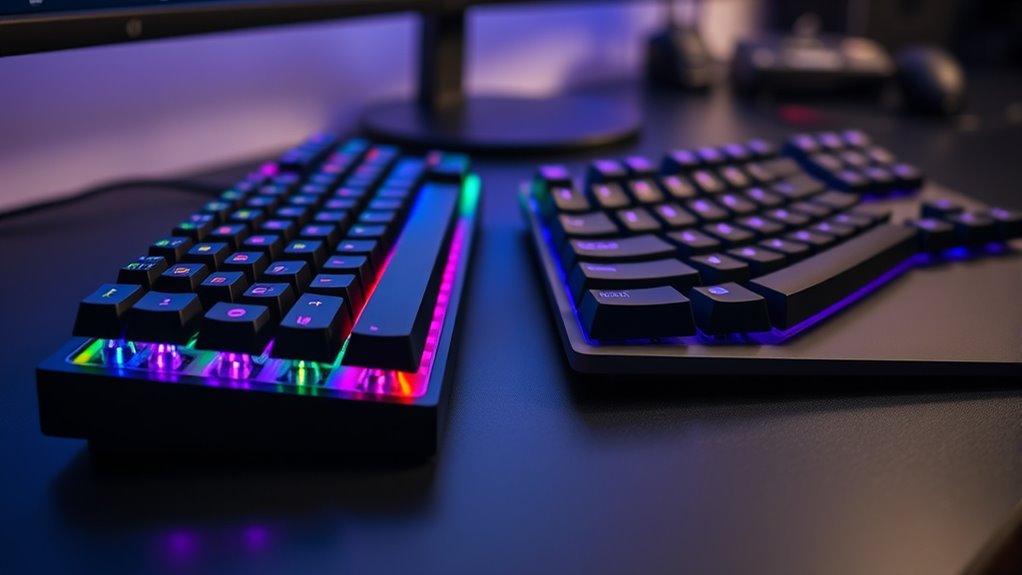
Different gaming styles benefit from different keyboard features, so choosing the right type depends on your specific needs. If you prefer fast-paced, competitive gaming like FPS or MOBA, you’ll benefit from mechanical keyboards with quick, responsive switches and plenty of customization options to tailor key functions. These keyboards often have striking aesthetic appeal, with customizable backlighting and keycaps that enhance your setup’s look. For casual or aesthetic-focused gamers, membrane keyboards may suffice, offering quieter operation and simpler designs. If you enjoy immersive environments or streaming, aesthetic appeal becomes more important, and membrane keyboards might blend seamlessly into your setup. Additionally, some gaming-specific Mazda Tuning concepts, like performance upgrades, highlight how tailored features can significantly impact overall experience. It’s also worth noting that cleanliness of gumball machines can influence the overall environment of your gaming space if not maintained properly. Moreover, the choice between mechanical and membrane keyboards can influence gaming performance and user comfort over extended play sessions. Ultimately, consider your gaming style and prioritize features like responsiveness, customization options, and aesthetic appeal to find the best fit, especially when factoring in mechanical vs membrane differences that can influence gameplay effectiveness.
Frequently Asked Questions
Can Membrane Keyboards Be Customized With Gaming Features?
Yes, you can customize membrane keyboards with gaming features, but options are limited compared to mechanical keyboards. You can add keycap replacements or use software to remap keys for better gaming performance. However, membrane modifications like swapping switches or programming macros are typically unavailable. If you want extensive mechanical customization, upgrading to a mechanical keyboard is your best bet, but membrane keyboards can still improve with simple gaming feature tweaks.
How Do Noise Levels Compare Between Mechanical and Membrane Keyboards?
While both keyboards have their charm, mechanical keyboards tend to produce more noticeable key noise, thanks to their tactile switches. Membrane keyboards offer a quieter experience, thanks to their sound dampening properties, making them ideal for shared spaces. If you prefer a subtle, less intrusive sound, a membrane keyboard is your best bet. Mechanical models, however, deliver that satisfying click, which many gamers find motivating despite the louder key noise.
Are Wireless Options Available for Both Keyboard Types?
Yes, wireless options are available for both mechanical and membrane keyboards. You can enjoy wireless connectivity with either type, offering greater flexibility and a clutter-free workspace. Keep in mind, though, that battery life varies depending on the keyboard’s features and usage. Mechanical wireless keyboards often have longer battery life due to efficient power consumption, while membrane wireless models may need more frequent charging, so choose based on your gaming habits and preferences.
Which Keyboard Type Is More Suitable for Portable Gaming Setups?
If you’re after portable gaming, a membrane keyboard might surprise you with its compact portability, fitting easily into your bag. But don’t forget durability concerns—membranes can wear out faster than mechanical ones, which might be a problem on the go. Mechanical keyboards are bulkier, but they offer better longevity. So, if you want convenience now and then, go membrane; if durability’s your priority, mechanical’s the way to go.
Do Different Switches in Mechanical Keyboards Affect Gaming Performance?
Yes, different switches in mechanical keyboards affect gaming performance. Switch actuation, which is the point you press to register a key, varies between switches, influencing your response time. Key travel distance also matters; shorter travel allows quicker keystrokes, ideal for fast-paced games. You’ll notice that linear switches offer smooth, rapid presses, while tactile or clicky switches provide feedback, helping you optimize your gaming experience based on your preferences.
Conclusion
Choosing between mechanical and membrane keyboards is like selecting your weapon in battle; each has its strengths. Mechanical keys offer precision and durability, perfect for intense gaming, while membrane keyboards provide quiet comfort for casual play. Think of it as the difference between a sword and a shield—your choice depends on your style. Whichever you pick, remember, the right gear turns the tide—making every game feel like a victory waiting to happen.