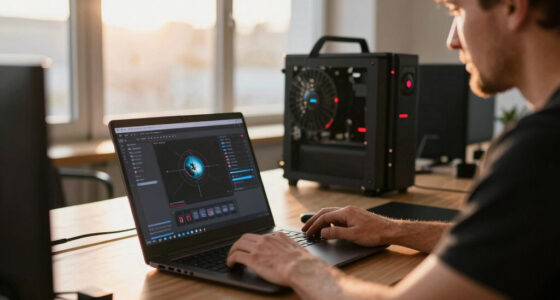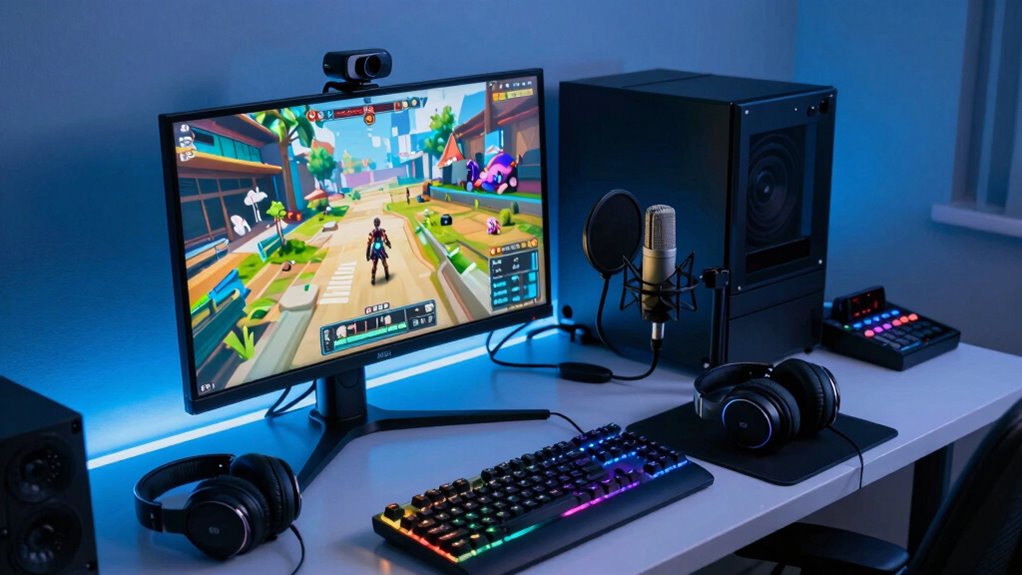

Most beginners overlook key setup elements like proper lighting and voice modulation. Poor lighting can make you look unprofessional, while bad audio hurts viewer enjoyment. Many forget that adjusting your pitch, tone, and volume makes your commentary more engaging. Small tweaks here and there can boost your confidence and viewer engagement. If you want to learn how simple changes can improve your stream even more, keep exploring these essential tips.

Get the latest gadgets delivered free with Prime
- Fast, free delivery on millions of items
- Prime Video, Amazon Music and more included
- Member-only deals all year
Key Takeaways
- Neglecting proper lighting, resulting in poor video quality and unflattering shadows.
- Underestimating the importance of voice modulation to keep commentary engaging.
- Overlooking basic audio quality, leading to unclear or distracting sound issues.
- Focusing solely on gaming hardware without optimizing camera placement and lighting.
- Ignoring regular setup adjustments to enhance overall professionalism and viewer experience.
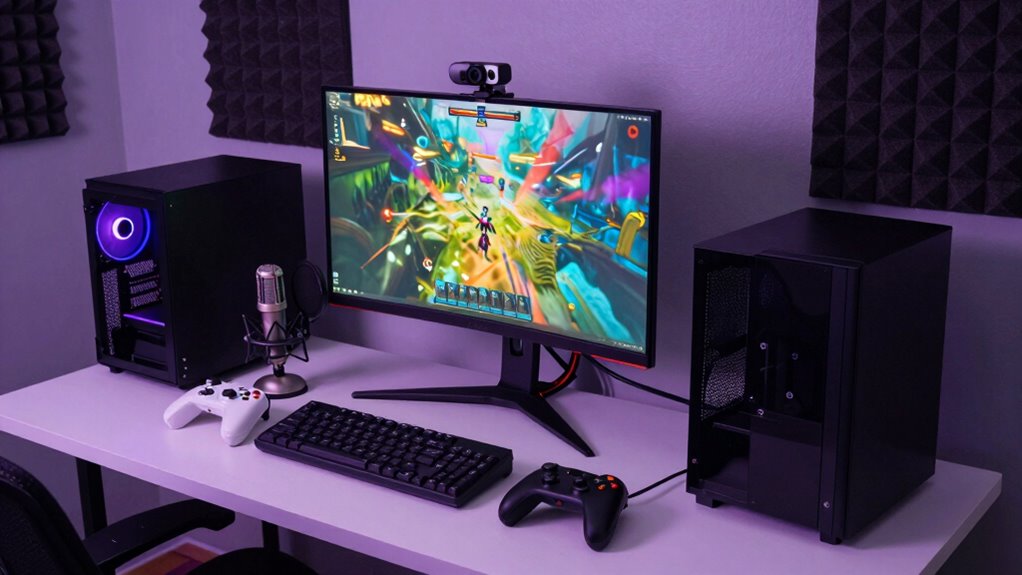
Getting started with game streaming can seem overwhelming, but understanding the basics makes it much easier. Many beginners focus on the game itself, but there are essential elements behind the scenes that can dramatically improve your stream. One often overlooked aspect is voice modulation. Your voice is your primary means of connecting with viewers, so how you sound matters. Instead of speaking in a monotone, you might consider using voice modulation to add variety and emotion to your commentary. This doesn’t mean you need a professional setup, but experimenting with pitch, tone, and volume can make your voice more engaging and help convey excitement or seriousness when needed. Proper voice modulation keeps your audience interested and makes your stream more memorable.
Another key area beginners tend to neglect is lighting techniques. Good lighting can drastically improve your video quality, making your face more visible and your setup more professional-looking. Soft, even lighting reduces shadows and highlights your expressions, which is essential for creating a connection with viewers. You can start with simple methods like using a ring light, natural light from a window, or affordable LED panels. Position your lighting source in front of you, slightly above eye level, to avoid unflattering shadows. Proper lighting not only enhances your appearance but also reduces eye strain for viewers, keeping them engaged longer. Additionally, understanding projector technology can help you optimize your streaming environment if you decide to incorporate a large screen or projector for your setup.
Many new streamers see streaming as just playing a game and hitting record or going live, but paying attention to these details makes a noteworthy difference. Incorporating voice modulation techniques helps your voice stand out amid the growing sea of streamers, and good lighting ensures your face is clearly visible, adding a professional touch. These small adjustments can boost your confidence and viewer retention, making your stream more inviting and polished.
Additionally, paying attention to audio quality can significantly impact how viewers perceive your stream, as clear sound combined with good lighting and voice modulation creates a cohesive experience for your audience. Remember, the most successful streamers often focus on these fundamentals, refining their setup over time. Don’t overlook these basics—fine-tuning your voice and lighting can elevate your game streaming from amateur to professional-looking. Once you master these foundational elements, you’ll find it easier to grow your audience and enjoy streaming more.
As an affiliate, we earn on qualifying purchases.
Frequently Asked Questions
How Much Does a Beginner Streaming Setup Typically Cost?
A beginner streaming setup usually costs between $300 and $700. You’ll need a basic lighting setup to improve your video quality and proper camera positioning to capture yourself clearly. Investing in a decent microphone and a reliable PC or console is essential, too. Keep in mind, starting simple helps you learn the basics before upgrading your gear, ensuring you get the most out of your budget and setup.
What Are the Best Streaming Software Options for Beginners?
For beginners, the best streaming software options include OBS Studio and Streamlabs OBS. They’re user-friendly, offering easy overlay customization and built-in chat moderation tools. With simple setups and customizable features, these options help you create engaging streams and keep audiences engaged. You’ll find them free, flexible, and fantastic for starting strong, ensuring your broadcast is both visually appealing and well-moderated as you grow your streaming skills.
How Do I Optimize My Internet for Streaming?
To optimize your internet for streaming, guarantee your internet speed is at least 5 Mbps for smooth streams, but aim for higher speeds if possible. Use a wired Ethernet connection instead of Wi-Fi to improve stability and reduce lag. Keep your Wi-Fi signal strong by positioning your router centrally, minimizing interference from other devices, and reducing network congestion during streaming sessions. These steps help deliver a consistent, high-quality stream.
What Are Common Technical Issues New Streamers Face?
Imagine your stream suddenly flickering or lagging like a glitch in a game—common issues new streamers face. You might encounter hardware troubleshooting challenges, like overheating or incompatible devices, and setup troubleshooting problems, such as incorrect settings causing poor quality. These glitches can feel frustrating, but staying calm helps. Regularly test your equipment, double-check connections, and update drivers. Troubleshooting your setup guarantees your stream runs smoothly, giving viewers the immersive experience you want to deliver.
How Can I Improve My Stream’s Audio Quality?
To improve your stream’s audio quality, focus on proper microphone placement—keep it close but avoid popping sounds. Use audio compression to balance loud and soft sounds, ensuring consistent volume levels. Test your setup regularly and listen through good headphones to catch issues. Adjust your microphone position and compression settings until your voice sounds clear and natural, providing a better experience for your viewers.
As an affiliate, we earn on qualifying purchases.
Conclusion
Don’t let overlooked setup details hold you back. Even if you think your gear is enough, missing simple basics like good lighting or a clear audio setup can make or break your streams. Picture your viewers smiling, fully immersed because your setup is smooth and professional. With just a few adjustments, you’ll create an inviting space where your gaming shines and your community grows. Start small, stay consistent, and watch your stream thrive.
LED panel lighting for streamers
As an affiliate, we earn on qualifying purchases.
As an affiliate, we earn on qualifying purchases.
As an affiliate, we earn on qualifying purchases.
Halloween Picks
halloween
As an affiliate, we earn on qualifying purchases.