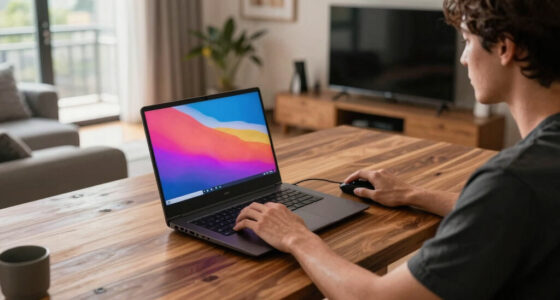

When selecting a display for console or PC gaming, consider your priorities. Consoles often perform best with 4K resolution and 60Hz refresh rates, so look for a TV or monitor that matches these specs. For PC gaming, customizable options like higher resolutions, refresh rates (144Hz or more), and low input lag are essential. Proper connection types and hardware compatibility guarantee peak performance. Continue exploring to discover how to tailor your setup exactly to your gaming style.

Get the latest gadgets delivered free with Prime
- Fast, free delivery on millions of items
- Prime Video, Amazon Music and more included
- Member-only deals all year
Key Takeaways
- Match display resolution and size to your platform for optimal clarity and immersive experience.
- Ensure the refresh rate aligns with your gaming device’s capabilities for smooth visuals.
- Choose compatible connection types (HDMI, DisplayPort) to maximize performance quality.
- Prioritize low input lag and fast response time for responsive gameplay, especially in competitive gaming.
- Verify hardware compatibility to prevent bottlenecks and optimize overall gaming performance.
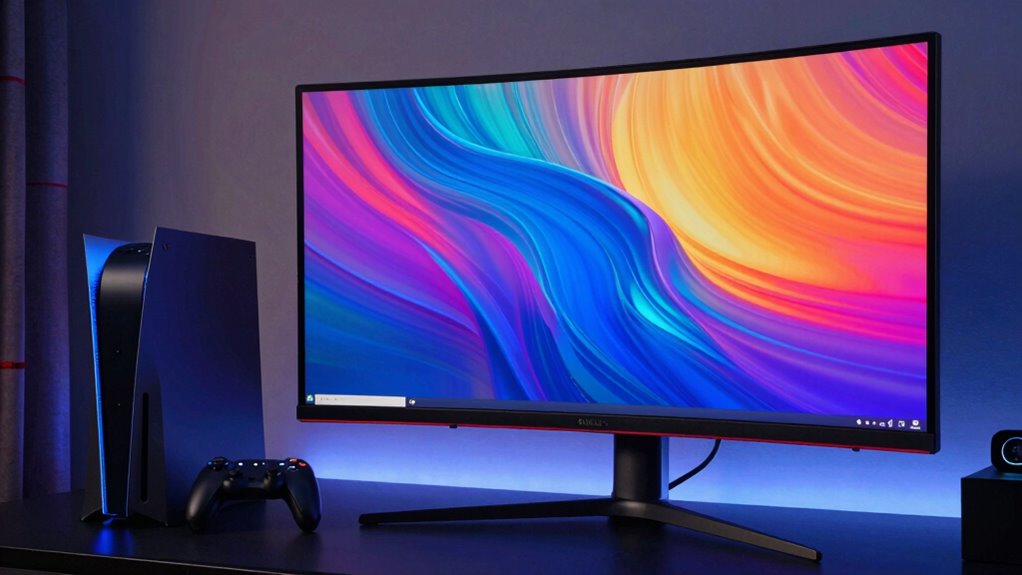
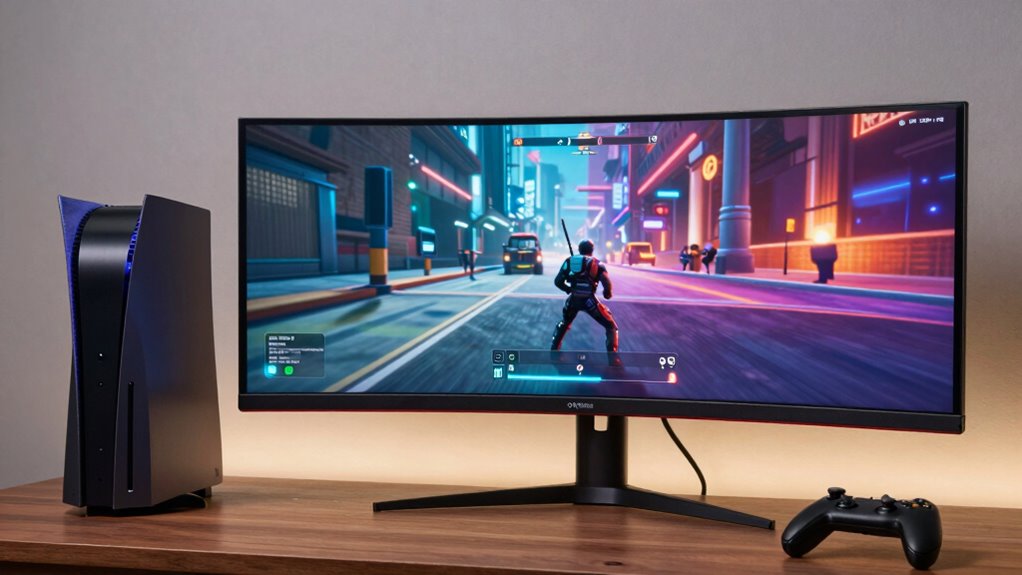
When selecting a display for gaming, understanding the differences between console and PC setups is vital, as each has unique requirements and ideal features. One of the most important factors to evaluate is graphics resolution. For consoles, especially newer models like the PlayStation 5 or Xbox Series X, a 4K resolution display is often recommended to fully enjoy the visual fidelity they offer. Consoles are typically optimized for specific resolutions, so choosing a screen that matches or exceeds the console’s native resolution guarantees sharpness and clarity. On the other hand, PC gaming offers more flexibility—whether you prefer a high-resolution display, such as 1440p or 4K, or a monitor with a larger screen size for immersive gameplay, your options can be tailored to your preferences and hardware capabilities. Additionally, understanding the emerging trends in display technology can help you stay ahead of the curve and maximize your gaming experience.
Another critical aspect is the refresh rate, which directly impacts how smooth the gameplay appears. Console displays usually have standard refresh rates of 60Hz, although some newer models support 120Hz or higher, aligning with the capabilities of their consoles. If you’re gaming on a console, look for a monitor or TV with at least a 60Hz refresh rate for a fluid experience, and consider a higher refresh rate if your console supports it. For PC gamers, high refresh rates, such as 144Hz or even 240Hz, are increasingly popular. These higher rates make fast-paced games like shooters or racing titles look much smoother, giving you a competitive edge and more responsive gameplay. When choosing a display, verify that it supports the refresh rate your GPU can handle, as a mismatch can lead to screen tearing or stuttering.
Furthermore, the connection types matter. Consoles typically use HDMI connections, so ensure your display has the appropriate HDMI ports that support the desired resolution and refresh rate. PCs may require DisplayPort or HDMI, depending on your graphics card and monitor specifications, to achieve peak performance. Also, consider additional features like low input lag, which is vital for competitive gaming, especially on PC. A monitor with a low response time minimizes motion blur and ghosting, enhancing overall clarity during rapid movements.
As an affiliate, we earn on qualifying purchases.
Frequently Asked Questions
Can I Use a PC Monitor for Console Gaming?
Yes, you can use a PC monitor for console gaming. Just make certain the monitor has the right console compatibility, like HDMI ports, and supports your desired monitor resolution. Many PC monitors work well with consoles, offering crisp visuals and fast response times. Check the specifications before buying to make sure it matches your gaming needs, such as 1080p or 4K resolution, for a prime gaming experience.
What Is the Ideal Refresh Rate for Competitive Gaming?
Think of your monitor as a race car; a higher refresh rate keeps you ahead. For competitive gaming, aim for at least 144Hz to reduce motion blur and frame interpolation, which can slow your response time. A 240Hz display offers even smoother visuals, giving you an edge. The faster the refresh rate, the clearer and more responsive your gameplay feels—so choose a display that matches your need for speed.
How Does Screen Size Impact Gaming Experience?
Your screen size greatly impacts your gaming experience by influencing your viewing distance and immersion. Larger screens with higher resolutions create a more immersive experience, but you need to sit farther back to see the whole display clearly. Smaller screens are more suitable for close viewing and faster reactions. Balance your screen resolution with your typical viewing distance to make certain sharp visuals without straining your eyes or losing detail.
Are Curved Displays Better for Gaming?
Curved displays can enhance your gaming experience by improving visual immersion and ergonomic positioning. They wrap around your field of view, making gameplay feel more immersive, especially in fast-paced or expansive games. Plus, the curvature reduces glare and reflections, easing eye strain. If you’re seeking a more engaging and comfortable gaming setup, a curved monitor might be the better choice, providing both visual immersion and ergonomic benefits.
What Is the Importance of HDMI Vs Displayport?
Think of HDMI as your reliable storyteller, delivering both high-quality video and audio seamlessly, much like a well-rehearsed play. DisplayPort, on the other hand, acts like a tech wizard, supporting higher refresh rates and better color accuracy for demanding gamers. If you’re prioritizing immersive visuals and crisp audio, HDMI suits consoles, while DisplayPort is ideal for PC gamers seeking enhanced performance and clarity. Your choice shapes your gaming experience’s clarity and immersion.
As an affiliate, we earn on qualifying purchases.
Conclusion
So, the next time you’re choosing a display, remember that the right choice depends on your gaming style. Some believe that high refresh rates are essential for every gamer, but did you know that for casual players, a good resolution might matter more? Ultimately, it’s about balancing what you want from your gaming experience. Trust your instincts, test a few options if you can, and find the display that makes every game feel just right.
As an affiliate, we earn on qualifying purchases.
As an affiliate, we earn on qualifying purchases.
Halloween Picks
halloween
As an affiliate, we earn on qualifying purchases.