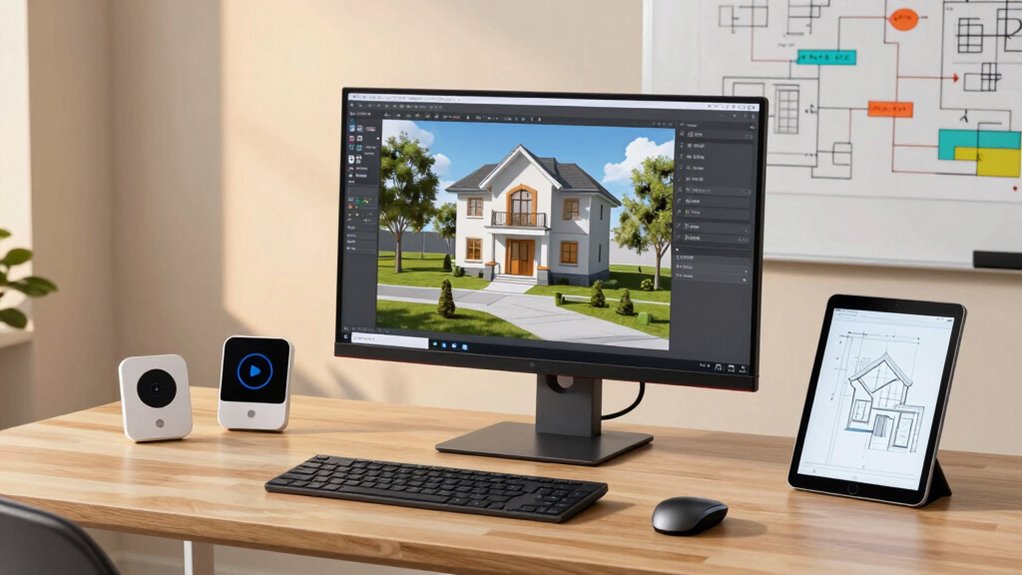

To build a home creator setup in smart stages, start by choosing affordable yet quality equipment like a good camera, microphone, and flexible tripod that fit your space and content style. Optimize your lighting with natural light or softbox lights at a 45-degree angle to get a professional look. Keep your space clean and organized, selecting backgrounds that are simple and aligned with your theme. Focus on gradual upgrades and mastering lighting techniques to improve over time—more tips are ahead to help you refine your setup.

Get the latest gadgets delivered free with Prime
- Fast, free delivery on millions of items
- Prime Video, Amazon Music and more included
- Member-only deals all year
Key Takeaways
- Start with selecting essential, budget-friendly equipment like a quality camera, microphone, and stable tripod.
- Arrange proper lighting using natural light and supplementary softboxes or ring lights for consistent illumination.
- Choose a clean, professional background that aligns with your content style and minimizes distractions.
- Organize your workspace for easy access to equipment and maintain a clutter-free environment.
- Gradually upgrade your gear and refine lighting and environment techniques to improve video quality over time.
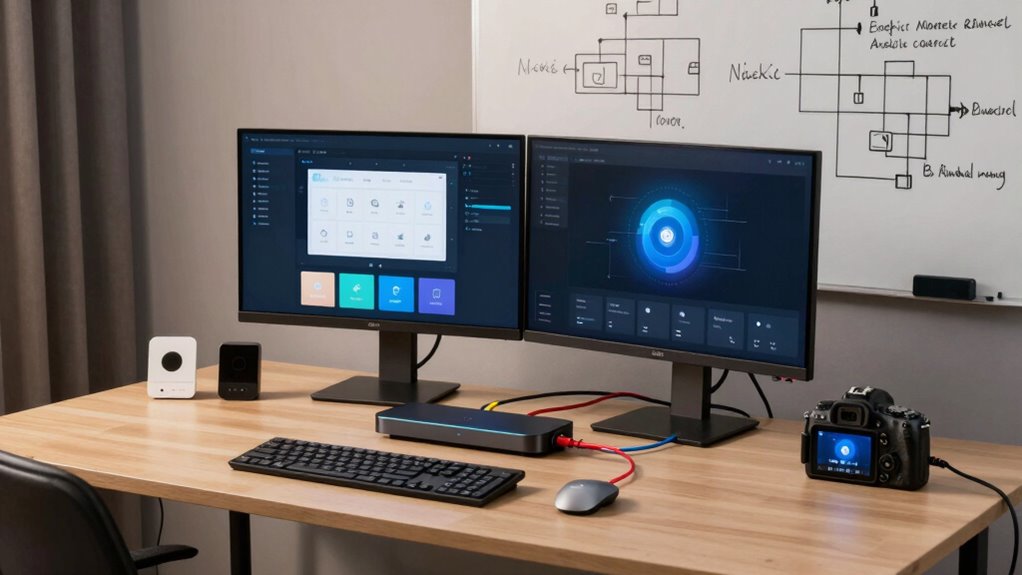
Are you ready to transform your space into a versatile home creator setup? The key to achieving this lies in thoughtful equipment selection and mastering lighting techniques. When you start, focus on choosing the right equipment—camera, microphone, tripod, and backdrop—that match your content style and space constraints. Opt for a high-quality camera with good resolution, but don’t overspend if your content doesn’t demand it. A decent microphone can dramatically improve your audio quality, making your videos more professional and engaging. Consider a flexible tripod or stabilizer to keep your shots steady, and pick a backdrop that complements your brand or theme. These choices set the foundation for a functional and appealing setup.
Once your equipment is selected, lighting techniques become your next focus. Proper lighting can make or break your production value. You want to create a well-lit environment that highlights you and your content without harsh shadows or uneven brightness. Natural light is an excellent starting point—position yourself near a large window during the day, but be mindful of changing sunlight. To supplement or replace natural light, invest in softbox lights or ring lights, which diffuse light evenly and eliminate glare. Place your lights at a 45-degree angle from your face for a flattering, professional look. If you can, add a fill light on the opposite side to reduce shadows and create depth. Experiment with different lighting temperatures to find what best suits your aesthetic; cooler tones evoke a modern feel, while warmer tones produce a cozy atmosphere. Additionally, understanding the importance of lighting setup can significantly enhance your visual quality and viewer engagement. Incorporating adjustable contrast ratio settings on your projector or display can also help you fine-tune your visual environment for recordings and streaming. Remember that consistent lighting throughout your videos helps maintain a professional appearance and keeps your audience focused on your content.
Proper lighting enhances your content with even, flattering illumination and reduces shadows for a professional look.
Creating a versatile home setup also involves arranging your space efficiently. Keep your equipment organized so you can easily access and adjust it. Use shelves or dedicated storage for your gear, and ensure your workspace is clutter-free. This not only improves your filming environment but also boosts your productivity. When setting up your lighting, consider the background as well. Avoid overly busy or distracting backgrounds that draw attention away from you. Instead, aim for a clean, professional look that aligns with your content style.
Building your home creator setup in smart stages means starting small, then gradually upgrading as your needs grow. Focus on equipment selection that fits your budget and content goals, and perfect your lighting techniques to enhance every shot. With careful planning and attention to detail, you’ll create a versatile, professional space that inspires your creativity and impresses your audience. Remember that iterative improvement is key to refining your setup over time.
affordable high-resolution camera for streaming
As an affiliate, we earn on qualifying purchases.
As an affiliate, we earn on qualifying purchases.
Frequently Asked Questions
Can I Customize Smart Stages for Different Content Types?
Yes, you can customize Smart Stages for different content types. This allows for content personalization, making each stage tailored to specific needs or audiences. With design flexibility, you can easily adjust layouts, visuals, and messaging to suit various content types. This guarantees your content remains engaging and relevant, providing a seamless experience for your viewers. Customization features give you full control to create diverse, dynamic stages effortlessly.
What Are the Best Tools to Integrate With Smart Stages?
Think of your smart stages as a symphony—integrating the right tools creates harmony. You should consider tools like HubSpot for content organization, Canva for visual content, and Zapier for seamless automation. These integrations enhance your user interface, making content flow effortlessly. By combining these tools, you streamline your workflow, boost productivity, and create an engaging experience that resonates with your audience like a well-played melody.
How Do I Troubleshoot Common Setup Issues?
When troubleshooting common setup issues in Smart Stages, start by checking your connectivity; confirm your internet connection is stable and devices are properly linked. For resolving login issues, verify your credentials and reset passwords if needed. Restart your devices to refresh connections, and update the app or software. If problems persist, consult the troubleshooting guides or contact support for further assistance. This approach helps you quickly address and resolve setup hiccups.
Is There a Community or Support Forum for Smart Stages Users?
Yes, there are community forums and user groups for Smart Stages users where you can find support and share tips. You can join online platforms like the official Smart Stages community forums or social media groups dedicated to user discussions. These communities help you troubleshoot issues, discover new features, and connect with fellow creators. Engaging with these groups makes it easier to learn and troubleshoot as you build your home creator setup.
Can I Automate Updates to My Creator Setup?
Yes, you can automate updates to your creator setup in Smart Stages. Use content scheduling tools to plan and release updates seamlessly, ensuring your content stays fresh and relevant. Automating these updates helps maintain branding consistency and saves time, so you can focus on creating engaging content. Regularly review and adjust your scheduled updates to keep your audience engaged and your brand aligned with your goals.
As an affiliate, we earn on qualifying purchases.
Conclusion
Now that you’ve set up your home creator setup in Smart Stages, you’re ready to bring your ideas to life. Remember, Rome wasn’t built in a day—patience and persistence are key. With consistent effort and a bit of creativity, you’ll turn your space into a dynamic, inspiring environment. Keep learning, experimenting, and refining your setup. After all, the journey of a thousand miles begins with a single step. Happy creating!
As an affiliate, we earn on qualifying purchases.
softbox lighting kit for home studio
As an affiliate, we earn on qualifying purchases.
As an affiliate, we earn on qualifying purchases.
Halloween Picks
halloween
As an affiliate, we earn on qualifying purchases.