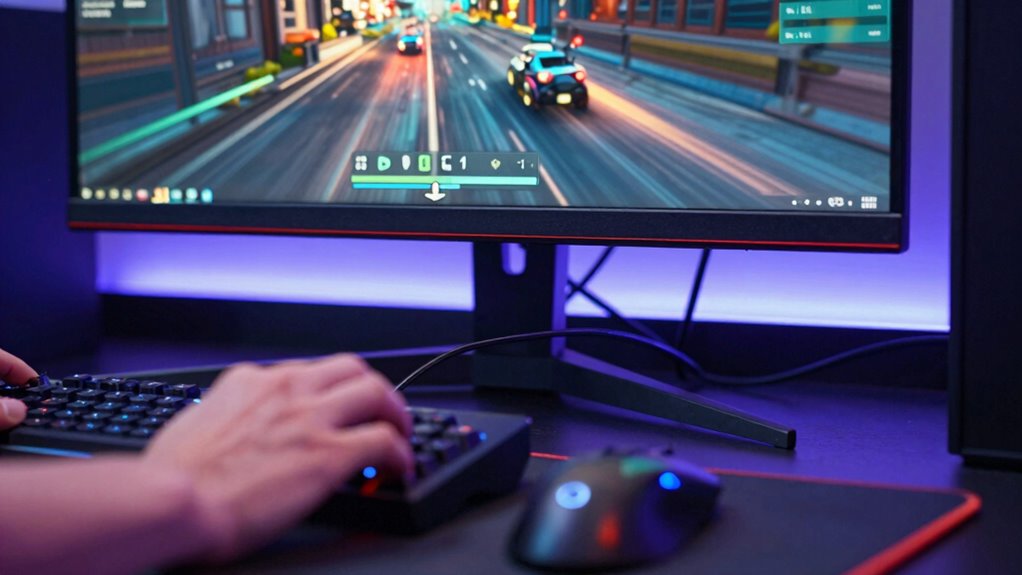

Latency is the delay between your action and the response you see or hear across audio, video, gaming, and networks. It affects how quickly signals travel, influencing everything from smooth video playback and audio sync to quick reaction times in games. High latency causes lag, stutter, and delays that can disrupt your experience. To improve performance and responsiveness, understanding what causes latency and how to reduce it is essential—if you keep exploring, you’ll discover ways to minimize these delays.

Get the latest gadgets delivered free — and shop member deals
- Fast, free delivery on millions of items
- Access to Prime Big Deal Days deals on October 6–7
- Prime Video, Amazon Music and more included
Key Takeaways
- Latency is the delay between an action and its response, impacting audio, video, gaming, and network performance.
- In gaming, low latency ensures quick input registration, enhancing real-time responsiveness.
- For audio and video, minimal latency maintains synchronization and prevents lag or stuttering.
- Network latency affects data transfer speed, causing buffering and delayed responses during online activities.
- Hardware and network optimizations help reduce latency, improving overall user experience across devices.
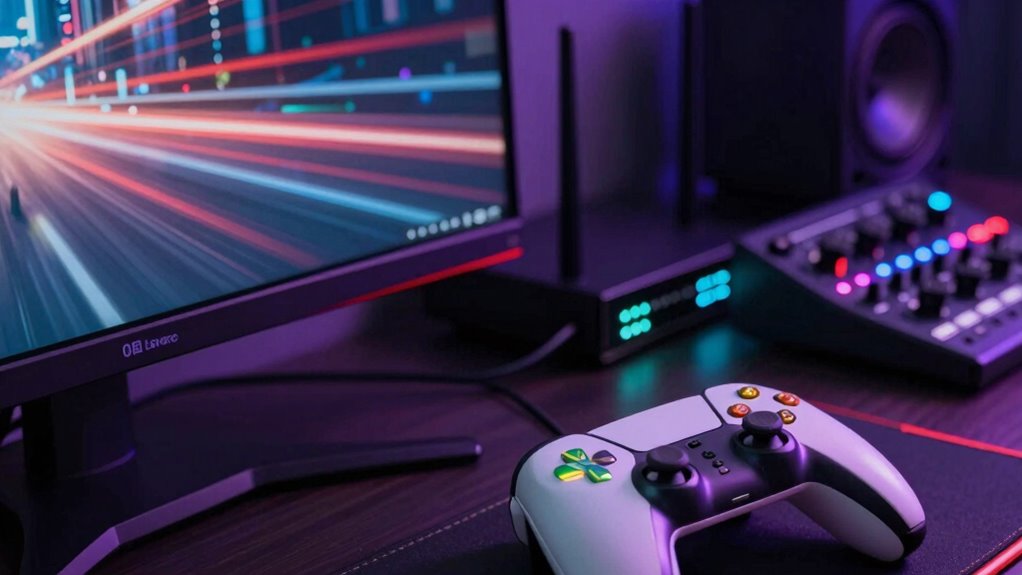
Latency refers to the delay between an action and its corresponding response, and it plays a vital role in the quality of audio, video, gaming, and network experiences. When latency is high, you might notice lag, stutter, or delays that disrupt the seamless flow of what you’re trying to enjoy or accomplish. Reducing latency isn’t just about improving performance; it’s about creating a smoother, more responsive user experience that feels natural and intuitive. One key way to achieve this is through hardware optimization. By upgrading your hardware—such as faster processors, more efficient graphics cards, or better network interfaces—you can substantially cut down on delays. Proper hardware setup ensures that signals move swiftly through the system, minimizing bottlenecks that cause latency. For example, using high-quality cables and optimized network adapters helps data transfer faster, directly impacting the responsiveness of your gaming or streaming setup.
In gaming, latency translates into how quickly your inputs register on-screen. When latency is low, your actions, like moving a character or firing a weapon, happen almost instantaneously. This responsiveness is essential in fast-paced games where split-second decisions make the difference between victory and defeat. If your hardware isn’t optimized, you might experience input lag, which can be frustrating and hinder your performance. Similarly, in video and audio, low latency ensures that what you see and hear aligns perfectly with real-time events. For instance, live broadcasts or video conferences depend on minimal delays to keep conversations natural and synchronized. When latency spikes, it causes audio and video to fall out of sync, leading to a disjointed experience that diminishes user satisfaction. Understanding network infrastructure can also help you identify bottlenecks that contribute to latency issues. Additionally, paying attention to signal quality can help you further reduce delays and improve overall performance. Ensuring your hardware components are compatible and up to date also plays a crucial role in minimizing latency issues.
Network latency, often influenced by your internet connection and hardware setup, can also impact your overall user experience. High network latency results in longer wait times, buffering, and delayed responses, especially during live streams or multiplayer gaming. Optimizing your network hardware—such as using a wired connection instead of Wi-Fi, upgrading your router, or configuring QoS settings—can dramatically reduce these delays. This ensures that data packets reach their destination faster, keeping communication smooth and real-time. Additionally, understanding the importance of projector technology can help you select devices that minimize input lag and enhance responsiveness in your gaming or multimedia setup. Improving your network configuration can further enhance your overall experience by reducing latency and ensuring a stable connection. Ultimately, understanding how latency affects different digital experiences helps you take targeted steps to optimize your hardware and network setup, delivering an improved, more responsive user experience across all your devices and activities.
As an affiliate, we earn on qualifying purchases.
Frequently Asked Questions
How Does Latency Differ Between Wired and Wireless Connections?
Wired connections typically have lower latency because Ethernet offers stable, consistent signals without interference. Wireless connections, however, are more prone to wireless interference, which can cause delays and increase latency. You’ll likely notice faster, more reliable responses with Ethernet, especially during gaming or streaming. Wireless setups might experience occasional lag spikes, so if low latency is essential, sticking with wired Ethernet is your best bet for smoother performance.
Can Latency Issues Be Completely Eliminated?
Imagine your favorite game or video streaming as a smooth river, but buffering delays and signal degradation create tiny rapids that disrupt the flow. Latency issues can’t be entirely eliminated because network imperfections and physical limitations always introduce some delay. While you can minimize these issues with better equipment and connections, completely erasing latency is nearly impossible, leaving a little ripple in even the smoothest streams.
What Are the Long-Term Effects of High Latency?
High latency can cause buffering delays and considerably impact your user experience over time. You might notice constant interruptions, lag, and frustration during streaming, gaming, or video calls. Persistent delays can also lead to decreased engagement, reduced productivity, and even hardware strain as devices work harder to compensate. Long-term, high latency hampers smooth interactions, discourages usage, and may require costly upgrades or network optimizations to restore peak performance.
How Do Different Devices Impact Latency?
Think of devices as different vehicles on a busy highway; some are sleek sports cars, others are trucks. Your device’s compatibility and hardware optimization directly impact latency, much like a well-tuned engine improves speed. Devices with outdated hardware or incompatible components can cause delays, making your connection feel sluggish. Upgrading hardware and ensuring compatibility help smooth out this ride, reducing latency and giving you a more responsive, seamless experience.
Is Latency the Same Across All Internet Service Providers?
No, latency isn’t the same across all internet service providers. You’ll notice variability due to service provider differences, which can affect your connection speed and responsiveness. Network congestion also plays a big role—during peak hours, your latency might increase as more users share the network resources. So, your experience largely depends on your provider’s infrastructure and how busy the network is at any given time.
As an affiliate, we earn on qualifying purchases.
Conclusion
Understanding latency helps you appreciate the seamless experience you often take for granted. While some might think it’s just a technical detail, it directly impacts how smoothly your audio, video, gaming, and network interactions feel. Don’t dismiss it as minor—improving latency can make your entertainment and communication more responsive. Once you grasp its importance, you’ll see how essential it is for enjoying truly immersive and frustration-free digital experiences.
As an affiliate, we earn on qualifying purchases.
As an affiliate, we earn on qualifying purchases.
Fall Picks
fall essentials
As an affiliate, we earn on qualifying purchases.