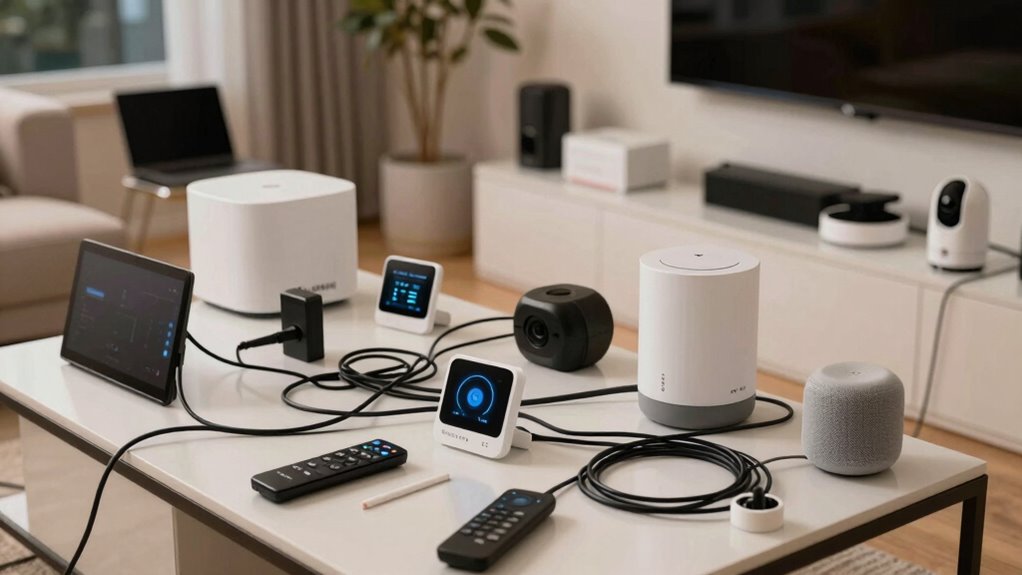

Starting your smart home with too many devices at once can backfire because it overwhelms your system, making troubleshooting and integration difficult. Compatibility issues, network congestion, and inconsistent responses lead to frustration and confusion. Rushing without testing each component causes setup problems and reduces reliability. Focusing on a smaller, manageable setup helps guarantee everything works smoothly. If you want to learn how to avoid these pitfalls, keep exploring the key strategies for a successful smart home.

Get the latest gadgets delivered free with Prime
- Fast, free delivery on millions of items
- Prime Video, Amazon Music and more included
- Member-only deals all year
Key Takeaways
- Overloading the system with many devices causes network congestion and software conflicts.
- Rushing to automate everything at once leads to setup errors and troubleshooting difficulties.
- Incompatibility among devices results in inconsistent responses and user frustration.
- Complex systems without proper testing reduce reliability and hinder user experience.
- Lack of gradual implementation hampers system scalability and makes troubleshooting more challenging.
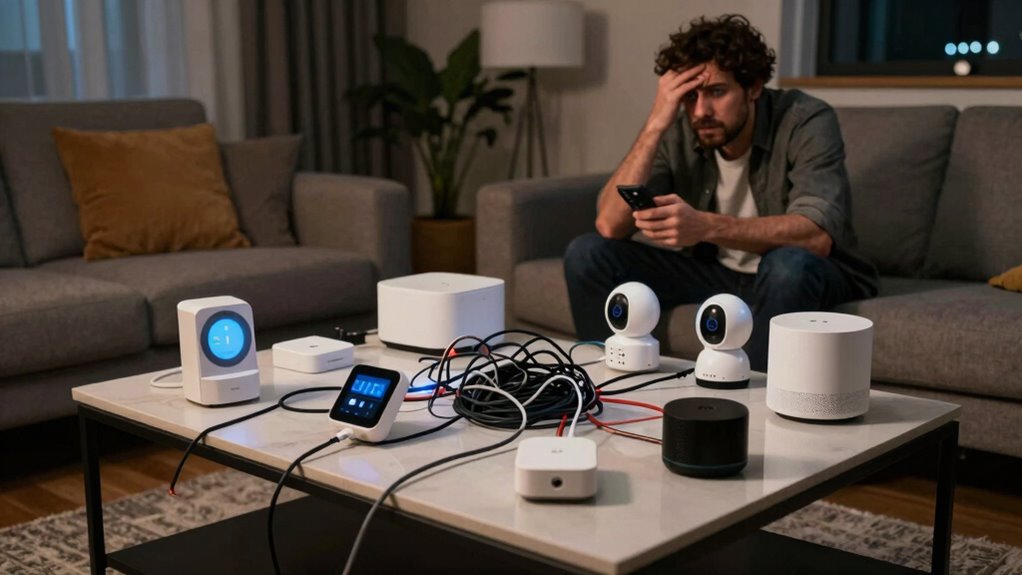
Setting up a smart home can seem straightforward, but many people run into unexpected problems that turn the process into a frustrating experience. When you try to automate everything at once, it’s easy to overlook the complexity behind each device and system. For example, integrating voice recognition features across multiple smart devices might sound simple, but in practice, it often leads to confusion and miscommunication. If your voice commands aren’t recognized correctly or if devices respond inconsistently, you’ll quickly feel overwhelmed. Rushing into a large setup without testing each component individually can cause frustration, especially when voice commands don’t work as expected or when devices fail to understand your requests.
Similarly, attempting to implement energy management on a grand scale during your initial setup can backfire. While the idea of optimizing energy use sounds appealing, it requires careful planning and precise configuration. When you try to connect all your smart appliances, lighting, thermostats, and sensors at once, you risk creating a tangled web of devices that don’t work smoothly together. If the energy management system isn’t properly calibrated or if devices aren’t compatible, you might find yourself manually overriding settings more often than you’d like. Starting small allows you to understand each device’s capabilities and limitations, which makes expanding your system more manageable later on. Additionally, understanding device compatibility is crucial before extensive integration, as incompatible devices can cause significant delays and frustrations.
Jumping into a big setup also increases the chances of technical hiccups. The more devices you add simultaneously, the higher the likelihood of network congestion, software conflicts, or compatibility issues. These problems can make your smart home feel unreliable, which defeats the purpose of automation. When you set up fewer devices initially, you can troubleshoot effectively and ensure each component functions correctly before adding more. Moreover, a gradual approach helps you identify and resolve unforeseen problems early, saving time and effort in the long run. It’s also beneficial to consider network stability, as a robust network can significantly reduce connectivity problems during setup.
Moreover, trying to control everything at once can make you lose sight of your actual needs. Large setups often include features or devices you don’t really need, complicating the user experience and making automation less intuitive. Focusing on core functionalities—like voice recognition for simple commands or basic energy management—helps you build a solid foundation. It’s also important to consider user experience early in the process to ensure your system remains intuitive and easy to use. Once those systems work seamlessly, you can gradually expand your smart home, adding new features without overwhelming yourself.
In essence, the key to successful smart home setup is patience and incremental progress. Starting small, testing thoroughly, and understanding each device’s role makes your system more reliable, user-friendly, and scalable. Overloading your setup from the start not only complicates troubleshooting but also hampers your overall experience. Keep it simple at first, and your smart home will become a true convenience rather than a source of frustration. Remember, proper planning is essential to creating a cohesive and efficient system that truly meets your needs.
As an affiliate, we earn on qualifying purchases.
Frequently Asked Questions
How Do I Prioritize Devices for My Smart Home Setup?
To prioritize devices in your smart home setup, start with a device hierarchy that focuses on essential devices like security cameras, smart locks, and thermostats. Use automation sequencing to connect these core devices first, ensuring they work seamlessly before adding less critical gadgets. This approach helps you manage complexity, avoids overwhelm, and lets you expand gradually, making your smart home more reliable and easier to control.
What Are Common Technical Issues During Smart Home Installation?
Ever wondered what common technical issues pop up during smart home installation? Wireless interference often causes connectivity problems, making devices unreliable. Installation errors, like incorrect wiring or faulty configuration, also lead to frustration. You might find devices not syncing properly or responding slowly. To avoid these pitfalls, guarantee a clear Wi-Fi signal, follow installation instructions carefully, and test each device before expanding your setup. Wouldn’t you want a smooth, hassle-free smart home experience?
How Can I Ensure My Smart Devices Are Compatible?
To guarantee your smart devices are compatible, focus on device integration and compatibility testing. Check each device’s specifications and confirm they work with your existing hub or platform. Look for compatibility labels or certifications, and read reviews for real-world performance. Before purchasing, use online tools or apps to test if new devices will integrate smoothly. This proactive approach helps you avoid frustration and creates a seamless smart home experience.
What Budget Should I Allocate for a Successful Setup?
You should allocate a realistic budget of $500 to $1,500 for a successful smart home setup, depending on your goals. Focus on budget planning by prioritizing essential devices first, then expanding gradually. Practice cost management by comparing prices, looking for deals, and avoiding overbuying. This approach helps prevent overspending, guarantees compatibility, and keeps your smart home project manageable, increasing your chances of long-term success.
How Long Does It Typically Take to Complete a Smart Home Setup?
You’ll usually spend anywhere from a few hours to several weeks completing your smart home setup, depending on your automation planning and device integration. Remarkably, 40% of homeowners find initial setup takes longer than expected due to troubleshooting and customizing. To streamline the process, focus on clear automation planning first, then gradually add devices, ensuring each integrates smoothly before expanding your system.
smart home device compatibility tester
As an affiliate, we earn on qualifying purchases.
As an affiliate, we earn on qualifying purchases.
Conclusion
Remember, starting small can save you from biting off more than you can chew. When you try to set up a sprawling smart home all at once, it’s easy to get overwhelmed and lose sight of what truly matters. Building your system gradually not only helps you learn the quirks but also guarantees things run smoothly in the long run. Sometimes, slow and steady wins the race, especially in the smart home world.
As an affiliate, we earn on qualifying purchases.
As an affiliate, we earn on qualifying purchases.
Halloween Picks
halloween
As an affiliate, we earn on qualifying purchases.