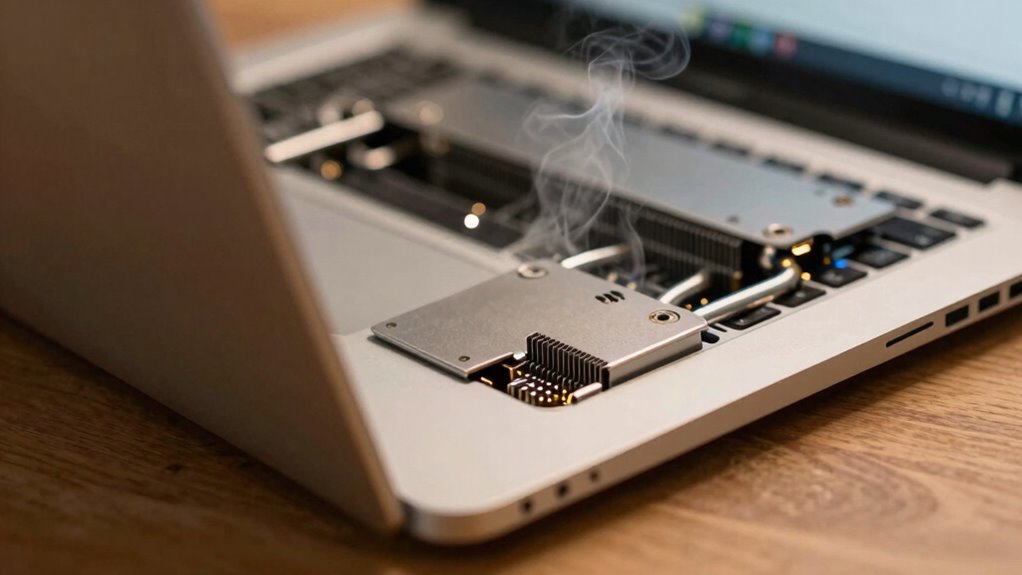

Your laptop’s thermals, or how well it manages heat, directly affect its performance and lifespan. Good thermal management keeps the CPU and GPU cool, preventing throttling and sluggishness during demanding tasks. It also reduces the risk of hardware damage caused by overheating, which can shorten the device’s life. Paying attention to cooling solutions can help your laptop stay quieter and run smoothly longer. Keep going to discover more about how optimizing thermals can benefit your device.

Get the latest gadgets delivered free — and shop member deals
- Fast, free delivery on millions of items
- Access to Prime Big Deal Days deals on October 6–7
- Prime Video, Amazon Music and more included
Key Takeaways
- Effective thermals maintain optimal CPU and GPU temperatures, preventing performance throttling during demanding tasks.
- Good thermal management reduces long-term hardware damage and extends device lifespan.
- Superior cooling solutions enable sustained high performance without overheating risks.
- Proper heat dissipation minimizes battery degradation and preserves overall battery life.
- Regular maintenance of cooling systems enhances device stability, quiet operation, and longevity.
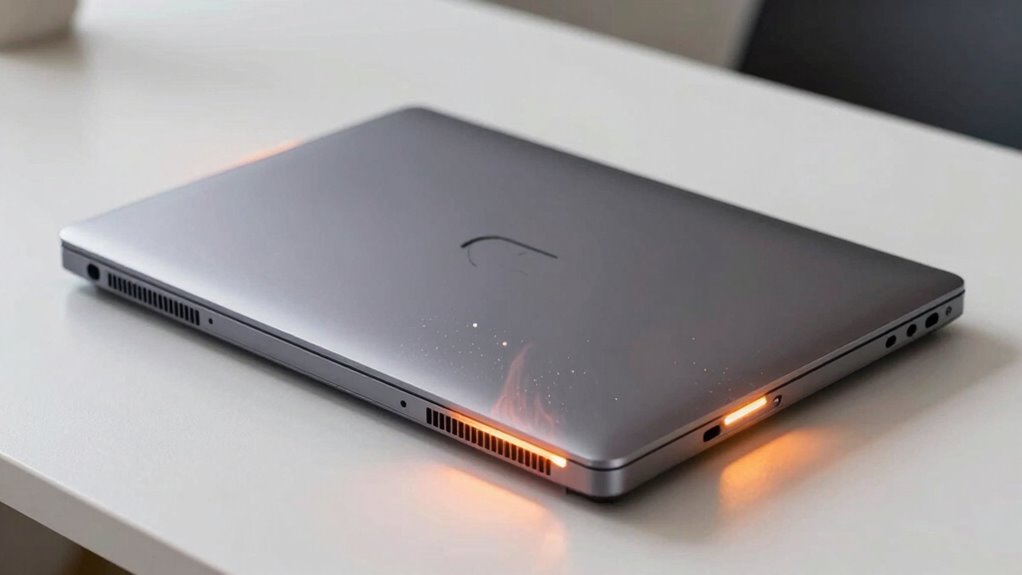
When it comes to laptops, thermals play a crucial role in maintaining ideal performance. The way your device manages heat directly impacts how smoothly it runs and how long it lasts. Overheating can cause your laptop to throttle its performance to prevent damage, leading to sluggishness and frustration. Good thermals ensure that components like the CPU and GPU stay within suitable temperature ranges, giving you consistent performance during demanding tasks. If your laptop runs hot, it may also affect battery life, since heat can accelerate battery degradation over time. That’s why understanding the importance of cooling solutions is essential—they’re designed to dissipate heat efficiently, enabling your device to operate at peak levels without risking thermal damage.
Cooling solutions come in various forms, from simple fans to complex heat pipe systems and vapor chambers. When you’re shopping for a new laptop, pay attention to how well it’s equipped to handle heat. More advanced cooling solutions tend to provide better thermal management, which means your laptop can sustain high performance for longer periods without overheating. This is especially critical if you use your device for intensive tasks like gaming, video editing, or 3D rendering. Not only do these cooling methods keep temperatures in check, but they also help prolong the lifespan of internal components, preserving your investment over the years. Additionally, thermal management is a key factor in preventing long-term damage to your device’s hardware. Proper thermal dissipation can significantly reduce the risk of hardware failures caused by excessive heat buildup. Ensuring optimal airflow and heat transfer techniques are crucial for maintaining overall device health. Moreover, effective thermal regulation can also contribute to quieter operation, as components run cooler and require less active cooling. Regular maintenance of cooling systems, like cleaning dust from fans and vents, further enhances thermal performance and keeps your laptop running smoothly.
As an affiliate, we earn on qualifying purchases.
Frequently Asked Questions
How Often Should I Clean My Laptop’s Cooling System?
You should clean your laptop’s cooling system every 3 to 6 months, especially if you notice increased fan noise or dust buildup. Regular cleaning prevents overheating, maintains peak performance, and extends your laptop’s lifespan. Use compressed air to blow out dust from vents and fans carefully. If you’re comfortable, open the case periodically for a more thorough clean, but always follow manufacturer guidelines to avoid damage.
Do Aftermarket Cooling Pads Improve Thermal Performance Significantly?
Think of your laptop as a busy engine, needing proper cooling to keep running smoothly. Aftermarket cooling pads can improve thermal performance, but their effectiveness varies. They’re a part of broader thermal management strategies, helping dissipate heat more efficiently. While cooling pad effectiveness isn’t a miracle cure, combining one with good airflow habits still offers a noticeable boost, protecting your device’s longevity and maintaining peak performance.
Can High Temperatures Cause Permanent Damage to My Laptop?
Yes, high temperatures can cause permanent damage to your laptop. When it overheats, components may wear out faster or fail entirely, especially if thermal throttling occurs often. Thermal throttling reduces performance to prevent damage, but persistent overheating can still harm your hardware over time. To protect your laptop, guarantee proper cooling and avoid prolonged overheating, which can compromise both performance and longevity.
How Do Ambient Room Temperatures Affect Laptop Thermals?
When room temperatures rise, your laptop’s thermals are playing a game of catch-up. Warm ambient air hampers air circulation, making it harder for the system to cool down effectively. This can lead to thermal throttling, where performance dips to prevent overheating. Keep your workspace cool and well-ventilated to help your laptop breathe easy, ensuring it runs smoothly and lasts longer without overheating.
Are Gaming Laptops More Prone to Thermal Issues Than Regular Laptops?
Yes, gaming laptops are more prone to thermal issues than regular laptops. Their high-performance components generate more heat, leading to increased risk of thermal throttling, which slows down your laptop to prevent overheating. Effective heat dissipation becomes essential to maintain performance. If cooling isn’t adequate, your gaming laptop might overheat, cause thermal throttling, and potentially reduce its lifespan. Proper cooling solutions help keep temperatures in check and optimize performance.
laptop thermal paste replacement kit
As an affiliate, we earn on qualifying purchases.
As an affiliate, we earn on qualifying purchases.
Conclusion
Understanding laptop thermals isn’t just about avoiding overheating; it directly impacts your device’s performance and lifespan. When temperatures stay ideal, your laptop runs smoothly and lasts longer, saving you money and frustration. Did you know that overheating can reduce a laptop’s lifespan by up to 50%? Keeping thermals in check ensures you get the best out of your device—faster speeds, fewer crashes, and a longer-lasting investment. Stay cool, stay productive.
As an affiliate, we earn on qualifying purchases.
high-performance laptop cooling fan
As an affiliate, we earn on qualifying purchases.
As an affiliate, we earn on qualifying purchases.
Fall Picks
fall essentials
As an affiliate, we earn on qualifying purchases.