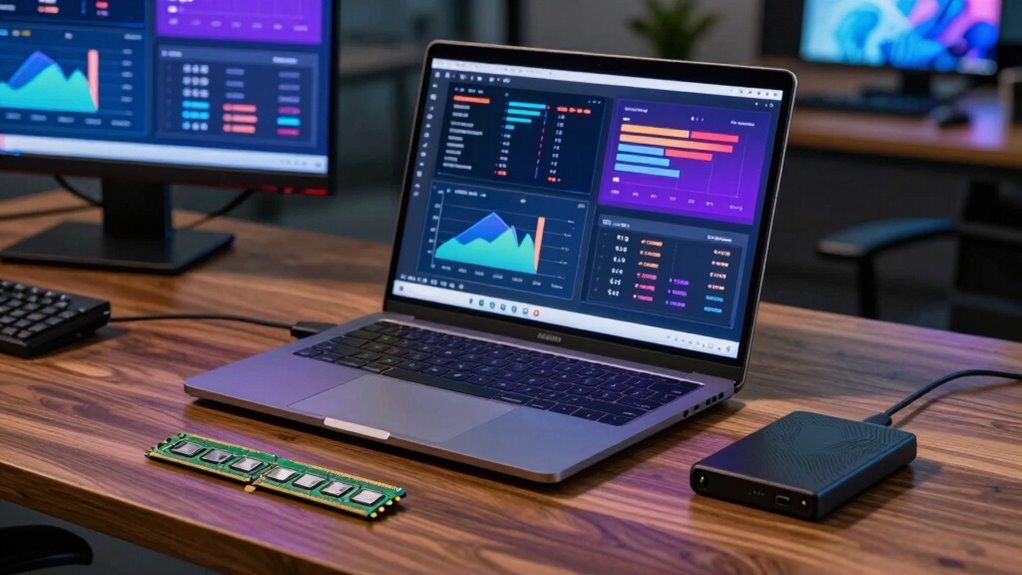

To decide between more RAM or storage for your laptop, consider your main tasks. If you often multitask or use demanding programs, upgrading RAM will boost speed and responsiveness. But if you handle large files, media, or need space to store extensive libraries, then more storage makes sense. Think about your workflow—focusing on performance or capacity. Keep exploring to discover which upgrade best matches your needs and how to make the most of them.

Get the latest gadgets delivered free — and shop member deals
- Fast, free delivery on millions of items
- Access to Prime Big Deal Days deals on October 6–7
- Prime Video, Amazon Music and more included
Key Takeaways
- Determine if multitasking or running demanding applications causes sluggishness, indicating a need for more RAM.
- Assess if your storage capacity limits your ability to save large files or media libraries.
- Consider upgrade feasibility and compatibility based on your laptop’s hardware design and specifications.
- Prioritize RAM if you need faster multitasking and improved responsiveness for multiple applications.
- Opt for more storage if you frequently handle large files, media, or require extensive offline data access.
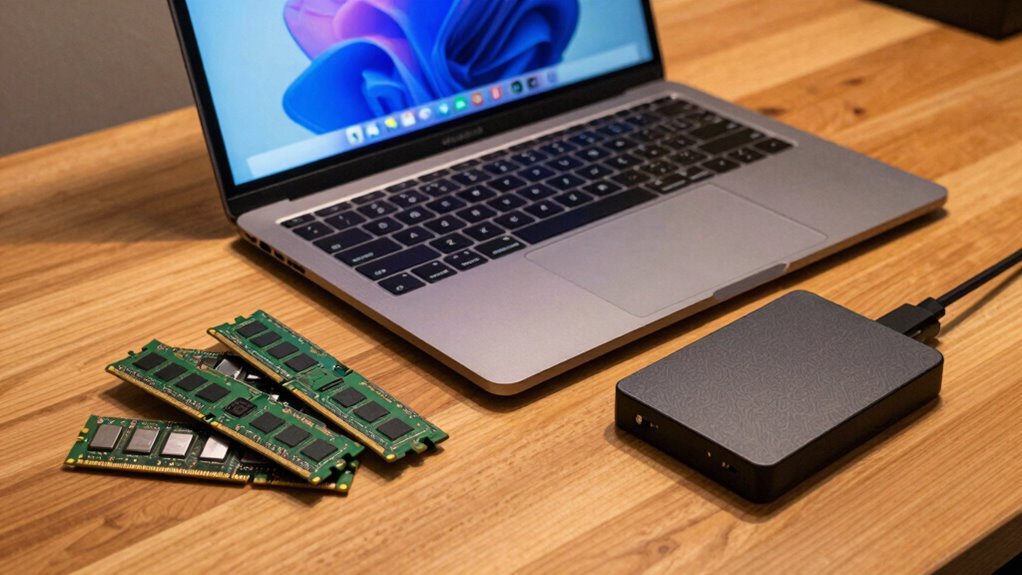
When choosing between more RAM or more storage for your laptop, it’s important to understand how each component impacts your overall experience. Your decision can substantially influence performance optimization and how well your device meets your needs. RAM, or memory, determines how many tasks your laptop can handle simultaneously. If you often run multiple applications, edit large files, or use demanding software, upgrading your RAM can greatly improve speed and responsiveness. More RAM allows your system to keep more data readily accessible, reducing lag and preventing slowdowns during intense tasks. On the other hand, storage capacity dictates how much data, programs, and files you can save on your device. If you work with large media files, download many apps, or prefer to keep extensive libraries offline, opting for increased storage makes sense.
Choosing between more RAM or storage depends on whether you prioritize multitasking speed or ample file space.
When considering performance optimization, think about how your typical workload impacts your system. If your laptop feels sluggish when multitasking or during heavy processing, more RAM can be a game-changer. Upgrading RAM is often a straightforward way to breathe new life into an aging machine, especially since it directly influences how efficiently your system manages active tasks. Additionally, understanding hardware limitations can help you determine what upgrades are feasible for your device. Knowing the compatibility factors of your hardware can prevent costly mistakes and ensure smooth upgrade processes. Moreover, some modern laptops have specific upgrade pathways, which can streamline or complicate the process depending on the model.
In terms of upgrade considerations, RAM upgrades tend to be more cost-effective and easier to perform in many laptops, especially if your device allows for user-accessible memory modules. Increasing RAM can be completed relatively quickly, often at a lower expense than replacing storage drives. Storage upgrades, however, may involve replacing or adding an SSD or HDD, which can be more complex depending on your device’s design. It’s essential to check your laptop’s specifications and upgrade options before making a choice. If you’re unsure, consider your typical usage patterns: do you handle large files and multimedia, or are you more focused on multitasking and speed?
Ultimately, your choice hinges on what impacts your workflow most. More RAM enhances performance for multitasking and demanding applications, while more storage ensures you have space for all your files and programs. Weighing these upgrade considerations carefully will help you make an informed decision, allowing you to optimize your laptop for your specific needs.
As an affiliate, we earn on qualifying purchases.
Frequently Asked Questions
How Does Upgrading RAM Affect Battery Life?
Upgrading RAM can slightly increase power consumption, which may lead to a bit more battery drain. More RAM requires additional power for the memory modules to function, especially during intensive tasks. However, the impact on battery life is usually minimal unless you upgrade to considerably larger RAM modules or use your laptop for heavy multitasking. Overall, you’ll notice only a small change in battery performance with increased RAM.
Can More Storage Slow Down My Laptop?
Adding more storage generally won’t slow down your laptop directly. However, if your storage device is slower, like an older HDD versus an SSD, data transfer speeds decrease. This can affect cache management, making your system take longer to access files. When upgrading, choose faster storage options to prevent any performance drops, especially during intensive tasks, ensuring smooth operation without impacting your laptop’s speed.
Is SSD Storage Better Than HDD for Performance?
SSD storage is better than HDD for performance because it offers faster data transfer speeds, reducing load times and improving overall responsiveness. Unlike HDDs, SSDs use flash memory, which means no moving parts and less wear leveling concerns. This results in quicker data access and enhanced durability. So, if performance matters, an SSD is the smarter choice, especially for tasks demanding rapid data transfer and reliability.
How Often Should I Upgrade My Laptop’s Hardware?
You should upgrade your laptop’s hardware every few years, or when it starts lagging behind your needs. Ignoring hardware compatibility can turn your upgrade into a costly puzzle, so verify compatibility first. Keep an eye on upgrade costs—sometimes, spending a little more now saves you from frequent upgrades later. Regular upgrades ensure smoother performance, but don’t forget to balance your budget and tech needs to avoid unnecessary expenses.
Does More RAM Improve Gaming Performance Significantly?
More RAM can improve gaming performance, especially in multitasking or demanding titles, by reducing lag and stuttering. While it doesn’t directly boost graphics performance or frame rate enhancement like a better GPU does, increased RAM helps your system handle larger game files and background processes smoothly. So, if your games are memory-intensive and your system struggles with multitasking, upgrading RAM can make a noticeable difference in gameplay experience.
As an affiliate, we earn on qualifying purchases.
Conclusion
When choosing between more RAM or storage, consider your primary tasks—whether multitasking or storing large files. Did you know 78% of users regret not upgrading their RAM before heavy usage? Prioritize RAM if you run multiple apps simultaneously, or opt for storage if you handle large files regularly. Understanding your needs helps you make smarter choices, ensuring your laptop works efficiently and meets your expectations. Remember, balancing both can often give you the best overall experience.
As an affiliate, we earn on qualifying purchases.
High capacity external hard drive
As an affiliate, we earn on qualifying purchases.
As an affiliate, we earn on qualifying purchases.
Fall Picks
fall essentials
As an affiliate, we earn on qualifying purchases.