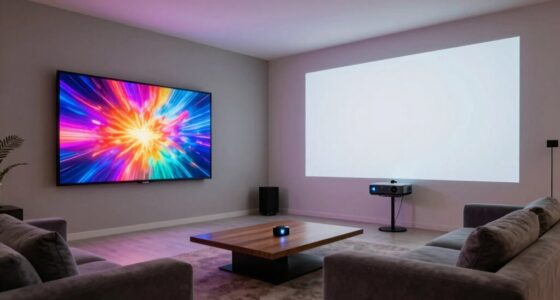
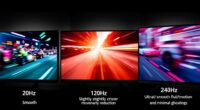
HDMI 2.1 is the latest update that boosts your home entertainment by supporting higher resolutions like 8K, faster refresh rates up to 120Hz, and improved audio quality with eARC. It enables smoother gaming with less lag and minimal tearing using features like VRR. Plus, it works with newer TVs, gaming consoles, and devices, making everything look and sound better. To get the most out of it, you’ll want to know how to set everything up properly—so keep going for all the details.
Key Takeaways
- HDMI 2.1 offers higher bandwidth (up to 48 Gbps), supporting 4K at 120Hz and 8K at 60Hz for sharper visuals.
- It enables gaming features like variable refresh rate (VRR) and auto low latency mode (ALLM) for smoother gameplay.
- Compatible with latest TVs (LG OLED, Samsung QLED), gaming consoles (PS5, Xbox Series X/S), and requires Ultra High-Speed HDMI cables.
- Enhances audio quality with eARC, delivering richer, more immersive sound alongside improved visual performance.
- Proper setup with quality cables and device calibration maximizes HDMI 2.1 benefits for gaming and media experiences.

Amazon Fire TV Cube, with AI-powered Fire TV Search, Hands-free streaming device, find shows faster with Alexa+, Wi-Fi 6E, 4K Ultra HD
Our fastest-ever streaming media player - Brings lightning-fast app starts with an octa-core processor and is 2X as...
As an affiliate, we earn on qualifying purchases.
Understanding HDMI 2.1: The Basics
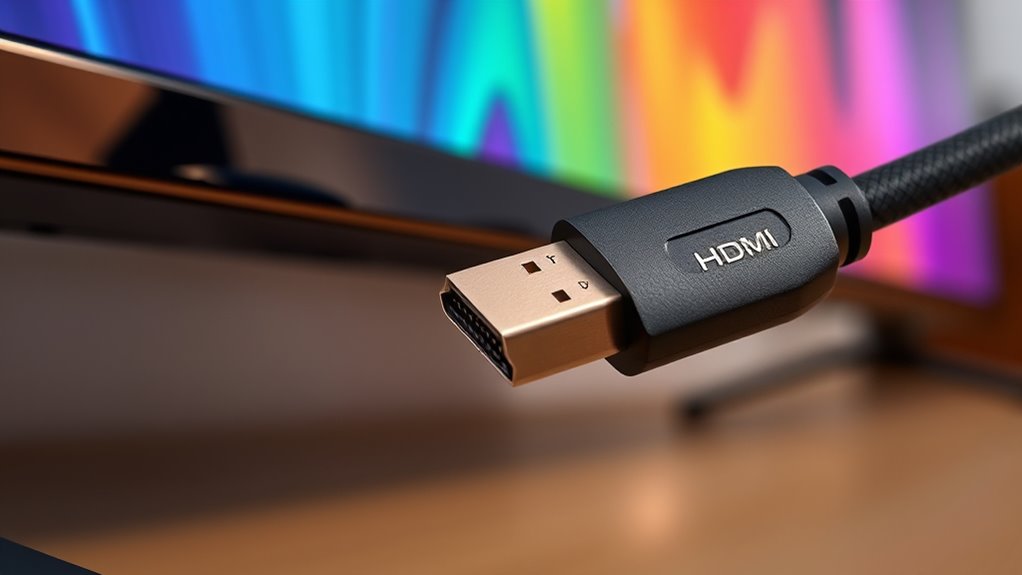
HDMI 2.1 is the latest version of the High-Definition Multimedia Interface, designed to deliver higher bandwidth and better performance for modern devices. To support this increased data transfer, you’ll need the right cable types, typically Ultra High-Speed HDMI cables. These cables are engineered to handle the higher bandwidth requirements of HDMI 2.1, which can reach up to 48 Gbps. Not all HDMI cables are compatible, so choosing the correct one guarantees *maximum* signal quality and performance. Understanding these cable types helps you avoid issues like lag, signal degradation, or limited resolution. Additionally, high refresh rates supported by HDMI 2.1 can significantly improve gaming and viewing experiences, especially with fast-paced content. As technology advances, investing in the proper HDMI 2.1-compatible cables guarantees you get the most out of your gaming, streaming, or home theater setup. Being aware of cable specifications ensures you select cables that are capable of supporting the latest features and bandwidth demands, and selecting the right cables can also contribute to future-proofing your entertainment system.

NVIDIA Shield Android TV Pro | 4K HDR Streaming Media Player High Performance, Dolby Vision, 3GB RAM, 2X USB, Works with Alexa, Model:945-12897-2500-101
The Best of the Best. SHIELD TV delivers an amazing Android TV streaming media player experience, thanks to...
As an affiliate, we earn on qualifying purchases.
Key Features and Specifications of HDMI 2.1

HDMI 2.1 introduces a range of advanced features designed to enhance your viewing and gaming experience. One key feature is the increased bandwidth capacity, now reaching up to 48 Gbps, allowing for higher resolutions and faster refresh rates. This means you can enjoy 4K at 120Hz or even 8K at 60Hz with improved clarity. Additionally, HDMI 2.1 supports enhanced audio return channel (eARC), which delivers higher-quality audio from your TV to sound systems, simplifying your setup. The specification also includes dynamic HDR, variable refresh rate (VRR), and auto low latency mode (ALLM), ensuring smoother gameplay and vibrant visuals. These features work together to provide a more immersive, responsive, and visually stunning experience for both gamers and TV enthusiasts. As technology advances, understanding display capabilities becomes essential for optimizing your entertainment setup. Staying informed about HDMI standards can help you make the most of your equipment’s potential. Furthermore, understanding impact on gaming performance can help you select the right devices to maximize your gaming experience. Recognizing related accessories can also enhance compatibility and performance in your setup. Being aware of smart home integration capabilities can further expand your entertainment and automation options.

Roku Express 4K+ | Roku Streaming Device 4K/HDR with Voice Remote, Free & Live TV
Brilliant 4K picture quality: Stream in HD, 4K, and HDR with sharp resolution and vivid color optimized for...
As an affiliate, we earn on qualifying purchases.
How HDMI 2.1 Enhances Gaming Performance
HDMI 2.1 considerably boosts your gaming experience with faster refresh rates, making motion smoother and more lifelike. It also reduces input lag, so your commands feel more immediate and responsive. These improvements help you stay ahead in fast-paced games and enjoy a more immersive experience. Additionally, eco-friendly crafting principles are increasingly influencing the development of sustainable electronics and accessories used in gaming setups. Incorporating power-efficient technologies in your gaming gear can further enhance performance while minimizing environmental impact. Moreover, the use of stylish designs and durable materials in gaming accessories can improve the longevity and aesthetic appeal of your setup, aligning with trends in dog names and accessories for pet owners who want both function and style. Staying aware of these sustainable innovations can help you create a gaming environment that is both high-performing and environmentally responsible.
Faster Refresh Rates
While traditional refresh rates can limit your gaming experience, HDMI 2.1 introduces faster refresh rates that make gameplay smoother and more responsive. Higher refresh rates, like 120Hz or more, help you see fast-moving action clearly, reducing motion blur. This means your game feels more fluid, giving you a competitive edge. HDMI 2.1 also supports advanced frame synchronization, which keeps your graphics card’s output perfectly aligned with your display’s refresh rate. This minimizes screen tearing and stuttering, ensuring a seamless visual experience. Understanding cables and proper setup further enhance the benefits of higher refresh rates, especially when combined with Steampunk-inspired gaming setups that emphasize vintage aesthetics and modern technology integration. Additionally, supporting features like variable refresh rate can adapt to the game’s frame output, further enhancing visual quality and smoothness.
Reduced Input Lag
Faster refresh rates improve visual clarity during gameplay, but reducing input lag is equally important for a responsive experience. HDMI 2.1 helps lower game latency by supporting faster data transmission between your console or PC and your display. This means less input delay, so your actions—like pressing buttons or moving a joystick—are reflected on-screen more quickly. With reduced input lag, you’ll notice a more immediate response, giving you an edge in competitive games and a smoother overall experience. HDMI 2.1’s ability to handle higher bandwidth allows for quicker image updates, minimizing the lag between your commands and what you see. Overall, this enhancement makes gaming more precise, reactive, and immersive, delivering a significant boost in your gameplay performance.

Amazon Fire TV Stick 4K Max (newest model), streaming device, with AI-powered Fire TV Search, supports Wi-Fi 6E, free & live TV without cable or satellite, find shows faster with Alexa+
The new Fire TV experience (2026 release) – Our biggest update to Fire TV has a new, modern...
As an affiliate, we earn on qualifying purchases.
The Impact of HDMI 2.1 on Visual Quality and Resolution
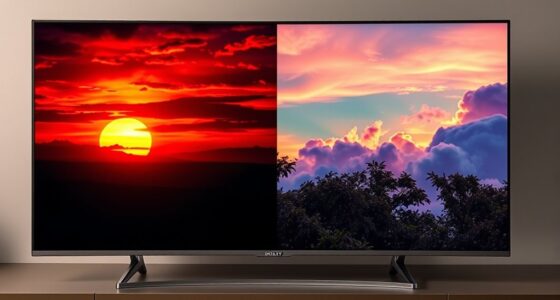
The introduction of HDMI 2.1 considerably elevates visual quality and resolution capabilities, allowing you to experience sharper, more detailed images. With this upgrade, you’ll notice improved color accuracy and enhanced HDR performance, making images more vibrant and lifelike. Here’s what it means for you:
- Higher resolutions, up to 8K, provide incredible detail for gaming and movies.
- Increased bandwidth ensures smoother visuals with less compression and better clarity.
- Advanced HDR support enhances contrast and color precision, delivering richer images.
- The technological advancements also facilitate enhanced cybersecurity, ensuring that your high-quality content streams remain protected from vulnerabilities.
- Additionally, HDMI 2.1 supports variable refresh rate technology, which reduces screen tearing and provides a more seamless viewing experience.
- The increased data transfer rate enables future-proofing for upcoming high-resolution content and gaming innovations.
- These features also make it easier to enjoy immersive gaming, as the technology supports faster response times and more dynamic visuals.
- The overall improvements contribute to a more seamless entertainment experience, allowing content to look better and run more smoothly across compatible devices.
These improvements mean your screen will display more realistic visuals with deeper blacks, brighter highlights, and true-to-life colors. HDMI 2.1 truly transforms how you see content, making every detail pop.
Compatibility and Devices Supporting HDMI 2.1

To fully enjoy the benefits of HDMI 2.1’s enhanced visual capabilities, it’s important to know which devices support this latest standard. Supporting devices now include newer TVs, gaming consoles, and soundbars that feature HDMI compatibility with HDMI 2.1 ports. Keep in mind, not all devices support it yet, so checking specifications is key. Here’s a quick look at common supporting devices:
| Device Type | Support Level | Notable Examples |
|---|---|---|
| TVs | Fully supported | LG OLED, Samsung QLED |
| Gaming Consoles | Fully supported | PS5, Xbox Series X/S |
| Soundbars | Partial support | Sony, Samsung models |
| PCs & Laptops | Varies, check specs | Recent high-end models |
| AV Receivers | Increasing support | Denon, Yamaha models |
Additionally, as the support for HDMI 2.1 expands across various device categories, consumers can experience higher resolutions, faster refresh rates, and improved audio-visual synchronization. Moreover, the integration of advanced audio features like eARC enhances overall sound quality for compatible devices, further enriching the viewing experience.
Setting Up HDMI 2.1 for Optimal Experience
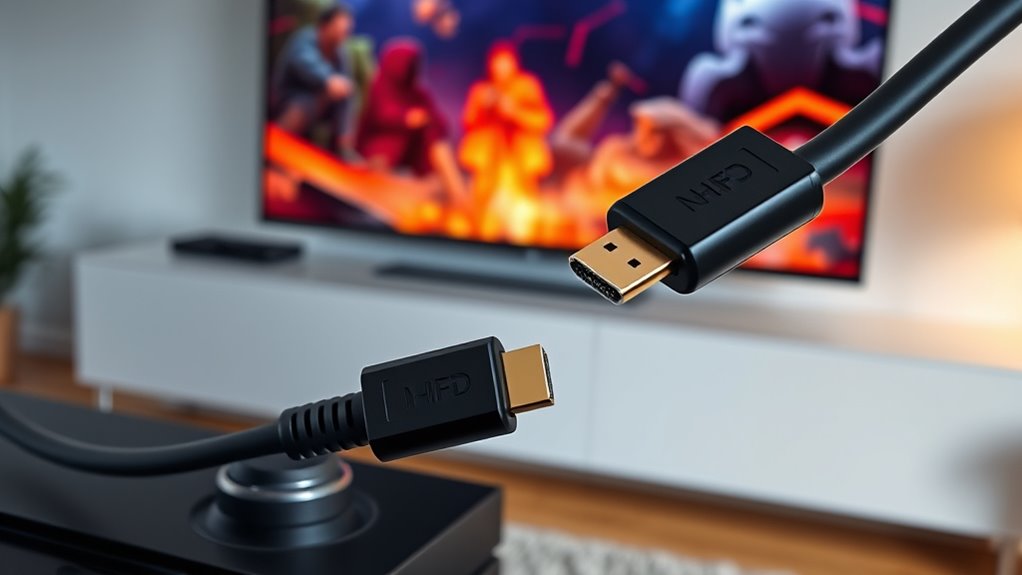
Setting up HDMI 2.1 for peak performance involves ensuring your devices are correctly connected and configured. First, use high-quality HDMI 2.1 cables to support the full bandwidth and features. Next, organize your cables with proper cable management to prevent tangles and signal interference. Finally, calibrate your TV’s color settings for accurate visuals, enhancing your viewing and gaming experience. To get the most out of HDMI 2.1, remember to:
Ensure optimal HDMI 2.1 performance with quality cables, organized setup, and proper color calibration.
- Connect devices directly to your TV or receiver using certified HDMI 2.1 cables.
- Keep cables tidy to avoid signal degradation.
- Adjust color calibration settings for ideal picture quality.
Following these steps guarantees smooth performance and stunning visuals, making the most of HDMI 2.1’s capabilities.
Future Trends and Considerations for HDMI 2.1
As technology advances, HDMI 2.1 is poised to become even more integral to your home entertainment setup, with ongoing developments aimed at enhancing performance and compatibility. Future trends include better vr integration, making virtual reality experiences smoother and more immersive. Expect HDMI 2.1 to support higher bandwidths, facilitating even richer visuals and faster data transfer. Additionally, smart home compatibility will likely expand, allowing your devices to communicate seamlessly through HDMI connections. This could mean easier integration of your AV system with smart home hubs, voice assistants, and automation setups. As these enhancements roll out, you’ll enjoy more streamlined, versatile entertainment experiences, with improved connectivity, higher resolutions, and smarter device interaction—all driven by the evolving capabilities of HDMI 2.1.
Frequently Asked Questions
Will My Older Devices Work With HDMI 2.1 Ports?
Your older devices might not work perfectly with HDMI 2.1 ports due to device compatibility issues. While most HDMI 2.1 ports are backward compatible, they may not support advanced features like higher bandwidth or enhanced audio. You might need port upgrades or adapters for peak performance. Check your device specs first, and consider upgrading cables or hardware if you want full HDMI 2.1 benefits.
Is HDMI 2.1 Backward Compatible With Previous HDMI Versions?
Yes, HDMI 2.1 is backward compatible with previous HDMI versions, so your older devices will still work with HDMI 2.1 ports. However, cable compatibility and device integration depend on using the right HDMI cables. To guarantee maximum performance, use high-quality HDMI cables that support HDMI 2.1 features. Keep in mind that your older devices won’t benefit from the new features, but they’ll still connect and function properly.
How Does HDMI 2.1 Affect Streaming and Online Content?
You might think HDMI 2.1 won’t impact your streaming, but it actually boosts your experience by supporting higher streaming resolutions like 8K and improved bandwidth. This means smoother, clearer online content with less buffering. Although your current internet connection matters most, HDMI 2.1 guarantees your device can handle future streaming upgrades seamlessly, giving you a more immersive, high-quality viewing experience without needing new cables or hardware.
Are There Any Health or Safety Concerns With HDMI 2.1 Cables?
There are no significant health concerns with HDMI 2.1 cables, as they use standard materials and emit no harmful radiation. To stay safe, just guarantee you handle cables properly to avoid electrical shocks or damage, and keep them away from water or heat sources. Follow safety precautions like avoiding over-bending or pinching the cables, and use certified products to ensure quality and safety during setup and use.
Can HDMI 2.1 Improve Audio Quality Beyond Previous Standards?
Yes, HDMI 2.1 can improve audio quality beyond previous standards. It supports higher bandwidth, enabling better audio fidelity and sound enhancement features like Dolby Atmos and DTS:X. These technologies deliver more immersive and clearer sound, making your listening experience richer. With HDMI 2.1, you get sharper, more detailed audio that complements the improved video quality, elevating your overall entertainment setup and ensuring you enjoy superior sound.
Conclusion
Embracing HDMI 2.1 gently opens the door to a more immersive gaming and viewing experience. As technology quietly advances, you’ll find your setup smoothly evolving, offering richer visuals and quicker responses. While the full potential unfolds over time, starting with the right connections sets you on a path to enjoy stunning clarity and performance. It’s a subtle upgrade that can make your entertainment feel more vibrant and alive—without any rush, just a gentle step forward.