
TL;DR

Get the latest gadgets delivered free — and shop member deals
- Fast, free delivery on millions of items
- Access to Prime Big Deal Days deals on October 6–7
- Prime Video, Amazon Music and more included
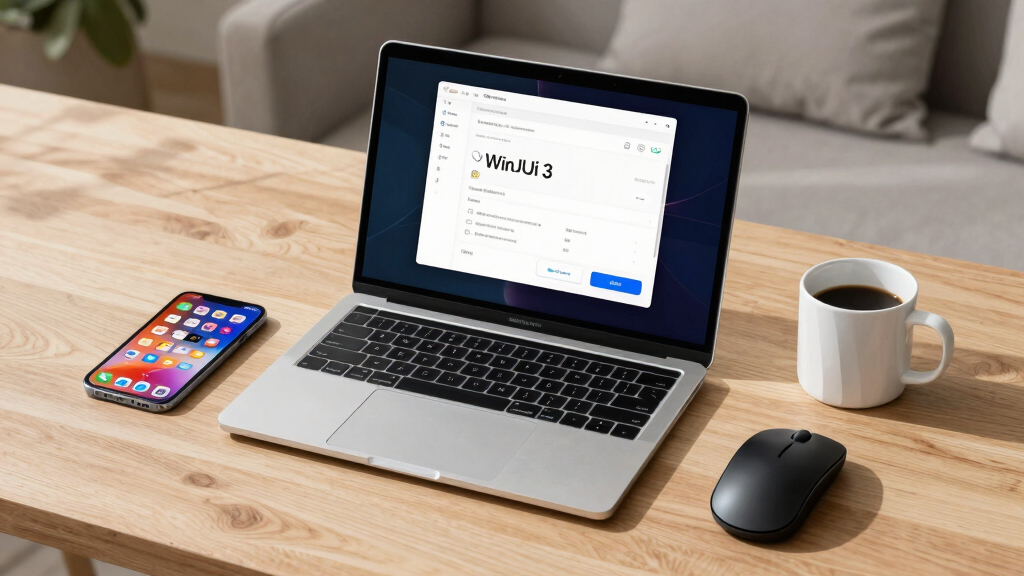
Microsoft has announced significant performance enhancements in WinUI 3, including reduced interaction latency and faster app launches. These improvements are expected to be available soon and aim to make WinUI the premier native UI framework for Windows apps.
Microsoft has announced major performance improvements in WinUI 3, including reductions in interaction latency and faster app launch times, as part of its ongoing effort to optimize the framework for Windows applications.
The company revealed that recent optimizations within WinUI 3 have led to a 41% reduction in transient allocations, a 63% decrease in function calls, and a 25% reduction in time spent in WinUI code during File Explorer launches. These enhancements aim to improve responsiveness and fluidity in Windows apps built with WinUI 3.
These performance gains will be included in the upcoming release of the winui3/main branch and are expected to be incorporated into WinAppSDK 2.x where feasible. Some optimizations involve breaking changes, requiring developers to opt in, particularly for control style adjustments and control template expectations.
Why It Matters
This development is significant because it directly impacts the user experience of Windows applications, promising smoother interactions and faster startup times. As WinUI 3 is positioned as the native UI framework for Windows, these improvements could influence developer adoption and the overall performance of Windows apps.
Windows app performance optimization tools
As an affiliate, we earn on qualifying purchases.
As an affiliate, we earn on qualifying purchases.
Background
Microsoft has been focusing on performance enhancements in WinUI 3, emphasizing core improvements like launch time and interaction latency. Previous updates have aimed to reinforce WinUI’s role as the future of Windows UI development, with benchmarks like File Explorer and Notepad serving as primary indicators of progress. The move to optimize performance aligns with Microsoft’s broader strategy to improve native app responsiveness.
“Our mission is to make WinUI 3 the best native UI platform for Windows experiences, and performance is at the heart of that effort.”
— Microsoft spokesperson
“We are focused on delivering performance improvements across multiple levels, including within WinUI itself.”
— Pavan
As an affiliate, we earn on qualifying purchases.
What Remains Unclear
It is not yet clear how widely these performance improvements will impact all types of WinUI 3 applications or how developers will need to adapt to potential breaking changes. The timeline for full rollout and adoption of opt-out defaults remains to be seen.
high-performance Windows UI components
As an affiliate, we earn on qualifying purchases.
As an affiliate, we earn on qualifying purchases.
What’s Next
Next steps include the release of these improvements in the upcoming WinUI 3 updates, with developers encouraged to test and opt in to optimization features. Further performance benchmarks and developer guidance are expected as the updates become available.
Windows app launch speed booster
As an affiliate, we earn on qualifying purchases.
As an affiliate, we earn on qualifying purchases.
Key Questions
When will these performance improvements be available to developers?
The improvements will be included in the winui3/main branch soon, with rollouts expected shortly thereafter.
Will all WinUI 3 apps benefit from these updates automatically?
Some optimizations involve opt-in features, so developers may need to enable certain settings to realize the full benefits.
Are there any risks or breaking changes associated with these updates?
Yes, some changes involve breaking modifications, such as control style adjustments, which may require app updates or developer intervention.
How will these improvements impact app development in the future?
They aim to make WinUI 3 more responsive and efficient, encouraging broader adoption and enabling developers to build faster, more fluid Windows applications.
Fall Picks
fall essentials
As an affiliate, we earn on qualifying purchases.



![Mercurial, 20 years and counting: how are we still alive and kicking? [video]](https://techtrendtrove.com/wp-content/uploads/2026/05/mercurial-20-years-and-counting-how-are-we-still-alive-and-kicking-video-featured-560x300.jpg)

![Rails World 2026 Opening Keynote [Video]](https://techtrendtrove.com/wp-content/uploads/2026/09/rails-world-2026-opening-keynote-video-featured-260x140.jpg)