To see if a tablet can replace your laptop, check its hardware capabilities like processor, RAM, and storage to handle your daily tasks. Confirm the app ecosystem supports all the software you need, especially if you use specialized programs. Consider connectivity options for file transfers and external displays, and evaluate if the operating system fits your workflow. If these elements align with your needs, a tablet might work for you—continue to explore to find out more.
Key Takeaways
- Assess if the tablet’s processing power, RAM, and storage meet your daily task requirements.
- Confirm the availability and functionality of essential professional or productivity apps for your needs.
- Check if the tablet supports external peripherals like keyboard, mouse, or display for enhanced productivity.
- Ensure the device offers adequate connectivity options for file transfer and multi-device integration.
- Determine if the tablet’s operating system and app ecosystem can handle your specialized or complex workflows.
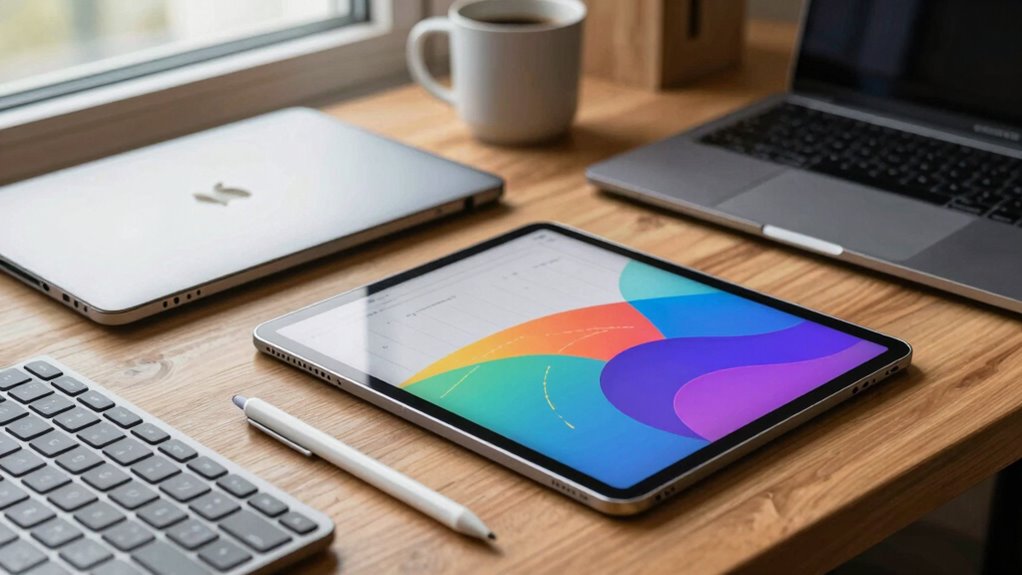
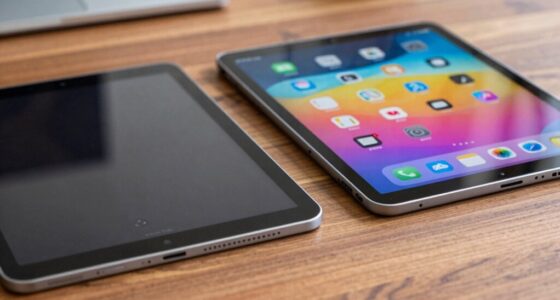
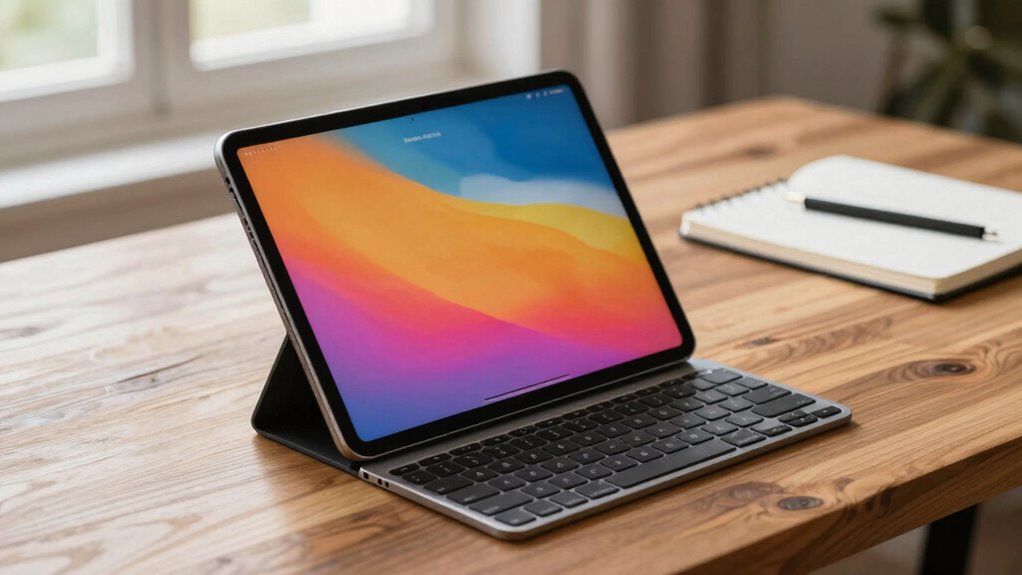
Ever wondered whether a tablet could truly replace your laptop? The answer depends on your specific needs and how you plan to use the device. First, you need to evaluate hardware compatibility. Tablets are generally designed to be sleek and portable, but that doesn’t always mean they can handle the same tasks as a laptop. Check if the tablet has the processing power, RAM, and storage capacity you require for your daily activities. If you’re into heavy multitasking, video editing, or running resource-heavy applications, a tablet might fall short. Some high-end tablets now come with powerful processors and ample storage, but they still may lack the expandability and compatibility that laptops offer. Assess whether the tablet supports external peripherals like keyboards, mice, or external displays, especially if you rely on these for work or creative projects, as portability features can influence your workflow. If it doesn’t, your workflow could be severely limited, making the tablet less of a replacement and more of a secondary device. Additionally, consider hardware limitations, such as the absence of a full keyboard or trackpad, which can impact productivity for certain tasks. Moreover, the level of software compatibility with desktop applications can significantly determine whether a tablet can meet your professional needs. It’s also worth noting that some tablets have limited connectivity options, which might restrict you in certain work environments or when transferring large files.
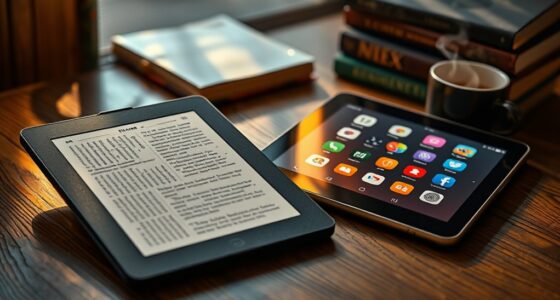
Next, think about software limitations. Tablets run on different operating systems—iOS, Android, or perhaps a simplified version of Windows—each with its own ecosystem of apps. While many popular applications are available for tablets, some specialized software used in professional environments may not be compatible. For example, certain enterprise programs or advanced productivity tools often require a full desktop OS to function properly. Even if the app exists in a mobile version, it might lack features you depend on. This can be a dealbreaker if you need specific software for work, school, or creative pursuits. Additionally, updates and security patches may roll out differently, affecting your device’s performance and safety. It’s also important to consider software ecosystem compatibility, as some applications are optimized for desktop environments. Make sure the software ecosystem on the tablet can support your daily tasks without forcing you into constant workarounds or compromises.
Ultimately, whether a tablet can replace your laptop hinges on how well it aligns with your workflow. If you mostly browse the web, check emails, stream videos, and write documents, a tablet could be a suitable substitute. But if your work involves complex software, extensive multitasking, or hardware expansion, you might find the limitations frustrating. Take the time to weigh your most common tasks and check if the tablet’s hardware compatibility and software capabilities can meet those needs. Only then can you confidently decide if a tablet can truly replace your laptop or if it’s better suited as a supplementary device.
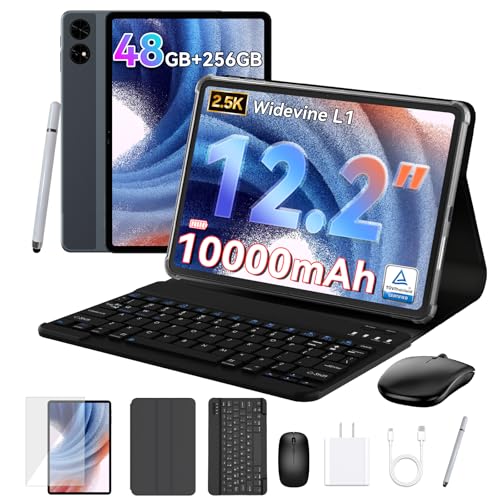
2026 upgrated 12 inch Tablet, Android 16 Tablet with Keyboard, 2K QHD Display for High-Res Gaming/Art/Productivity,with Wideline, 48GB+256GB+2TB, 5G WiFi/Octa-Core/10000mAh/GMS/GPS-4-year Warranty
1. **🎨👁️[12.2" CSOT 2.5K Display: 99% sRGB Gamut & Anti-Glare Visuals] This 12 inch tablet engineered for movie…
As an affiliate, we earn on qualifying purchases.
As an affiliate, we earn on qualifying purchases.
Frequently Asked Questions
Can a Tablet Handle All Professional Software I Use?
A tablet can handle most professional software if it has the right specs, like high screen resolution and good processing power. Check if it supports stylus compatibility for precise work. While some complex programs might still need a laptop, many tablets now run industry-standard apps smoothly. Consider your software’s requirements and test the tablet with your essential tools to see if it truly meets your professional needs.
How Long Does a Typical Tablet Battery Last During Heavy Use?
Battery life busts boundaries during heavy usage, typically lasting about 4 to 8 hours. When you’re working intensely, expect the energy to quickly wane, especially if streaming, gaming, or multitasking. To maximize your tablet’s endurance, close unused apps, lower brightness, and enable power-saving modes. Remember, heavy usage drains the battery faster, so plan your power needs accordingly to keep your productivity persistent and prevent premature power pauses.
Is a Tablet Secure Enough for Sensitive Work Data?
A tablet can be secure enough for sensitive work data if you implement proper security measures. Rely on cloud security and data encryption to protect your information. Use strong, unique passwords, enable two-factor authentication, and keep your device’s software updated. Avoid public Wi-Fi for sensitive tasks. These steps help guarantee your tablet remains a secure tool for handling confidential work data.
Can I Connect Multiple External Devices to a Tablet Easily?
Over 80% of tablet users connect external devices regularly. You can connect multiple external devices to a tablet, but peripheral compatibility varies. Many tablets support accessories like keyboards, mice, and external displays through USB-C or Bluetooth. However, connecting multiple devices might require adapters or hubs, depending on your tablet’s port options. Check your device’s accessory options to guarantee seamless connectivity and avoid compatibility issues.
How Does a Tablet Perform in Multitasking Compared to a Laptop?
A tablet’s multitasking usually isn’t as seamless as a laptop’s. While touchscreen versatility allows quick app switching and split screens, limited processing power can slow you down with heavy tasks. Comparing app ecosystems, laptops often support more robust software, making multitasking easier. If you need intensive multitasking capabilities, a laptop remains better, but for light, quick tasks, a tablet can handle multiple apps effectively.
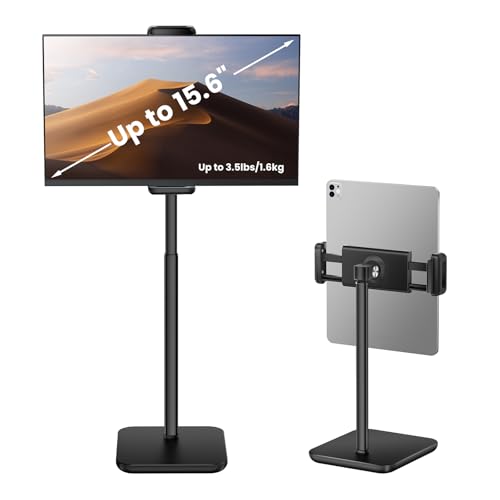
tounee Height Adjustable Tablet Stand, 3.5lb (1.6kg) Max Support, Up to 18" Tall, Slim Portable Monitors Stand Compatible with iPad Pro 12.9, Surface Pro, All 4.7"-15.6" Devices – Black
【Neck and Shoulder Relief】: Prevent neck and shoulder pain caused by looking down. This ergonomic stand elevates your…
As an affiliate, we earn on qualifying purchases.
As an affiliate, we earn on qualifying purchases.
Conclusion
Ultimately, deciding if a tablet can replace your laptop is like finding the perfect pair of shoes—you want comfort, fit, and versatility all in one. If your needs are simple and mobility is key, a tablet might just be your new best friend. However, if you rely on heavy-duty tasks, a laptop’s still the sturdy workhorse. Weigh your priorities carefully, and you’ll find the device that feels just right—like Cinderella’s slipper, it should fit perfectly.

URAO Tablet,10.1" Android Tablet with Octa-core Processor 30GB RAM 128GB ROM HD IPS Touchscreen 8H Battery, Wi-Fi 6, BT 5.4, Dual Camera, Android 16 Tablets 2026
【High Performance】URAO Android tablet features the latest operating system Android 16 and an 2.0 GHz octa-core processor ensure…
As an affiliate, we earn on qualifying purchases.
As an affiliate, we earn on qualifying purchases.
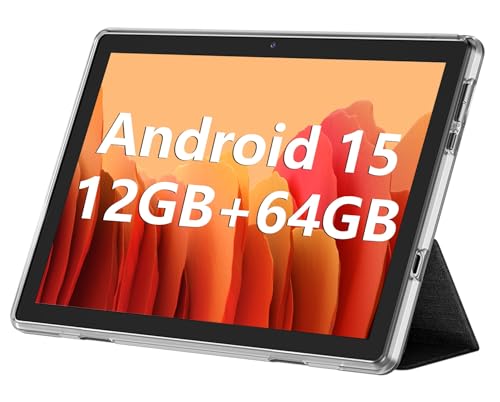
ECOPAD 10.1 Inch Tablet, Android 15 Tablets 12GB(4+8) RAM / 64GB ROM / 1TB SD Card Expansion, 1280×800 IPS HD Touchscreen, 6000mAh Battery, Bluetooth 5.0, Dual Cameras, GMS, Dual Band WiFi, Black
Latest Android Tablet – This android tablet features a quad-core processor, android 15 OS and a 10.1" IPS…
As an affiliate, we earn on qualifying purchases.
As an affiliate, we earn on qualifying purchases.