Choosing between PCIe 4.0 and 5.0 depends on your current setup and needs. If your system supports PCIe 4.0, it already offers excellent performance at a lower cost. PCIe 5.0 provides faster speeds but may require new hardware and comes at a higher price. If future-proofing is your goal, and your system can handle it, upgrading might make sense. For more insights, keep exploring how each standard fits your specific build.
Key Takeaways
- PCIe 4.0 is compatible with most current hardware and offers strong performance for most users.
- PCIe 5.0 provides faster data transfer speeds but requires newer, often more expensive, components.
- Upgrading to PCIe 5.0 may involve replacing multiple parts, increasing overall build cost.
- PCIe 4.0 offers a cost-effective solution for immediate needs, while PCIe 5.0 is better for future-proofing.
- Consider your current hardware, budget, and performance needs before deciding if the newest standard is necessary.
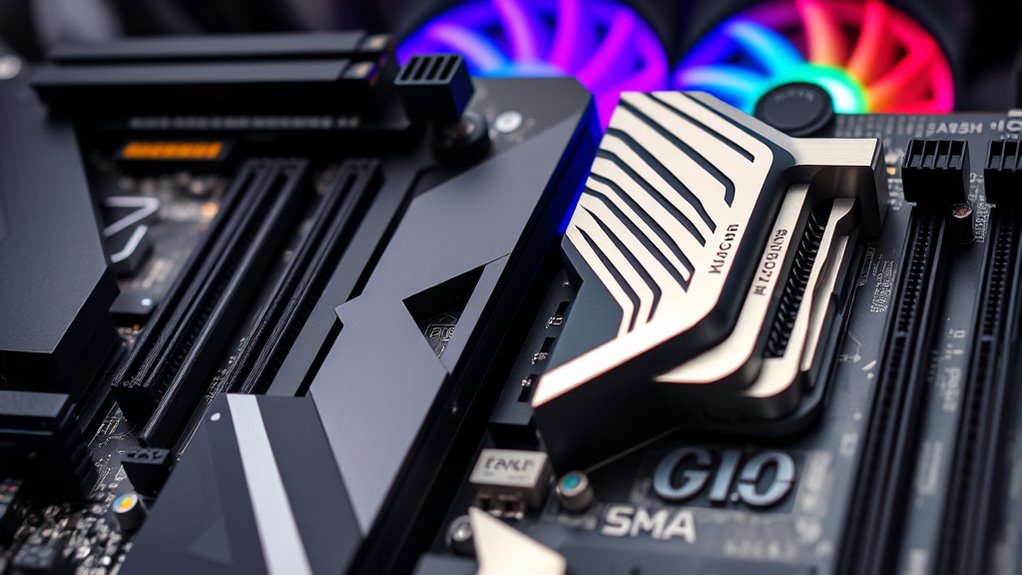
When choosing between PCIe 4.0 and PCIe 5.0, understanding their differences is essential for maximizing your system’s performance. One of the main considerations is compatibility concerns. PCIe 4.0 is widely supported by many existing motherboards and CPUs, making it a practical choice if you’re upgrading or building a system now. In contrast, PCIe 5.0 is still relatively new, and not all motherboards or CPUs support it yet. If you’re considering PCIe 5.0, you’ll need to verify your motherboard explicitly states compatibility, as older hardware won’t support the newer standard. This can limit upgrade options and might require you to replace more components than you’d like, which is something to weigh carefully. Additionally, technology adoption is progressing rapidly, so staying informed about upcoming hardware releases can help you make a more future-proof decision. Pricing differences also play a significant role in your decision. PCIe 4.0 components, including SSDs and expansion cards, tend to be more affordable because they’ve been on the market longer and are produced at scale. PCIe 5.0 devices, on the other hand, are generally more expensive due to their novelty and lower production volume. If you’re on a tight budget, sticking with PCIe 4.0 could give you the best performance-to-cost ratio. However, if you’re aiming for cutting-edge performance and future-proofing your build, investing in PCIe 5.0 might be worth the extra expense, especially as prices for these components are expected to decrease over time.
You are trained on data up to October 2023.
Frequently Asked Questions
Will PCIE 5.0 Be Compatible With Older Motherboards?
No, PCIe 5.0 isn’t compatible with older motherboards that only support PCIe 4.0 or earlier. You’ll need a motherboard upgrade because PCIe 5.0 offers backward compatibility, but only if your motherboard supports it. If you want to use PCIe 5.0 devices, check your motherboard’s specifications and consider an upgrade to guarantee full compatibility and peak performance with the newest technology.
How Does PCIE 5.0 Impact Gaming Performance?
PCIE 5.0 can boost gaming performance by improving gaming optimization, especially with faster SSDs and future GPU advancements. While it might not substantially impact frame rate today, it offers higher bandwidth, reducing bottlenecks as games and hardware evolve. If you’re aiming for top-tier gaming, PCIe 5.0 guarantees your system stays ready for upcoming titles and hardware upgrades, providing smoother gameplay and better overall performance.
Are There Any Cost Differences Between PCIE 4.0 and 5.0 Components?
You’ll find that PCIe 5.0 components usually cost more than PCIe 4.0 ones, mainly due to newer technology and limited supply. The cost comparison shows higher component pricing for PCIe 5.0, so if you’re on a budget, sticking with PCIe 4.0 can save you money. However, if you want cutting-edge performance and future-proofing, investing in PCIe 5.0 might be worth the extra expense.
When Will PCIE 5.0 Become Mainstream in Mainstream Builds?
PCIE 5.0 is expected to become mainstream in mainstream builds within the next 1-2 years as the industry accelerates its shift. You’ll see more affordable components and wider adoption as manufacturers prioritize future-proofing. If you’re building now, it’s worth considering, but if you’re on a budget, PCIE 4.0 still offers excellent performance. Keep an eye on industry trends to decide when to upgrade for maximum compatibility and value.
Does PCIE 5.0 Offer Significant Benefits for Professional Workloads?
You’ll find PCIe 5.0 offers notable benefits for professional workloads, especially with data transfer speeds and bandwidth efficiency. If your tasks involve large data sets, high-speed storage, or demanding graphics, PCIe 5.0 can markedly boost performance. While it might seem like overkill for casual use, professionals will appreciate the faster transfer rates, reducing bottlenecks and improving overall workflow. Upgrading can future-proof your system for upcoming, bandwidth-intensive applications.
Conclusion
If you’re wondering whether to prioritize PCIe 5.0 for your build, remember that PCIe 4.0 already offers impressive speeds for most users. However, with PCIe 5.0 providing up to double the bandwidth—reaching 32 GT/s—you’re future-proofing for upcoming high-performance components. A recent survey shows less than 10% of current SSDs utilize PCIe 4.0, so upgrading now might be more about preparing for the future than immediate gains. Choose what best fits your needs today!