TL;DR
An individual has converted an $80 RK3562-based Android tablet into a Debian 12 Linux workstation. The process involved booting from an SD card, leaving internal storage untouched, and achieving a usable Linux environment. This showcases the potential for affordable hardware to run full Linux systems.
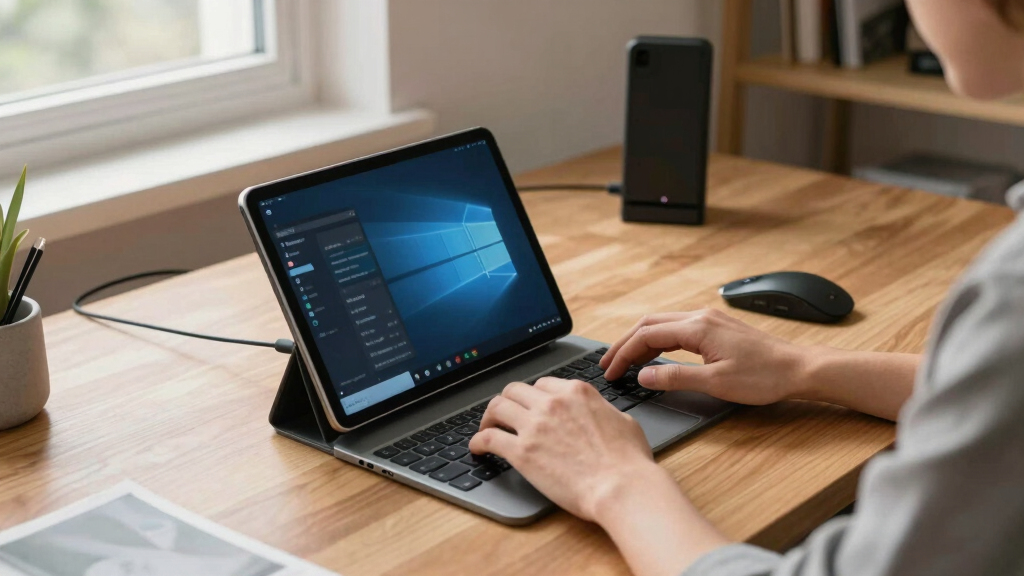
A user has successfully transformed an $80 Android tablet powered by the Rockchip RK3562 into a fully functional Debian 12 Linux workstation, bootable from an SD card. This achievement highlights the potential of affordable hardware to support Linux environments without official vendor support or unlocking the device’s bootloader.
The project involves creating a complete, bootable Debian 12 Bookworm image tailored for the Doogee U10 tablet, which is powered by the RK3562 SoC. The image is written to an SD card; inserting it allows the device to boot Debian, while removing the card reverts to the original Android system. The build was reverse-engineered from scratch, with no official support or vendor documentation, relying on open-source repositories and community efforts.
The Debian image supports key hardware functions, including the touchscreen, Wi-Fi, Bluetooth, audio, and power management. Some features, such as 3D acceleration and camera calibration, are only partially supported or still require calibration. The user reports the device can run a Linux environment with practical usability, including web browsing, file management, and even local machine learning inference using Rockchip’s NPU stack.
Why It Matters
This development demonstrates that affordable tablets like the Doogee U10 can be repurposed into Linux workstations, expanding the potential for low-cost computing solutions. It also underscores the growing community effort to enable Linux on hardware traditionally locked to Android, which could influence future open-source device projects and DIY computing initiatives.
Android tablet to Linux bootable SD card
As an affiliate, we earn on qualifying purchases.
As an affiliate, we earn on qualifying purchases.
Background
The RK3562 is a low-cost System on Chip (SoC) used mainly in budget Android tablets. Prior to this project, running Linux on such devices typically required unlocking bootloaders, official vendor support, or complex modifications. The recent release of a Debian 12 pre-release image tailored for the RK3562 by the community marks a significant step toward democratizing Linux on affordable hardware. The project builds on open-source efforts and community-driven reverse engineering, bypassing official vendor restrictions.
“This shows that even inexpensive hardware can support a full Linux environment without official support or unlocking the device.”
— the project creator
“Reverse engineering from scratch was challenging but rewarding, proving that open-source efforts can unlock hardware potential.”
— a community developer involved in the project
RK3562 Debian Linux image for tablets
As an affiliate, we earn on qualifying purchases.
As an affiliate, we earn on qualifying purchases.
What Remains Unclear
It remains unclear how well all hardware components will perform under prolonged use or in different use cases. Some features, like camera calibration and 3D acceleration, are only partially supported or still require further development. Compatibility with other RK3562 devices is also uncertain, as the current build is tailored specifically for the Doogee U10.
As an affiliate, we earn on qualifying purchases.
What’s Next
The next steps include refining hardware support, improving feature compatibility, and possibly creating a more streamlined process for other users to replicate the setup. Community efforts may focus on extending support to additional devices and optimizing performance for everyday use.
Android tablet Linux development tools
As an affiliate, we earn on qualifying purchases.
As an affiliate, we earn on qualifying purchases.
Key Questions
Can this process be applied to other RK3562 devices?
While the current build is specific to the Doogee U10, similar methods may work on other RK3562 devices, but compatibility is not guaranteed. Users should be prepared for potential device-specific adjustments.
Does installing Debian void the device warranty?
Since the process involves booting from an SD card without modifying internal storage or unlocking the bootloader, it is unlikely to void the warranty. However, users should verify their device’s warranty policies.
What hardware features are supported under Debian?
Supported features include the touchscreen, Wi-Fi, Bluetooth, audio, and basic sensors. Some advanced features like 3D acceleration and camera calibration are only partially supported or still under development.
Is the Debian system stable for daily use?
The system is functional but may have some limitations or bugs, especially with hardware acceleration and camera calibration. Ongoing community development aims to improve stability and feature support.