
TL;DR

Get the latest gadgets delivered free — and shop member deals
- Fast, free delivery on millions of items
- Access to Prime Big Deal Days deals on October 6–7
- Prime Video, Amazon Music and more included
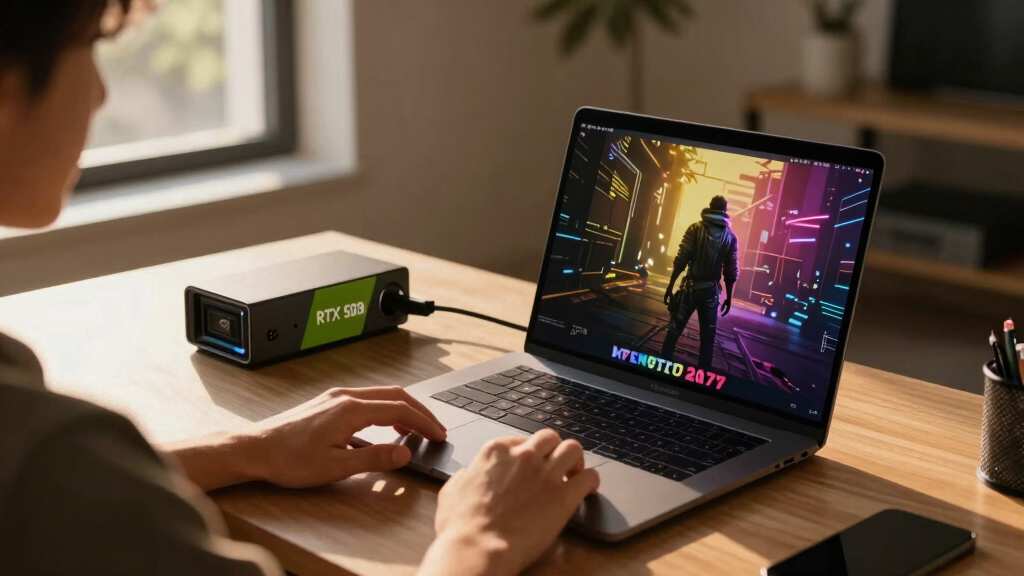
A developer demonstrated that an M5 Max MacBook Pro can run an Nvidia RTX 5090 eGPU, delivering high frame rates in Cyberpunk 2077 when using frame generation. The setup involves complex virtualization and tweaks, highlighting potential but current limitations.
A software engineer has demonstrated that it is possible to run Nvidia’s RTX 5090 graphics card via an eGPU dock on an M5 Max-powered MacBook Pro, achieving over 100 FPS in Cyberpunk 2077 with frame generation enabled. This development highlights the potential for high-end gaming on Apple Silicon Macs, despite current technical hurdles.
Scott J. Goldman, a software engineer, managed to connect an Nvidia RTX 5090 to an M5 Max MacBook Pro through virtualization and an eGPU dock. The process required extensive modifications, as macOS does not natively support Nvidia GPUs and Linux does not support Thunderbolt on Apple Silicon.
Benchmarks show that with frame generation enabled, the setup can run Cyberpunk 2077 at over 100 FPS at the RT Ultra preset, despite the overhead of virtualization and translation layers. Without frame generation, performance drops significantly, with frame rates falling below 60 FPS on the M5 Max and even lower on the M4 MacBook Air.
The main performance bottleneck identified is the FEX translation layer, which introduces approximately a 50% performance penalty compared to native ARM processing. Tests with other games like Shadow of the Tomb Raider and Crysis Remastered yielded lower frame rates, underscoring current limitations.
Why It Matters
This experiment underscores the potential for high-performance gaming on Apple Silicon Macs using external high-end GPUs, but also highlights current technical hurdles. It suggests that, with further development, Macs could someday support more seamless gaming experiences with powerful Nvidia GPUs, expanding their role in gaming and professional workflows.
external GPU dock for MacBook Pro
As an affiliate, we earn on qualifying purchases.
As an affiliate, we earn on qualifying purchases.
Background
Apple’s M5 Max chip is among the fastest ARM-based silicon, capable of competing with high-end desktop CPUs. However, native support for external Nvidia GPUs has been absent on macOS, forcing users to rely on complex virtualization and workarounds. Prior to this, Mac gaming has been limited due to hardware and software constraints, making this demonstration a notable proof of concept.
“Gaming on an RTX 5090 via a MacBook is possible, but requires complex virtualization and tweaks. Frame generation is key to achieving playable performance.”
— Scott J. Goldman
“This demonstration shows that, while technically feasible, current methods are far from user-friendly, and performance is hampered by translation layers and virtualization overhead.”
— Tom’s Hardware
As an affiliate, we earn on qualifying purchases.
What Remains Unclear
It remains unclear whether future software or hardware updates from Apple or Nvidia could simplify this process or improve performance. The long-term viability of this approach for regular gaming on Macs is still uncertain, as the setup is complex and not optimized for consumer use.
As an affiliate, we earn on qualifying purchases.
What’s Next
Further development could focus on reducing virtualization overhead, improving driver support, and enabling native compatibility. Future updates from Apple or Nvidia may facilitate more seamless external GPU support on Apple Silicon Macs, potentially making high-end gaming more accessible.
high performance external GPU for Mac
As an affiliate, we earn on qualifying purchases.
As an affiliate, we earn on qualifying purchases.
Key Questions
Can I currently run high-end Nvidia GPUs on a MacBook Pro?
Not natively. The process involves virtualization, tweaks, and complex setup, making it impractical for most users.
Does this setup provide playable performance in modern AAA games?
Yes, with frame generation enabled, games like Cyberpunk 2077 can run at over 100 FPS, but performance without frame generation drops significantly.
Will Apple support external Nvidia GPUs natively in the future?
It is currently unknown. Apple has not announced plans to support Nvidia GPUs on Apple Silicon Macs, and current support relies on complex workarounds.
Is this setup practical for everyday gaming?
Currently, no. The process is complex, and performance is limited by virtualization overhead. It is primarily a proof of concept.
Halloween Picks
halloween
As an affiliate, we earn on qualifying purchases.